Auto Match
Updated
Send notifications when a Duplicate Search matches a specific threshold of duplicate sets, allowing teams to review and merge as they want to.


Auto Match is included in all Dedupely plans, and the 7-day free trial.
Instead of manually (and constantly) reviewing Duplicate Searches every other hour, Auto Match notifies only when duplicate matches reach a specific count. This approach gives teams control over incoming duplicate data before merging, sending sets to Manual Review, or rejecting non-duplicates. It's a great first step toward automated deduplication.
Base notification thresholds on how duplicates enter each specific object.
Auto Match notifications are turned off by default. Threshold numbers must be configured explicitly for each Duplicate Search.
How to set up Auto Match
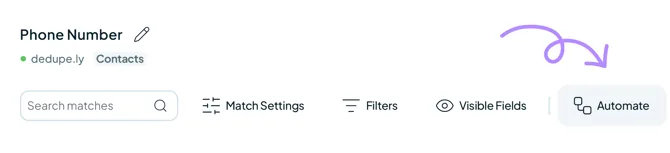
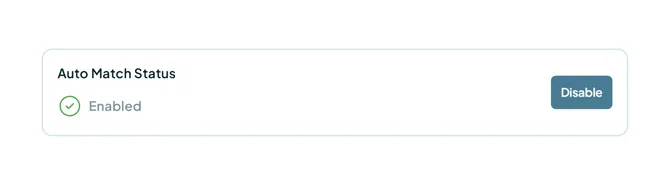
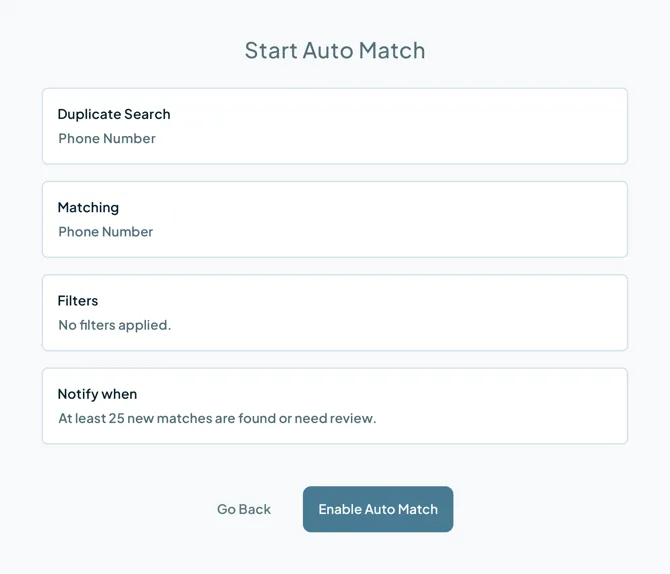
- Inside the Duplicate Search, click "Automate" in the top menu bar.
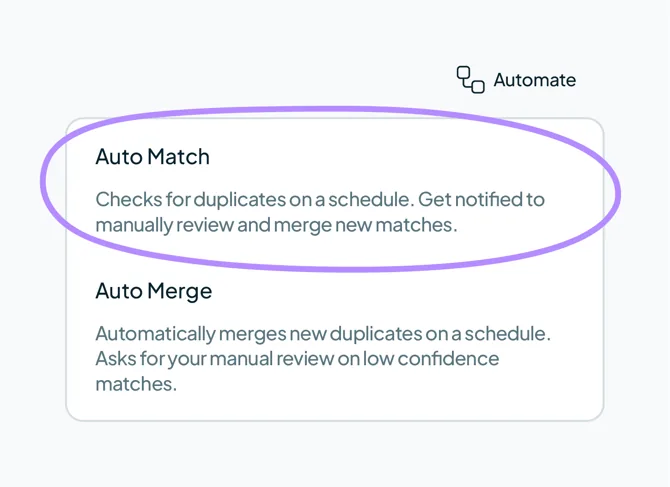
- Select "Auto Match" from the dropdown menu.
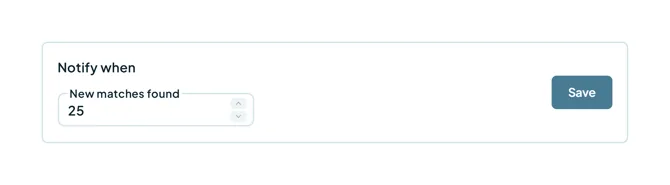
- Under "Notify when" enter the desired match threshold count and click "Save."
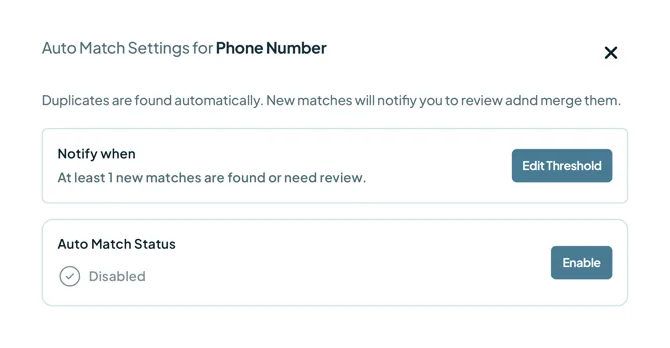
- Under "Auto Match Status" click "Enable."
- Review your configuration details in the pop-up, then click "Enable Auto Match."
Managing accumulated duplicates
When a Duplicate Search reaches the threshold, you will receive a notification via email to review results. From there, select the right action:
- Manual Review: Isolate unclear duplicate sets for individual review later.
- Merge: select the matches you trust and merge them together.
- Reject: Permanently dismiss false duplicates from future searches.
Mentioned in this article: Duplicate Searches, Manual Review, and Rejected Matches.
Still stuck?
- Need help? Talk to support
- Questions about plans? Book a Zoom with sales
- Reading this with a model? Read this page as Markdown
- Feeding it the whole site? Read llms.txt


 Or sign up with Google