Migrations & Acquisitions
Clean Up the CRM You Inherited, Safely and in Stages
See how many duplicates you're dealing with before anything changes, merge them in tested stages, and keep a full record of every merge.
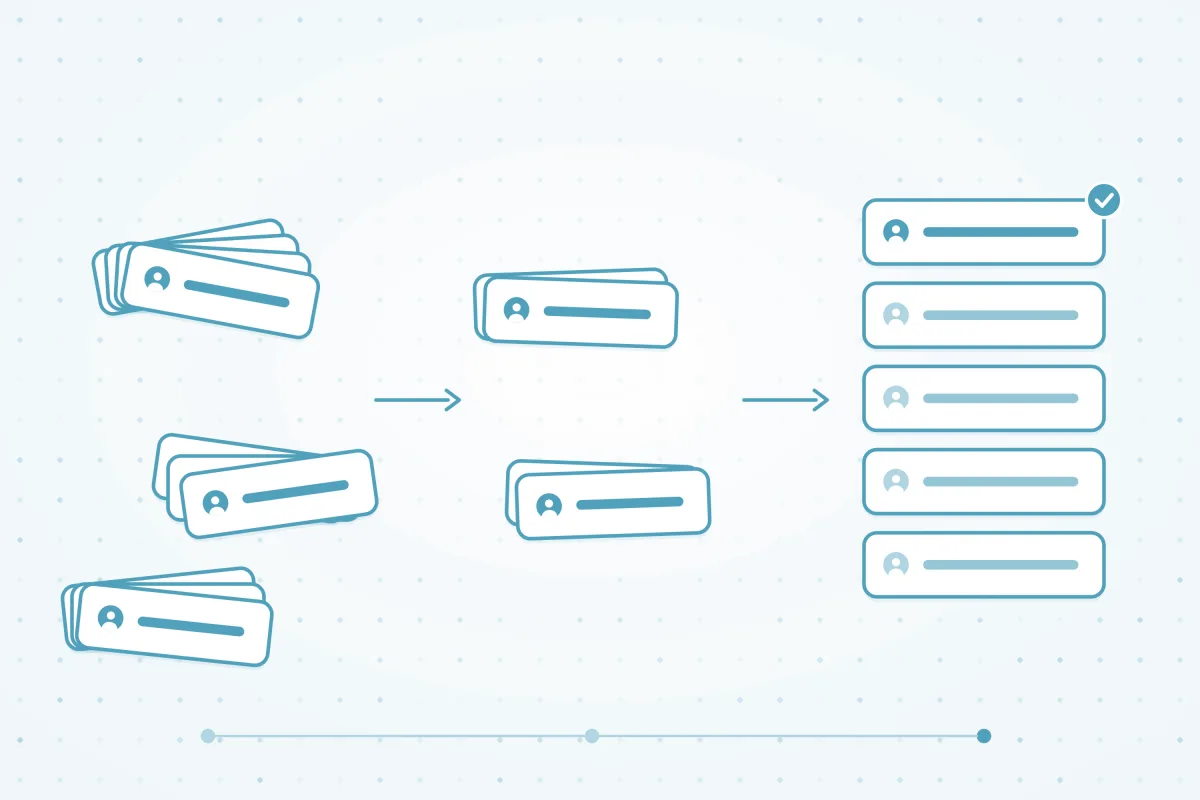
What we hear from teams that take over a messy CRM
10%
41%
32%
Why inherited CRMs are full of duplicates
A CRM that's a few years old has been filled by imports, forms, integrations and reps, under admins who each had their own rules. Nobody remembers which tool created which record, so every cleanup feels like it could break something.
- Layers of sources: event lists, old integrations and hand-entered records all created their own copies of the same customer.
- Old automation: workflows, Flows and triggers built years ago can fire when records merge.
- No record of past decisions: matching rules, owner assignments and import settings were never written down.
- Too big to merge by hand: a backlog of thousands of matches doesn't fit a tool that merges a few records at a time.
How Dedupely compares for an inherited CRM
| Criterion | Native CRM tools | Other dedupe tools | Custom scripts | Dedupely |
|---|---|---|---|---|
| Finding duplicates already in the CRM | Most check records as they're created. Scanning the whole database needs a higher plan in some CRMs. | Most scan existing records, with varying match options. | Possible, with API access and time to write them. | Preset Duplicate Searches on every synced object. Scanning never changes your CRM. |
| Merging a large backlog | Most merge a few records at a time. Bulk merging is limited to higher plans in some. | Most support bulk merging. | Possible, if someone builds and maintains the logic. | Bulk merge thousands of matches in one action, on every plan. |
| Testing before changing live data | Some offer sandbox accounts, usually on their top plans. | Some connect to a sandbox. | Possible, with a separate test environment. | Connect a Salesforce Sandbox. Scans, filters and merge previews never touch live data. |
| Choosing which values survive | Most keep the primary record's values unless you pick them one merge at a time. | Most offer merge rules, with varying detail. | Whatever the script is written to do. | Field-level and Primary record-level win/lose Merge Rules. |
| Checking merges before and after | In most, a merge can't be undone. Some keep deleted records for a short time. | Most keep a merge log. | Only if you build logging. | Preview every merge and Merge Rules outcome first. Merge History keeps every original record, as a CSV. |
Native CRM tools as of October 2026, from the help documentation of HubSpot, Salesforce, Pipedrive, Close, Nimble and Google Contacts.
How to clean up an inherited CRM in four steps
-
Step 1Size it
Where do you start with a CRM full of duplicates?
Connect the CRM and run the preset Duplicate Searches to see how many duplicates each object holds. Nothing changes in your CRM until you merge, so you can explore freely.
- Start with the preset Duplicate Searches, then clone one to try stricter or looser match options.
- Heavily customized Salesforce org? Connect a Sandbox first to see how merges affect your Flows and triggers. See the Salesforce guide.
- Check the Excluded tab: Safety Settings set aside placeholder data and very large matches.
-
Step 2One object at a time
Which records should you dedupe first?
Start with the object where duplicates hurt most, often companies or contacts, and finish it before moving on. The right order depends on how your CRM is set up and what the duplicates break.
- Sync only the objects you're working on, and turn others on or off in CRM Settings to stay within your plan's record limit.
- For companies, match on Domain Root and the words in the name, with Ignored Terms for suffixes like Inc. and LLC. Add City or Country as Exact to keep branches apart.
- Build a separate Duplicate Search for each object, and for each type of duplicate, instead of one broad search.
-
Step 3Merge in stages
How do you merge years of duplicates without losing data?
Set Merge Rules, merge one or two matches you know well, and check the result in your CRM. Then bulk merge a page or two, check again, and merge the rest.
- Use Merge Rules to pick the Primary Record (oldest, newest, last updated or most complete) and decide which value wins, field by field.
- Send matches you're not sure about to Manual Review, and reject the ones that aren't duplicates, so they never come back.
- Check the Merge Preview column in View Match Details first: it shows the final record your Merge Rules produce. Merge History keeps every original record, and you can download it as a CSV.
-
Step 4Automate
How do you keep an inherited CRM clean after the cleanup?
Turn the searches you tested on the backlog into automations. Auto Merge handles the clear duplicates that keep arriving, and Auto Match emails you when edge cases build up.


What makes Dedupely different
-
All features included in yearly subscriptions.
Merge Rules, Auto Merge and Auto Match come with every plan. Yearly subscriptions add Dedupely Intelligence in full.
-
Priced by records, not seats.
Unlimited users, with no per-user fees.
-
Every merge on record.
Preview each merge first. Merge History keeps the original records, so you can see exactly what changed.


See how many duplicates you inherited, without changing a record.
Connect your CRMSee how Dedupely works

Frequently asked questions
How do you clean up a CRM you inherited?
Size the problem first with Duplicate Searches, which don't change anything in your CRM. Then clean one object at a time, test a few merges before you bulk merge, and keep a record of every merge. Once the backlog is gone, automate the searches you tested.
Can I test a cleanup without touching live data?
Yes. Connecting, syncing, scanning and changing match options never change your CRM. Records only change when you merge. In Salesforce, you can also connect a Sandbox to test your searches and Merge Rules before production. Sandbox records count toward your plan like any other synced records.
Can I see the result before I merge?
Yes. Winning values show in bold in your results, and the Merge Preview column in View Match Details shows the final record, including what your Merge Rules decide. Most merges can be undone within 30 days, but treat every merge as permanent and preview a few first. Merge History keeps every original record.
How long does it take to clean up an inherited CRM?
The first sync takes 2–15 minutes for up to 50,000 records, and up to 10–12 hours for more than a million. After that, bulk merging handles thousands of matches in one action. Most of the time goes into deciding what counts as a duplicate.
What if a merge fires old automation?
Merges happen in your CRM through its own API, so automation that listens for merges, updates or deletes can still run. Check your workflows, Flows and triggers before a bulk merge, and test in a Salesforce Sandbox if your org has a lot of custom automation.












