Integrations & Syncs
Merge HubSpot and Salesforce Duplicates Once, in Both CRMs
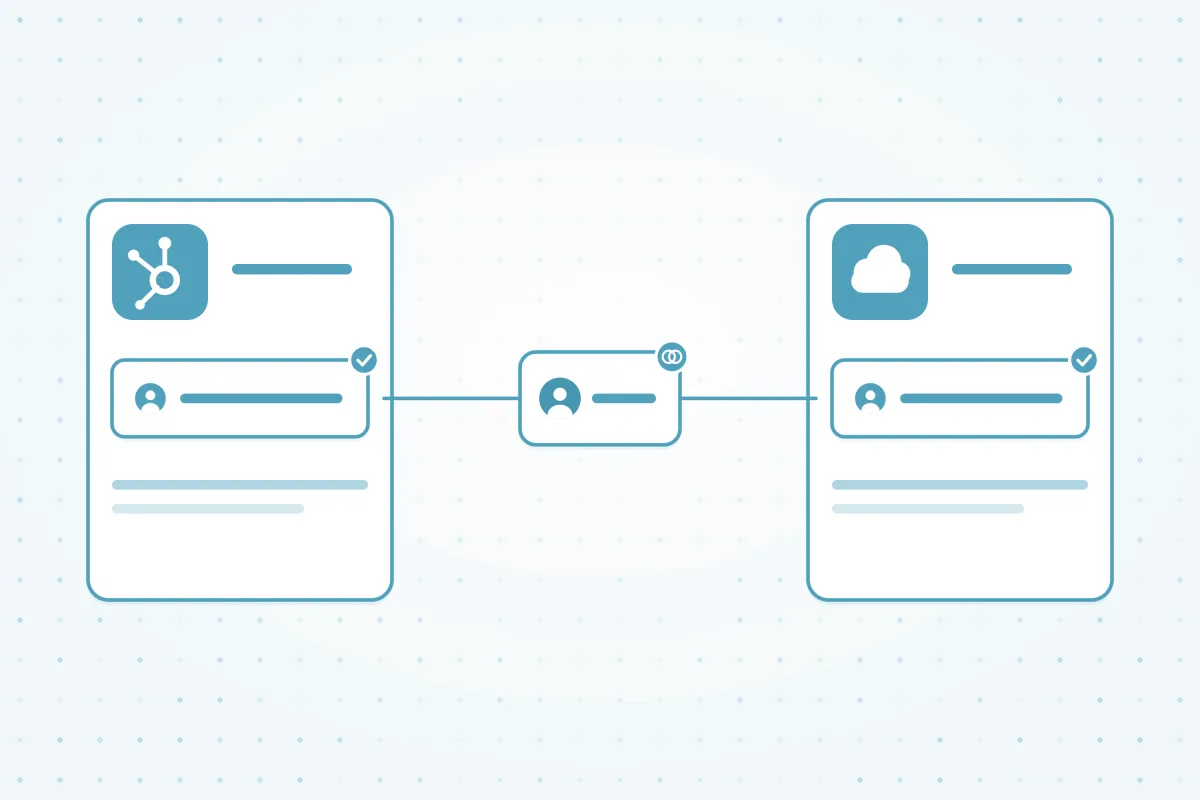
Connect both CRMs, find duplicates on either side of the sync, and merge each one in HubSpot and Salesforce in a single action, so the next sync doesn't bring it back.
What we hear from teams running the HubSpot–Salesforce sync
6%
7%
13%
Why the HubSpot–Salesforce sync creates duplicates
The sync copies records both ways, so a duplicate on one side quickly becomes a duplicate on both. And a merge in one CRM doesn't reach the other: the losing record stays active there, and the next sync can bring it back.
- Email-only matching: the integration matches leads and contacts on email, so a second email means a second record.
- Different objects: HubSpot contacts can arrive in Salesforce as leads, next to contacts that already exist.
- One-sided merges: merging in HubSpot leaves the duplicate active in Salesforce, or the other way around.
- Deals aren't checked: deals and opportunities aren't deduplicated by default, so each system can create its own.
How Dedupely compares for the HubSpot–Salesforce sync
| Criterion | Native CRM tools | Other dedupe tools | Custom scripts | Dedupely |
|---|---|---|---|---|
| Merging a record that exists in both CRMs | A merge in one CRM doesn't update the other, so the sync can bring the duplicate back. | Just one accounts for the sync. | Risky: merges can break the link between systems. | Merges the records in HubSpot and Salesforce in one action, so the next sync doesn't re-create them. |
| Matching across the sync | The integration matches leads and contacts on email, so different emails stay separate. | Most offer fuzzy matching, with varying options. | Possible, with custom logic for both systems. | Match on any fields, with Similar, Fuzzy and nickname matching. |
| Duplicate deals | Deals and opportunities aren't deduplicated by default, so each system can create its own. | Coverage of deals varies by tool. | Possible, with custom logic for each pipeline. | Dedupe HubSpot deals with their own search, matched on the associated company and pipeline. |
| Choosing which values survive | Each CRM keeps its own primary record's values, decided one merge at a time. | Most offer merge rules, with varying detail. | Whatever the script is written to do. | Field-level and Primary record-level win/lose Merge Rules, applied in both CRMs. |
Native CRM tools as of October 2026, from the help documentation of HubSpot, Salesforce, Pipedrive, Close, Nimble and Google Contacts.
How to clean up the HubSpot–Salesforce sync in four steps
-
Step 1Connect
How do you merge duplicates without breaking the HubSpot–Salesforce sync?
Connect both HubSpot and Salesforce to Dedupely, then link them in CRM Settings. From then on, each merge updates both CRMs, so neither side keeps the duplicate.
- In CRM Settings, open the HubSpot-Salesforce Integration tab and select the other CRM. No custom fields or workflow changes are needed. See Merging with an active HubSpot-Salesforce sync.
- If a record is synced but only one CRM is connected, Dedupely blocks the merge and asks you to connect the other one.
-
Step 2Find
How do you find duplicates on both sides of the sync?
Build Duplicate Searches on the objects the sync touches, like HubSpot contacts and Salesforce leads and contacts. Don't rely on email alone, because the integration already matches on it.
- Match on first name, last name and phone, with Similar on last name and phone to catch typos and formatting.
- Add Contact Owner as Exact, so records with different owners never end up in the same match.
-
Step 3Merge once
How do you merge a duplicate in HubSpot and Salesforce at the same time?
Set your Merge Rules, check the Merge Preview, and merge as usual. Dedupely merges the matching records in both CRMs in one action, and keeps their contacts, deals and activity.
- Use Merge Rules to pick the Primary Record and decide field by field which value wins, like the furthest lead status.
- Test a few merges and check them in both CRMs before you bulk merge. Merge History records every merge.
-
Step 4Automate
How do you keep the sync free of duplicates?
Turn on Auto Merge for the searches you've tested, and Auto Match for the ones that need a person. With both CRMs linked, every automatic merge updates both sides too.


What makes Dedupely different
-
All features included in yearly subscriptions.
Merge Rules, Auto Merge and Auto Match come with every plan. Yearly subscriptions add Dedupely Intelligence in full.
-
Priced by records, not seats.
Unlimited users, with no per-user fees.
-
Every merge on record.
Preview each merge first. Merge History keeps the original records, so you can see exactly what changed.


Stop merging the same duplicate twice.
Connect HubSpot and SalesforceSee how Dedupely works

Frequently asked questions
Why do merged records come back after the HubSpot–Salesforce sync?
A merge in one CRM doesn't reach the other. When you merge two companies in HubSpot, the losing company stays active in Salesforce, and the next sync can re-create it or overwrite values. Merging in both CRMs at once stops that loop.
Do I need to connect both HubSpot and Salesforce?
Yes, for records that sync between them. Connect both CRMs and link them in CRM Settings. If a record is synced but only one CRM is connected, Dedupely blocks the merge and asks you to connect the other one. Records from both CRMs count toward your plan.
Do I need to change my sync settings or add custom fields?
No. You don't need custom fields, sync rule changes or workflow changes. Link the two CRMs in the HubSpot-Salesforce Integration tab in CRM Settings, then find and merge duplicates as you normally would. Dedupely updates both CRMs in the background.
Can Dedupely merge a HubSpot contact with a Salesforce lead?
Dedupely merges records within one object, like contacts with contacts or leads with leads. With both CRMs linked, a merge updates the matching records on both sides of the sync, so each CRM keeps one record. Build a Duplicate Search for each object you want to clean.
What happens to associations when synced records merge?
Contacts, deals and activity move to the record that survives, in both HubSpot and Salesforce. In HubSpot, the merged record usually gets a new ID, and old IDs redirect to it. In Salesforce, the surviving record keeps its ID, and the others go to the Recycle Bin.












