Company Settings
Manage your whole Dedupely workspace: billing, users, security and activity.


Company Settings holds your billing, users, security and activity settings. Only Admins can open it. Users can't see or change anything in Company Settings.
Several CRMs connected? Each connected CRM has its own settings, including its users, Security Policy and Audit Log, so set them up in each one. Billing and your plan's record limit are shared. See Several CRMs in One Dedupely Account.
How to open Company Settings
Added
- Click your profile icon at the top right.
- Select Company Settings.
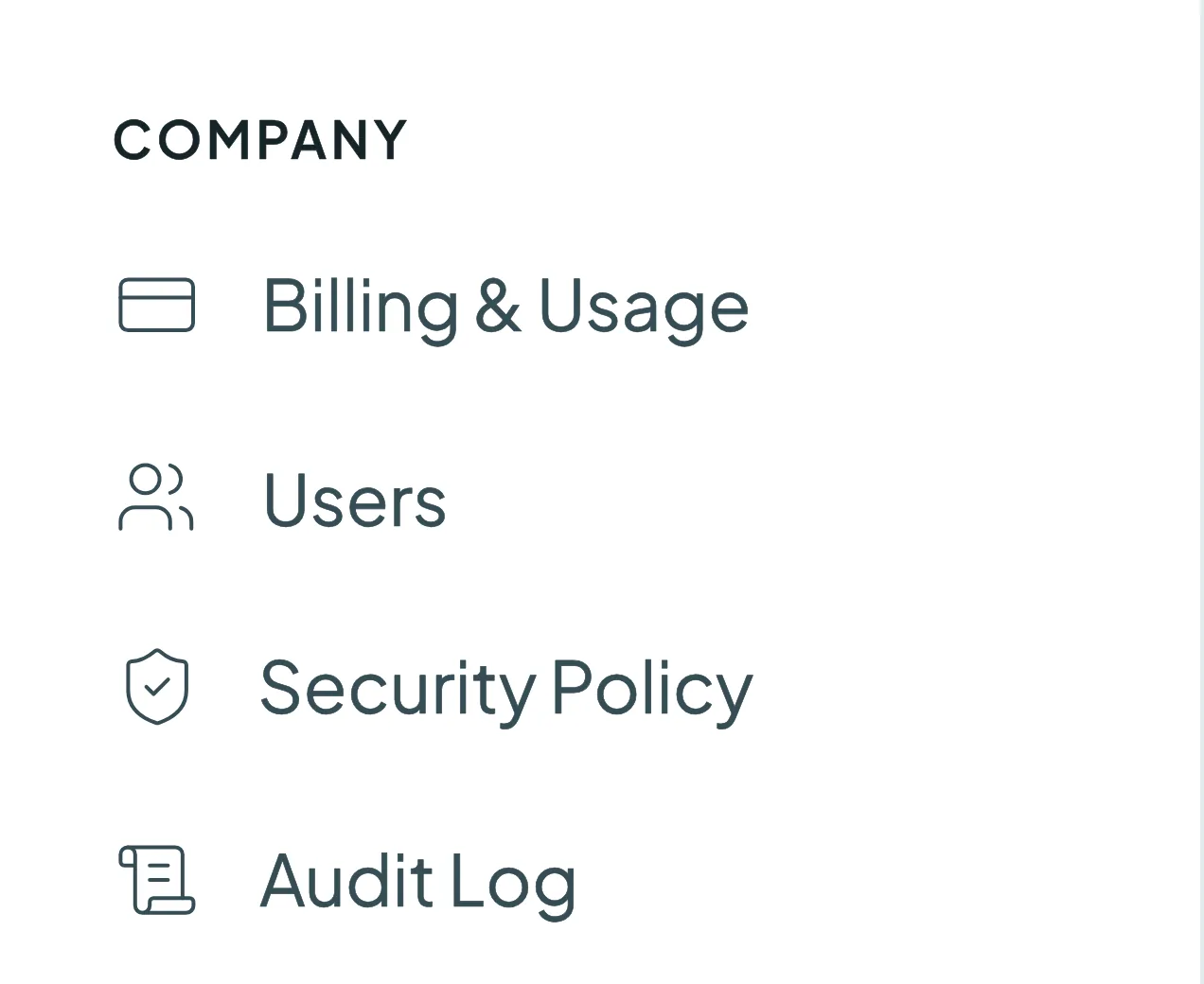
What you can manage
- Billing & Usage: your plan and record count, upgrades, cards on file, invoices, Tax ID, and your billing information (organization name, country or region, and address).
- Users: invite team members and choose their role, Admin or User.
- Security Policy: password rules, mandatory two-factor authentication (2FA), session timeouts and IP whitelisting.
- Audit Log: a record of activity in your account, including merges, logins and settings changes.
Troubleshooting
I don't see Company Settings in my profile menu. Your role is User. Ask an Admin in your account to change your role, or to make the change for you.
I need to change our company name or address. Go to Company Settings → Billing & Usage and update Billing Information.
FAQs about Company Settings
- Who can access Company Settings? Only Admins.
- Do changes here affect everyone? Yes. Company Settings apply to your whole workspace.
- Where do I change my own password or language? In My Account, which every user can access.
Next up
Changelog
-
One settings area
My Account and Company Settings share one settings area with a sidebar, account sections and company sections side by side. General is now Login Info.
Still stuck?
Our team helps on every plan and during the free trial, by chat, email or Zoom.
- Need help? Talk to support
- Questions about plans? Book a Zoom with sales
- Reading this with a model? Read this page as Markdown
- Feeding it the whole site? Read llms.txt




 Or sign up with Google