My Account
Updated
Manage your user profile, login credentials, notification preferences, and display language in Dedupely.


Account management features are available to all user roles across all Dedupely plans and the 7-day free trial.
Customizing personal account settings ensures secure access to your account, keeps you informed about duplicate progress across your CRM objects, and customizes Dedupely's interface to your preferred language.
Enable Two-Factor Authentication (2FA) to secure your login.
All settings in My Account apply strictly to your individual user profile. Changing your personal notifications, password, or language preferences does not affect other team members or company-wide settings.
How to access My Account
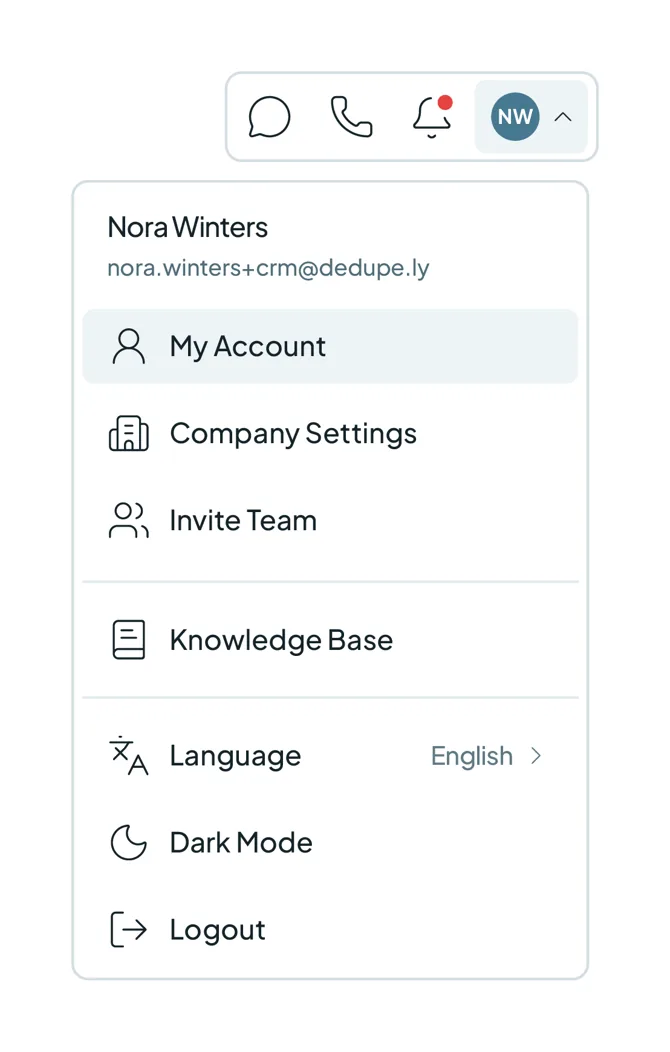
- Click your profile icon on the top-right corner, and select "My Account" from the dropdown menu.
Login Info
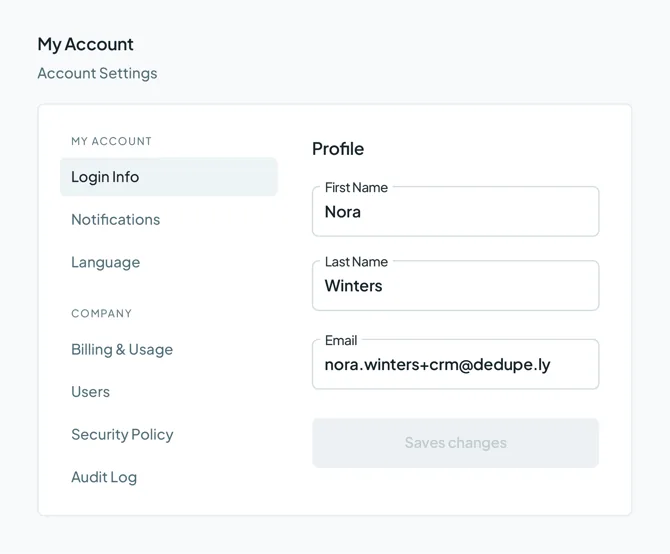
- Profile Details: Update your First Name, Last Name, and Email. Updating your email sends a verification link to the new address, which must be confirmed.
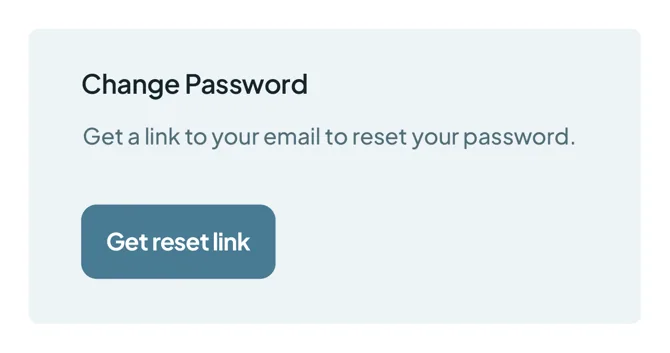
- Change Password: Click "Get reset link" to send a password reset link to your registered email address.
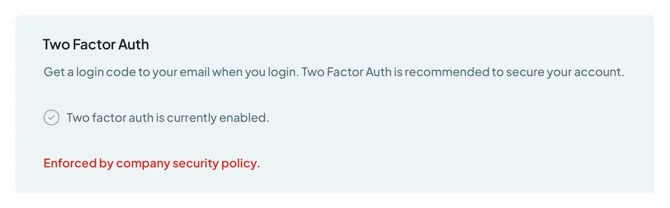
- Two-Factor Auth (2FA): Secures your account login with email verification codes.
Notifications
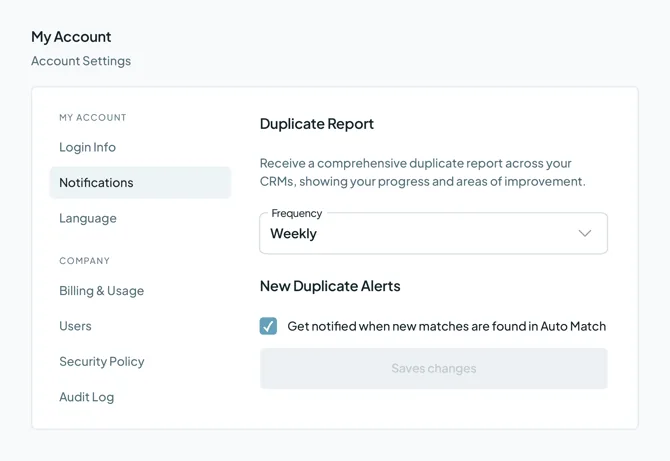
- Duplicate Report: Controls the frequency of email reports showing your deduplication progress. Select "Disabled," "Weekly," or "Monthly."
- New Duplicates Alerts: Receive email notifications whenever Auto Match identifies new duplicate sets in your Duplicate Searches.
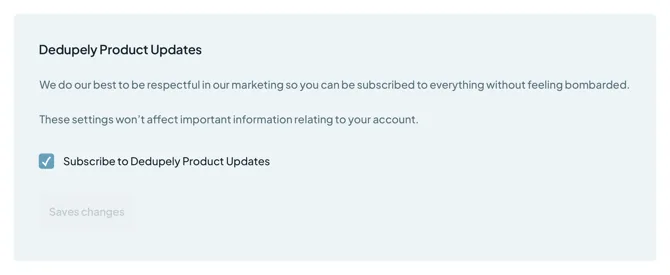
- Dedupely Product Updates: Subscribe or unsubscribe from announcements about new features and product updates.
Language
- Select your preferred language for the Dedupely app interface. Supported options include:
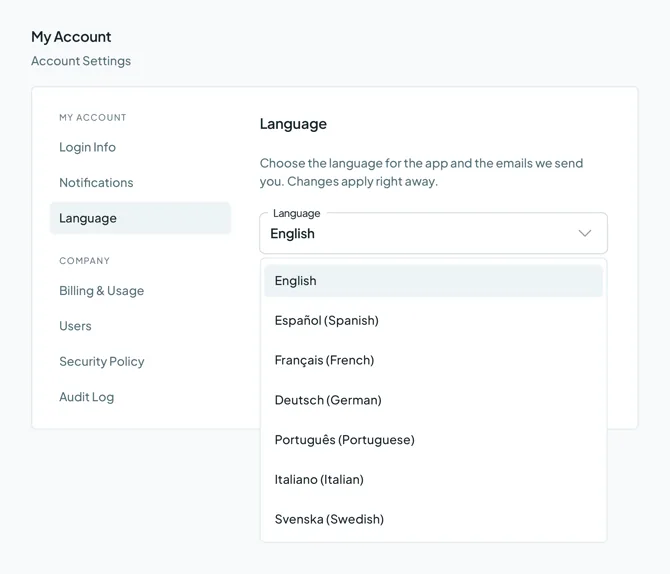
- English Español (Spanish) Français (French) Deutsch (German) Português (Portuguese) Italiano (Italian) Svenska (Swedish)
Changes apply immediately across your account upon selection.
Mentioned in this article: Security Policy, Company Settings, and Auto Match.
Still stuck?
- Need help? Talk to support
- Questions about plans? Book a Zoom with sales
- Reading this with a model? Read this page as Markdown
- Feeding it the whole site? Read llms.txt


 Or sign up with Google
 Pipedrive Marketplace











