


TL;DR
- One company becomes hundreds of records when imports or tools create a company per contact.
- Name variants, country domains and migrations add more records for the same company.
- Matching on the company's core domain finds most of these duplicates first.
- Companies without a website need a second search on name with another field.
- Dedupely finds duplicate companies by domain and name and holds back very large matches.
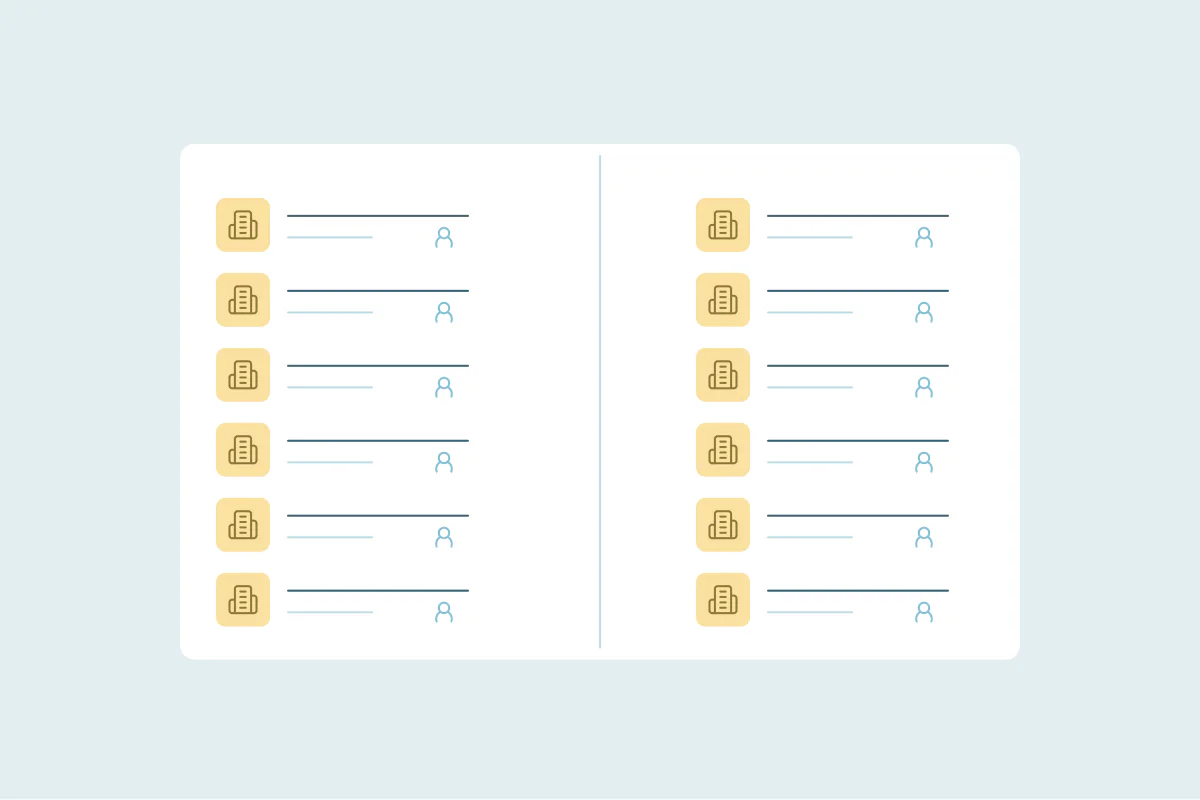
One company usually shows up hundreds of times because something created a new company record instead of finding the existing one. A list import, an integration or a migration can each do it in a single afternoon.
You notice it when you search for an account and get pages of the same name. Each record holds one contact or one deal, and nobody can tell which record is the real one.
In this post, you'll see what the problem looks like, how it happens and why it costs more than it seems. You'll also see how to bring each company back to one record and keep it that way.
What it looks like when one company has hundreds of records
The signs show up in daily work before anyone counts the duplicates. A rep searches for a customer and gets a long list of near-identical names. Another rep logs a call on one record, and a colleague opens a different one the next day.
Other signs are easy to miss:
- Most of the records for one company hold a single contact and no deals.
- The company count in your CRM is far higher than the number of companies you work with.
- Reports on new companies created this month look too good to be true.
- Owners differ from record to record, so nobody knows who owns the account.
How one company turns into hundreds of records
Causes are case-specific, so check which of these apply to your CRM. Most of them create records quietly, one row or one sync at a time.
Imports that create a company for every contact
Some import settings and tools create a company from each contact's company name or email domain. If they don't find the existing company first, every row adds one more. A hundred contacts from one company can mean a hundred company records.
Names written differently
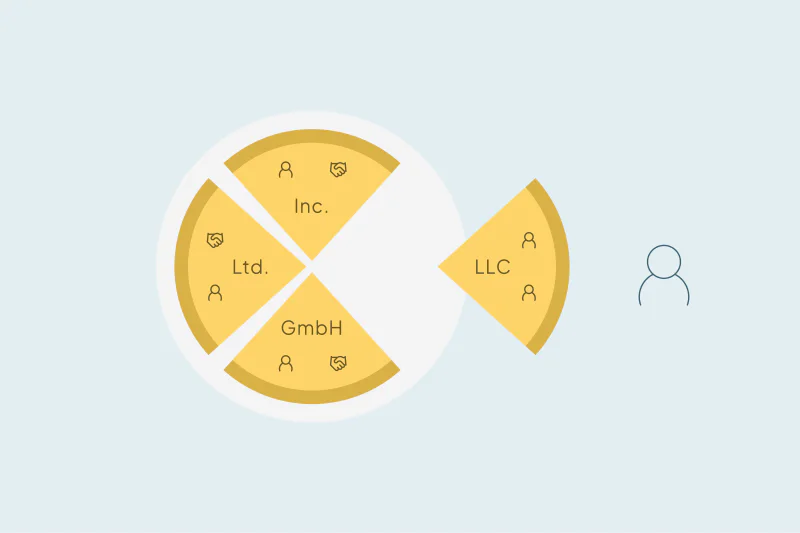
"Acme", "Acme Inc." and "ACME Group" are one company to a person and three to an exact match. Lists from different sources rarely spell a name the same way, so each new list can add another version. Our post on how company suffixes like Inc. and LLC hide duplicates covers these names.
Domains that don't line up
Country domains, a "www" in front, a rebrand or a separate product site all make one company look like several. Companies with no website on file can't be matched by domain at all.
Migrations and syncs
A migration can carry every existing duplicate into the new CRM and add more if records are mapped twice. Syncs from prospecting and enrichment tools work the same way, one company at a time.
Why it costs more than it looks
A company split across hundreds of records splits everything attached to it. Contacts, deals, notes and calls sit on whichever record someone opened that day.
Reps lose the history of the account, and two of them may work it at the same time. A customer can also look like a prospect, as covered in why sales keeps cold calling existing customers.
Reports suffer too. Counts of companies, accounts per owner and pipeline per account all depend on one record per company. Our post on how to tell if duplicates are skewing your reports shows where to look.
How to bring each company back to one record
Decide what counts as one company
What counts as a duplicate is case by case, and what one team considers a duplicate, another may not. Branches, subsidiaries and country offices can be one account or several. Agree on the rule before you merge anything. Our post on how to handle related records that look like duplicates covers the cases to keep apart.
Match on the core domain first
The company's core domain is the strongest field for companies. Compare it without "www", the ending or the country part, so example.com and example.co.uk line up. Our post on how to find duplicate companies by domain goes deeper.
Then match on names, ignoring the filler words
Compare company names by the words they share. Leave out the words that don't identify a company, like Inc., LLC, Ltd. or Group. Pair a name match with a second field, like city or phone, before you trust it.
Run a second search for companies without a website
Records with a blank domain never match on domain, so the first search skips them. A separate search on name plus phone or city finds them.
Review the very large groups by hand
A group of hundreds of records for one company is worth a closer look before any merge. It may be the import you suspect, or it may be a placeholder value shared by unrelated records. Some CRMs also limit how many associations one record can hold or how many times it can be merged.
Decide what the surviving company keeps
Choose which record survives and which values win in fields like owner, lifecycle stage and phone. Preview a few merges before running the rest.
How Dedupely brings each company back to one record
In Dedupely, you build duplicate searches that match companies on the domain itself. They ignore everything before and after it, like https, www, paths and country endings. You can add a name search that ignores the words you choose, like Inc. or LLC, and a second search for companies with no website.
By default, matches with more than 20 records are held back from bulk merges. You preview each of those merges and merge them by hand.
One company, one record
A company rarely becomes hundreds of records on purpose. An import, a tool or a migration creates a new record whenever it can't find the existing one. Nobody sees it until searches and reports stop making sense.
Matching on domain, then on names, then on the companies with no website brings most of them back to one record. Finding the source keeps the next list from starting it all again.
Frequently asked questions
Why does my CRM have so many duplicate companies?
Usually because imports, integrations or migrations created a new company instead of finding the existing one. Some imports create a company for every contact, and name or domain differences stop the CRM from matching them. A single list can add hundreds of records for one company in one afternoon.
How do I find all the records for one company?
Start with the core domain of the company's website or email, ignoring "www", the ending and country variants. Then search by name, leaving out words like Inc. or LLC, and confirm with city or phone. Run a separate search for records with no website, since a blank domain never matches.
Should I merge hundreds of company records at once?
Review the very large groups first. A huge group can be one company imported many times, or unrelated records sharing a placeholder value. Merge a few groups, check the surviving records for contacts, deals and owner, then continue with the rest using the same rules.
Are branches and subsidiaries duplicates of the parent company?
It depends on your team. Some teams want one record per company, while others keep each branch or subsidiary separate because it has its own buyer or territory. Agree on the rule before merging, and keep those records out of your company merges if needed.
How do I stop imports from creating duplicate companies?
Clean the list before you import it, matching it against your existing companies by domain and name. Check how your import settings create companies from contacts. Limiting who can import companies also helps when one list has already created hundreds of records.




 Or sign up with Google


 Pipedrive user












