


TL;DR
- Subsidiaries, branches and franchises often share a name or domain yet can be separate customers.
- Shared inboxes like info@ can tie several people to one email address.
- Family members sharing an email can be one customer or several, depending on the business.
- Before merging or rejecting related records, define why they aren't duplicates for your team.
- Dedupely lets you reject related records as false matches, so they stay out of future searches.
Some records match on every field you search by and still aren't duplicates.
Two offices of the same company share a domain. Three salespeople write in from sales@. A couple buys with one email address.
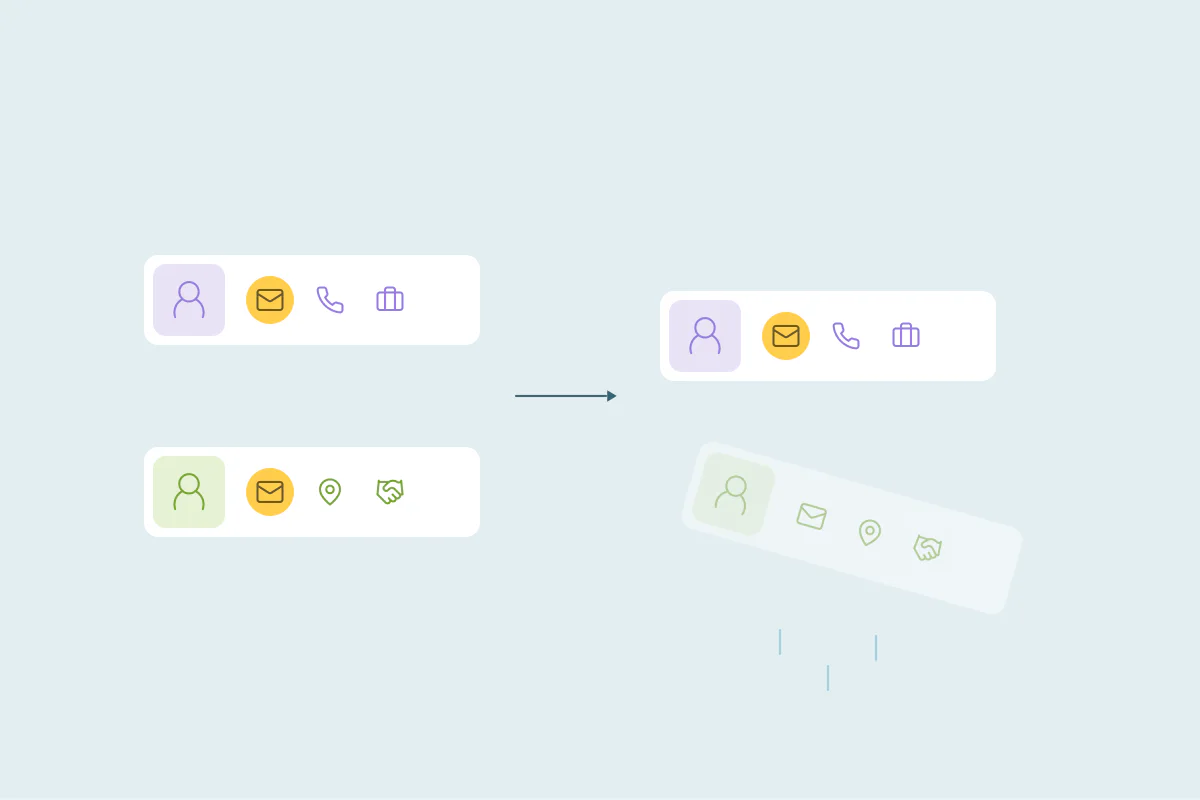
Merge them by mistake and two customers end up as one record, with one owner and one set of contracts and activity. Leave them alone and they come back in every duplicate search, burying the real duplicates.
In this post, you'll see common kinds of related records and why they look like duplicates. You'll also see how to handle them so they stop getting in your way.
Why related records look like duplicates
Duplicate searches compare the fields records share: name, email, domain, phone and address. Related records share many of those same fields, because they belong to the same group, place or household.
The difference sits outside the data. Two branch accounts can have the same domain and a similar name, but different owners, contracts and billing addresses. Nothing in the matched fields says so.
That's why the line between related and duplicate is case by case: what one team considers a duplicate, another may not.
A team that sells one contract to a whole group may want one record. A team that sells to each branch needs them apart.
Common cases of related records
Subsidiaries
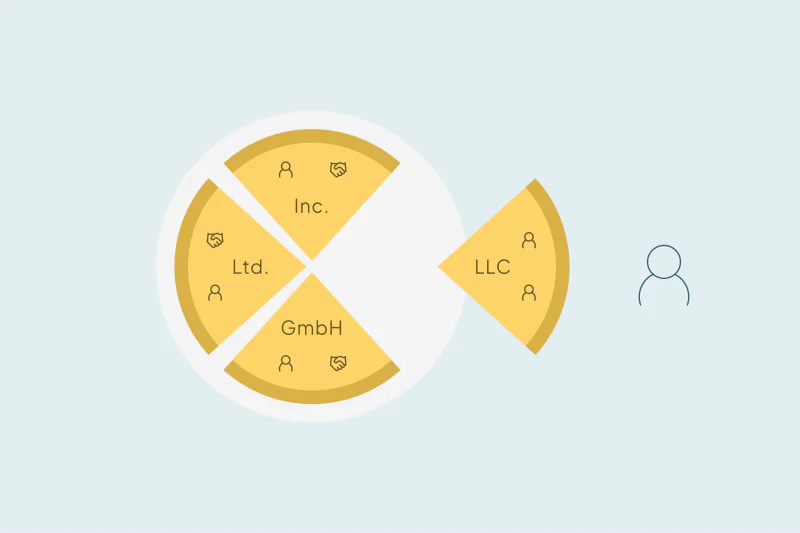
A parent company and its subsidiaries often share a brand, a domain or an email format. In many CRMs they're separate company records, with their own contacts, deals and owners.
Some teams sell to the group and treat subsidiaries as one account. Others sell to each subsidiary on its own and must keep them separate.
Regional branches
Branches and country offices often share the company name and sometimes the domain. They may differ only by city, country, a country domain like example.de and example.fr, or a legal suffix like GmbH.
If your team routes accounts by region, merging two branches puts one region's history under another region's owner.
Franchises
Franchise locations share a brand name and sometimes a central domain, but each location is often its own business with its own owner. For a supplier, each franchisee may be a separate customer with separate invoices.
Parent and child accounts
Some teams link a parent account to its child accounts on purpose. The child records often repeat the parent's name, industry and domain, so they match each other and the parent.
These links exist to show structure, so merging them defeats their purpose. Some CRMs offer parent and child labels for exactly this.
Shared inboxes
Addresses like info@, sales@ or support@ belong to a team. Several people can fill in a form with the same shared address, so a search on email puts them together.
For some teams, the shared inbox is the contact. For others, each person behind it is a separate contact who just happened to use the team address.
Family members sharing one email
In consumer businesses, a household often shares one email address. Partners, parents and children can each be a separate customer, client or patient.
A business that bills the household may want one record. A clinic or a school that serves each person needs separate records, even with the same email and phone.
Related records at a glance
| Case | What they share | Why teams keep them apart |
|---|---|---|
| Subsidiaries | Brand, domain, email format | Separate contracts, owners and billing |
| Regional branches | Name, sometimes the domain | Territories and regional owners |
| Franchises | Brand name, sometimes a central domain | Each location is its own business |
| Parent and child accounts | Name, industry, domain | The link shows structure on purpose |
| Shared inboxes | Email address | Several people behind one address |
| Family members | Email, phone, address | Each person can be a separate customer |
First, define why they aren't duplicates
Before you decide what to do with a group of related records, write down why they aren't duplicates for your team. A clear reason makes the next decision easier, and it helps the next person who runs into the same group.
Real duplicates can also differ in owner or consent, so those details don't settle it. These questions get closer to the point:
- Are the records the same legal entity, or separate ones?
- Are they the same location, or different offices, stores or branches?
- Are they the same person, or different people behind one address?
- Do you sell to, bill or serve each one separately?
If the records are separate entities, places or people that you sell to or serve separately, they're related records. If they're the same entity, place or person entered twice, they're duplicates, and merging them is probably the right call.
How to handle related records
Reject the match when you're certain
Once you're certain a set of records isn't a duplicate, reject the match. A rejected match won't appear again in your searches, so you decide once instead of every time you search.
Ask when you aren't sure
Some sets are unclear: two branches that might be the same office, or a shared inbox that might be one person. Send these to someone who knows the accounts, like the owner or the account manager, before anyone merges them.
Narrow the search
If a whole type of related record keeps matching, change the search instead of rejecting sets one by one. Add country or city to a domain match so branches stop pairing up. Leave shared addresses like info@ out of email matches.
Link them instead of merging
Related records can still be connected. A parent and child link or an association between companies shows the relationship without losing what makes each record separate.
How Dedupely keeps related records out of your merges
In Dedupely, you reject false matches, and a rejected set stays out of your current and future duplicate searches. You can send unclear sets to review. By default, Dedupely also excludes risky matches, like sets of more than 20 records, so large related groups don't merge in bulk.
Keep related records apart on purpose
Subsidiaries, branches, franchises, parent and child accounts, shared inboxes and families all share data that duplicate searches rely on. Whether they're duplicates depends on how your team sells, bills and serves them, so the answer can differ from one CRM to the next.
Once you know why a group isn't a duplicate, the rest gets easier. You reject what you're sure of, ask about what you aren't, and adjust searches so the same related records stop coming back.
Frequently asked questions
Are subsidiaries duplicates in a CRM?
Often not, though it depends on how your team sells. Subsidiaries often share a brand or domain, yet have their own contracts, owners and billing. Sell to each subsidiary separately, and they need separate records; sell only to the whole group, and one record may be enough.
How do you handle contacts that share an email address?
First check whether the email is a shared inbox, like info@, or a household address. If several real people use it, keep them as separate contacts and reject the match. If the email belongs to one person entered twice, merge the records as duplicates.
Should you merge regional branches of a company?
It depends on how your team works: if each branch has its own owner, territory or contract, keep the branches as separate records. If your team treats the company as one account, merging may be right. Either way, decide before any bulk merge, since branches often share a name and domain.
What's the difference between a duplicate and a related record?
A duplicate is the same person or company entered more than once. A related record is a different person or company connected to another, like a subsidiary, a branch or a family member. Related records often share fields, so they can look like duplicates in a search.
How do you stop false duplicates from showing up again?
Reject the match once you're certain the records aren't duplicates, so it doesn't come back in future searches. If a whole type of record keeps matching, change the search instead. Add a field like country, or leave shared addresses such as info@ out of email matches.




 Or sign up with Google
 HubSpot Marketplace











