 Dedupely Intelligence





TL;DR
- When a new team starts using the CRM, they bring new questions and often a new integration.
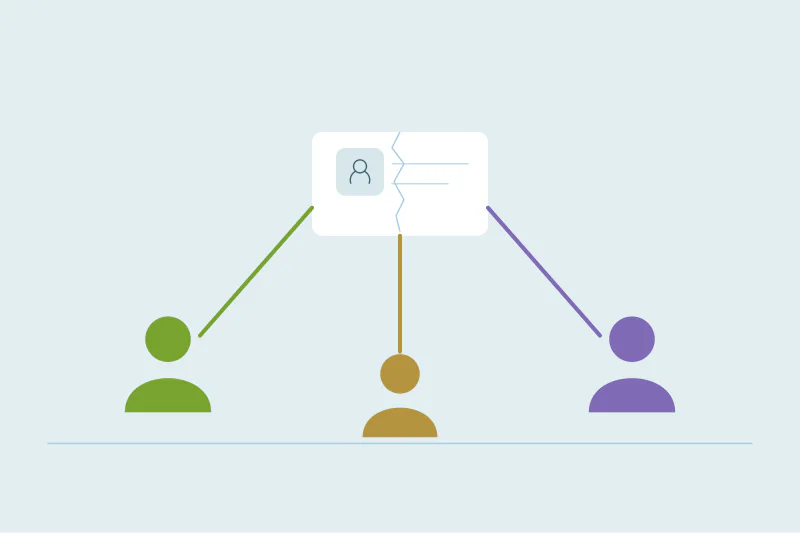
- They also meet duplicates the existing team learned to work around.
- A bad first impression of the data can sink adoption before it starts.
- Clean the records the new team will use first, and agree on what counts as a duplicate with them.
- Dedupely lets you focus a cleanup on the new team's records, and give them read-only access to review matches.
A CRM often starts with one team, usually sales, and grows from there. Customer success moves in to manage renewals. Support connects the helpdesk. Finance wants billing contacts in the same place.
The existing team knows which records to ignore and which "Acme" is the real one. The new team doesn't. Their first week in the CRM is when they decide whether to trust it. This post covers what to clean before they log in.
Why a new team sees the CRM differently
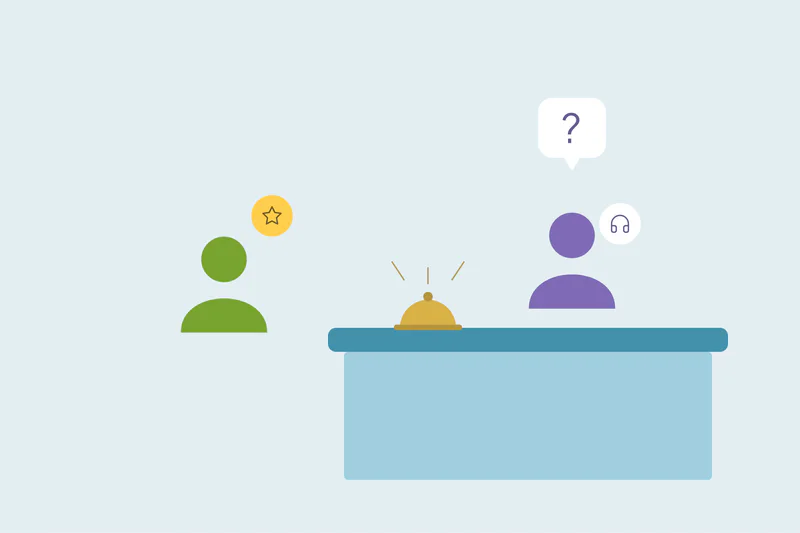
They look at different records. Sales lives in open deals and leads. Customer success lives in current customers. Support looks up whoever opened a ticket. Duplicates that never bothered sales can sit right in the middle of the new team's work.
They bring a new integration. A helpdesk, billing tool or onboarding platform starts creating and updating records. If it can't find the existing customer, it creates a new one.
They don't know the workarounds. "Always use the record with the deal" is tribal knowledge. Without it, the new team picks the wrong record half the time.
What to clean first
| What the new team needs | Clean before they start |
|---|---|
| Current customers | Duplicate companies, so each customer has one record |
| Customer contacts | Duplicate contacts at those companies, with the right owner |
| Support or billing contacts | Matches between the new tool's records and existing contacts |
| Reports they'll build on | Customer counts, renewals and revenue per account |
You don't need to clean the whole CRM. Start with the records the new team will touch in their first month.
Before the integration goes live
If the new team brings a tool that syncs to the CRM, clean the existing records first and check how the tool matches. Many tools match on email only, so a contact with a different email becomes a new record. How helpdesk tools create duplicate contacts in your CRM covers the support case.
Agree on the rules with them
The new team may count duplicates differently. For support, two contacts sharing a helpdesk email might be fine. For finance, a billing contact and a sales contact for the same person might need to stay separate. Agree on:
- What counts as a duplicate for the records they use.
- Which values win for fields they own, like support tier or billing email.
- Who merges, and how the new team flags duplicates they find.
How Dedupely helps when a new team joins
In Dedupely, filters work on any synced field, so you can focus a Duplicate Search on current customers or on the records a new integration creates. Merge Rules can give the new team's fields their own rule, like keeping the billing email from a specific record. You can invite the new team with a role that fits, like Read-only User for people who should review matches without merging. Unlimited users are included, with no per-user fees.
First impressions last
A new team decides in its first weeks whether the CRM is worth trusting. Clean the records they'll use first, check how their integration matches records, and agree on the rules with them before the rollout.
Frequently asked questions
What should I clean before a new team starts using our CRM?
The records they'll use first, like current customers and their contacts, plus any records their integration will match against.
Why does a new team notice duplicates the old team didn't?
They work with different records and don't know the existing team's workarounds for which record is the right one.
Should I clean before or after connecting their tool?
Before. Clean the existing records first, then check how the new tool matches, so it doesn't create new duplicates on day one.
Does the new team need to agree on what counts as a duplicate?
Yes. Support and finance may have cases where similar records should stay separate.
Can the new team review matches without merging?
Yes, if they have a read-only role. They can flag or review duplicates while one person or a rule does the merging.



 Or sign up with Google
 Pipedrive Marketplace