Dedupely Intelligence



TL;DR
- Two records for one person often hold two different emails, and only one can be the main address.
- The oldest or newest record isn't a reliable guide: the address the person reads is.
- Engagement data, like opens, clicks and replies, shows which address is live.
- Keep the other address in a secondary email field so its history isn't lost.
- In Dedupely, a Lose Rule can stop a bounced or unsubscribed email from winning a merge.
Merge two records for the same person and the email is often the field that matters most. One record has an old work address, the other a personal one. Or one has an address from a webinar three years ago, the other from a demo request last week.
The merged record gets one main email, and every campaign and sequence will use it. This post covers how to pick it with the data you already have about how people respond.
Why age isn't enough
The usual shortcut is to keep the email from the newest record. It often works, but not always:
- A newer record can come from an old list, like an import of a trade show list from years ago.
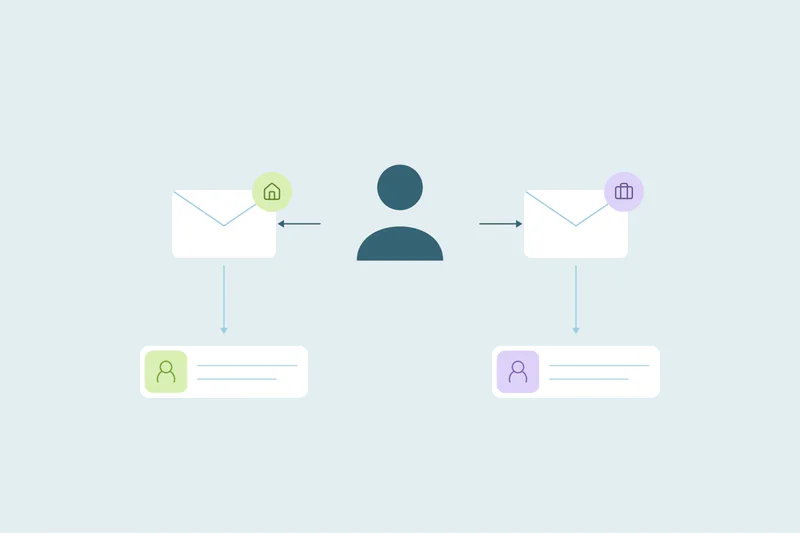
- People use a personal address for sign-ups and a work address for meetings, or the other way around.
- A new record can be a typo that has never received anything.
What tells you which address is live is whether the person responds to it.
The signals to look at
| Signal | What it tells you |
|---|---|
| Replies | The strongest sign: a person writes back from this address |
| Clicks | Someone acted on an email at this address |
| Opens | A useful hint, but some mail apps open emails on their own |
| Deliveries with no opens | The address works, but may not be read |
| Bounces | The address is dead and shouldn't win |
| Unsubscribes | The person asked not to be emailed at this address |
Replies and clicks beat opens. A bounce or unsubscribe should stop an address from winning, whatever else it has.
Keep the other address
Don't throw the second address away:
- Save it in a secondary or additional email field, if your CRM has one.
- Check unsubscribes on both addresses before merging, so an opt-out on one isn't lost.
- Keep the history: emails sent to either address should stay on the merged record.
When engagement can't decide
If neither address has any engagement, fall back to:
- The address on the record a rep worked on most recently.
- A work address over a personal one for B2B sales, or the other way around for B2C.
- A person's review for high-value contacts.
How Dedupely uses engagement in a merge
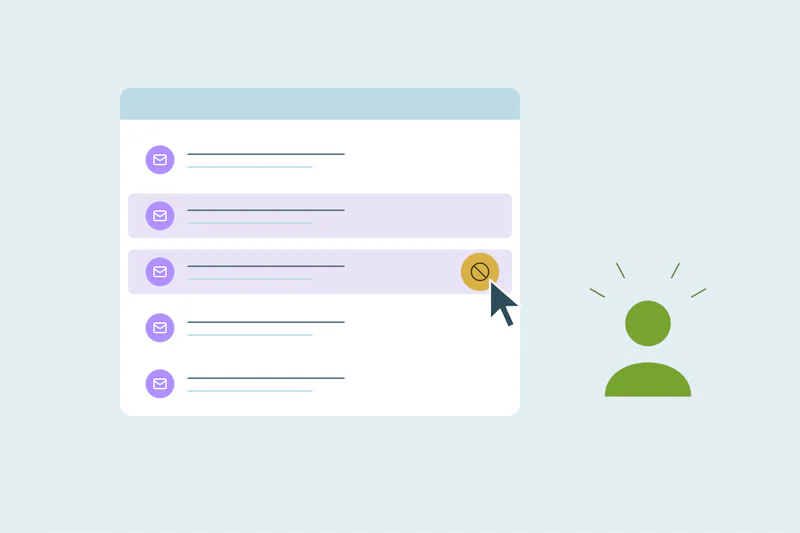
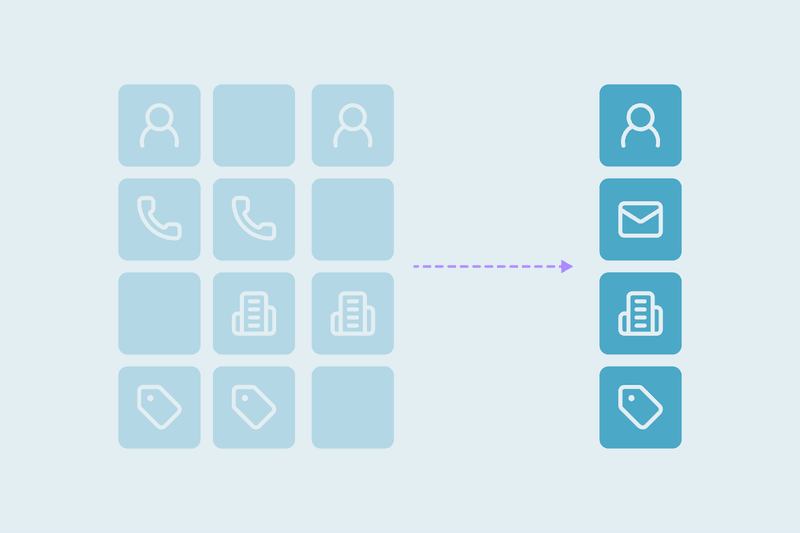
In Dedupely, Merge Rules decide which email survives. A Lose Rule stops an email from winning when a field you choose shows it bounced or unsubscribed, so a dead or opted-out address never becomes the main one. "From the most recently worked record" takes the email from the record someone used last, a good fallback when there's no engagement data. Multi-value fields like additional email addresses can use Append to keep every unique address, and blank values never win. For a single set where you know which address is live, Custom Merge lets you pick it by hand, and a preview shows the merge result before you merge.
Keep the address people respond to
The main email after a merge should be the one the person reads, not the one on the newest record. Use replies and clicks first, stop bounced or unsubscribed addresses from winning, keep the other address in a secondary field and fall back to the most recently worked record when there's no engagement to go on.
Frequently asked questions
Which email should I keep when merging duplicate contacts?
The one the person responds to: replies and clicks first, then opens. Keep the other as a secondary email.
Should the newest email always win?
No. A newer record can come from an old list or a sign-up with a personal address. Engagement is a better guide.
Are email opens a reliable signal?
They're a hint. Some mail apps open emails on their own, so replies and clicks are stronger.
What happens to email engagement counts after a merge?
They usually don't add up, so the merged record may show the count from only one record. Check this before merging in bulk if you report on engagement totals.
What if one email has unsubscribed?
Don't let it become the main address, and make sure the opt-out isn't lost in the merge.


 Or sign up with Google