 Dedupely Intelligence





TL;DR
- Couples, families and small offices often share one email address.
- An email match then pairs two real people, and a merge combines them.
- A different first name on the same email is the main sign of a household.
- Add first name to email searches, and reject household pairs you find.
- Dedupely's matching guidance covers family members: add First Name or Email to the search.
Email is the field most teams trust most for matching. Two records with the same email are almost always the same person. Almost.
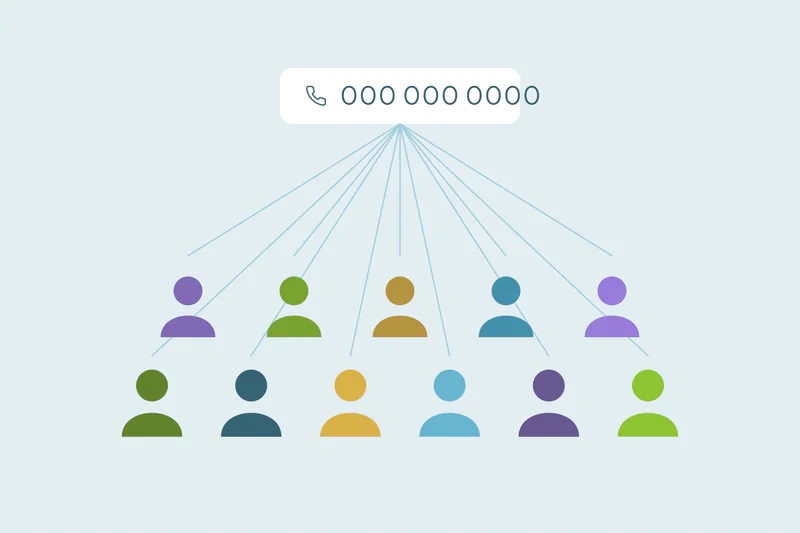
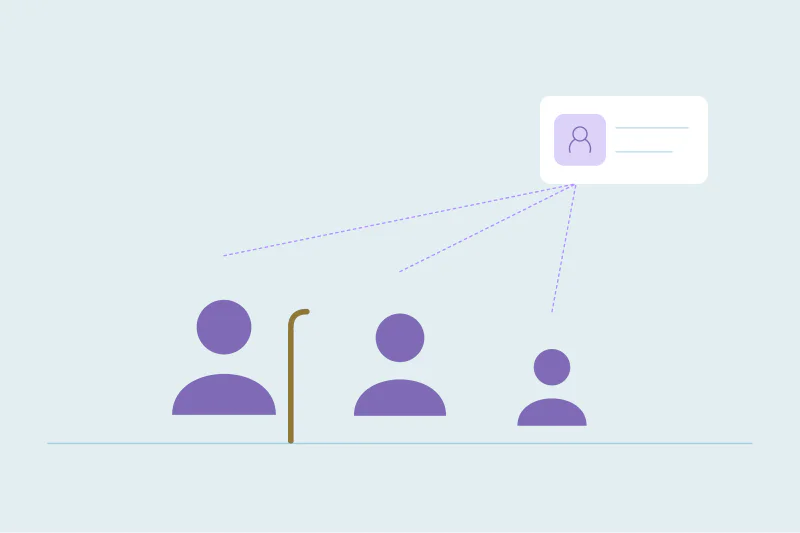
Couples share an inbox. Parents sign up for things using one family address. A small business owner and their partner use the same email for everything. When two people share an email, an email match pairs them, and a merge turns two customers into one.
This post covers how to spot shared emails, how to keep household members apart and when a shared email does mean one person.
Where shared emails show up
Shared emails are most common in CRMs that deal with people, not companies:
- Consumer businesses. Couples buying a home, a car or insurance together.
- Schools and training providers. Parents signing up several children with one address.
- Nonprofits. Donors giving as a household.
- Healthcare and services. Family members booking appointments for each other.
- Very small businesses. A couple running a shop from one inbox.
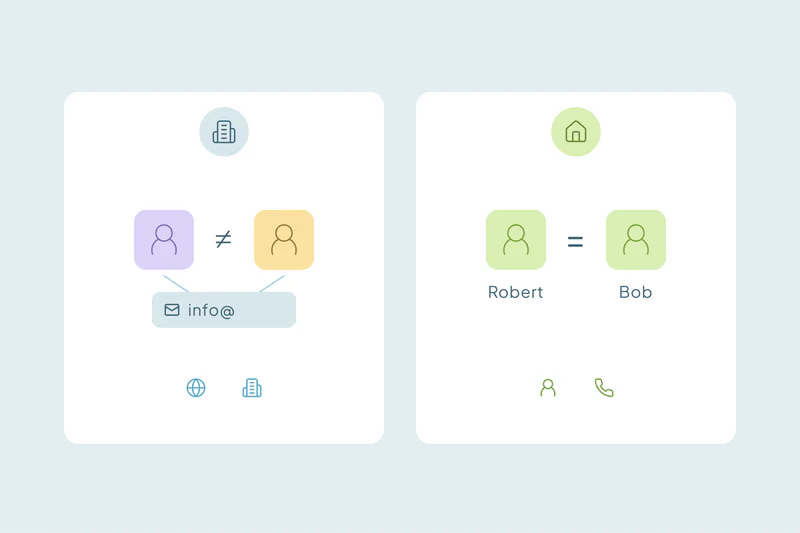
In B2B CRMs, the same issue shows up as shared team inboxes, like sales@ or info@, which several colleagues use. B2B vs. B2C duplicates and why matching differs covers how matching changes between the two.
How to spot a household
The clearest sign is the same email with a different first name.
| Same email, and… | Most likely |
|---|---|
| Same first and last name | One person |
| Same first name, different last name | One person who changed their name, or a typo |
| Different first name, same last name | A household: two people |
| Different first and last names | Two people sharing an inbox, or a placeholder email |
Other signs: different birth dates, different phone numbers, or two separate purchase histories that each make sense on their own.
How to keep household members apart
- Add first name to email searches. Requiring both the email and the first name to match stops two family members from pairing up.
- Review same-email, different-name pairs. Run them as a separate search you check by hand, rather than leaving them out completely. Some are real duplicates with a typo or a nickname.
- Reject confirmed households. Mark the pair as not a duplicate, so it doesn't come back in the next cleanup.
- Consider a household field. Some teams link family members through a household or account record, so the relationship is visible and nobody tries to merge them.
When a shared email does mean one person
Not every same-email, different-name pair is a household. A nickname ("Bill" and "William"), a typo or a name change all produce the same email with a slightly different name. Those are duplicates.
Check the rest of the record. If the phone, address and activity line up with one person, merge them. If each record has its own purchases, policies or appointments that make sense separately, they're two people.
How to keep households apart in Dedupely
In Dedupely, each field in a search gets its own match option, so you can match on email and require the first name to match too. First-name fields can match nicknames, so "Bill" and "William" still pair while two different family members don't. Dedupely's own guidance on avoiding false matches covers family members, with the same advice: add First Name or Email to the search.
Pairs you confirm as two people can be rejected, and they stay out of future searches.
An email isn't always one person
Email is still the best field for matching most contacts. In consumer CRMs, though, a shared inbox is common enough that an email-only search will merge real people.
Add the first name as a second condition, review the pairs where the names differ and reject the households you confirm. That keeps each family member's history on their own record.
Frequently asked questions
Are two contacts with the same email always duplicates?
No. Couples, families and small offices often share one email. If the first names differ, check whether they're two people before merging.
How do I stop family members from merging?
Match on email plus first name, so two people with different first names don't pair up. Review same-email pairs with different names by hand, and reject the households.
What if the names differ only slightly?
A nickname, a typo or a name change can explain it. Use nickname matching on the first name, and check phone and address before deciding.
Do shared emails happen in B2B CRMs?
Yes, as shared team inboxes like sales@ or info@. Several colleagues may use one address, so the same caution applies.
Should I create one record per household?
Some teams do, with a household or account record linking each person. Whatever you choose, keep each person's own history on their own contact record.


 Or sign up with Google
 HubSpot Marketplace