 Dedupely Intelligence





TL;DR
- Customers often come back through a form, a demo request or a trial, and the CRM creates them as new leads.
- The new record gets routed, scored and worked as if the person were a stranger.
- It usually happens when they use a different email, or when leads and customers live in different objects.
- Match new leads against existing customers before routing, on email, then name plus company.
- Dedupely finds these duplicates on a schedule, so returning customers merge before a rep cold-calls them.
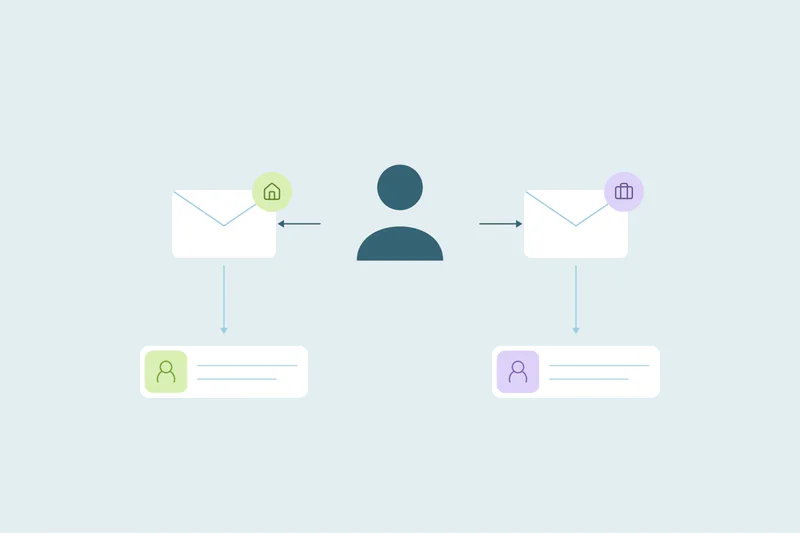
A customer who churned two years ago comes back and books a demo. A current customer's new colleague requests a trial. A long-time client fills in a webinar form with a personal email. Each time, the CRM creates a new lead, routes it to whoever is next in line and starts a nurture sequence.
The rep calls a "new prospect" who has been paying you for years. This post covers why returning customers become new leads and how to catch them.
Why it happens
| Situation | Why the CRM doesn't see the existing record |
|---|---|
| The customer uses a different email | Personal instead of work, or a new job's address |
| Leads and customers live in separate objects | The form creates a lead, and the customer is a contact |
| The customer's company rebranded | The new domain doesn't match the old company |
| A colleague signs up | It's a new person, but at an existing customer company |
| The original record was archived or deleted | There's nothing left to match against |
The last two aren't duplicates of a person. But a new contact at an existing customer still shouldn't be routed as a cold lead.
What it costs
- A rep cold-calls a customer. It tells the customer you don't know who they are.
- Two owners work the same relationship, the account manager and the new rep.
- Lead numbers look better than they are, because returning customers count as new pipeline.
- The customer's history is split between the old record and the new lead.
How to catch returning customers
- Match new leads against existing contacts before routing, on email first.
- Then match on name plus company, to catch people who used a different email.
- Match the company, by email domain or company name, to spot colleagues at existing customers.
- Route matches to the account owner, not to the new lead queue.
If leads and contacts are separate objects in your CRM, check whether your CRM's lead conversion or duplicate settings compare them, and plan a regular review if they don't.
After you find them
- Same person, two records: merge, keeping the customer record and its owner.
- New person at an existing customer: link them to the existing company and owner, don't merge.
- Former customer coming back: merge, and update the lifecycle stage so they're treated as a returning customer, not a new one.
How Dedupely helps
In Dedupely, you can match contacts or leads on email, name, phone or company, and Dedupely Intelligence compares email with a second email automatically, which catches people who come back with another address. Auto Merge can merge new duplicates on a schedule, so a returning customer is merged soon after the form fill, and uncertain matches go to Manual Review. A Custom Primary Record rule can make the record marked as a customer survive, with its owner, and Merge Rules decide which value wins in each other field.
Know them when they come back
Returning customers become new leads when they use a different email or land in a different object. Match new leads against existing contacts and companies before routing, merge the same-person duplicates and send everyone else at a customer company to the account owner.
Frequently asked questions
Why do existing customers show up as new leads in my CRM?
Usually because they used a different email, or because the form creates a lead while the customer is stored as a contact.
How do I stop a rep from cold-calling a customer?
Match new leads against existing contacts and customer domains before routing, and send matches to the account owner.
Is a new colleague at a customer company a duplicate?
No. Link them to the existing company and owner, but don't merge them with anyone.
Which record should survive the merge?
Usually the existing customer record, so its owner and history stay.
What about former customers coming back?
Merge them into their old record and update the lifecycle stage to show they're returning.




 Or sign up with Google

 HubSpot Marketplace