 Dedupely Intelligence




TL;DR
- A contact who changes their last name often ends up with two records, one under each name.
- Name-based searches miss the pair, because the last names don't match.
- Email, phone and first name usually connect the old record and the new one.
- Keep the current name and email on the merged record, and keep the old history.
- In Dedupely, you can leave the last name out of a search and match on email or phone instead.
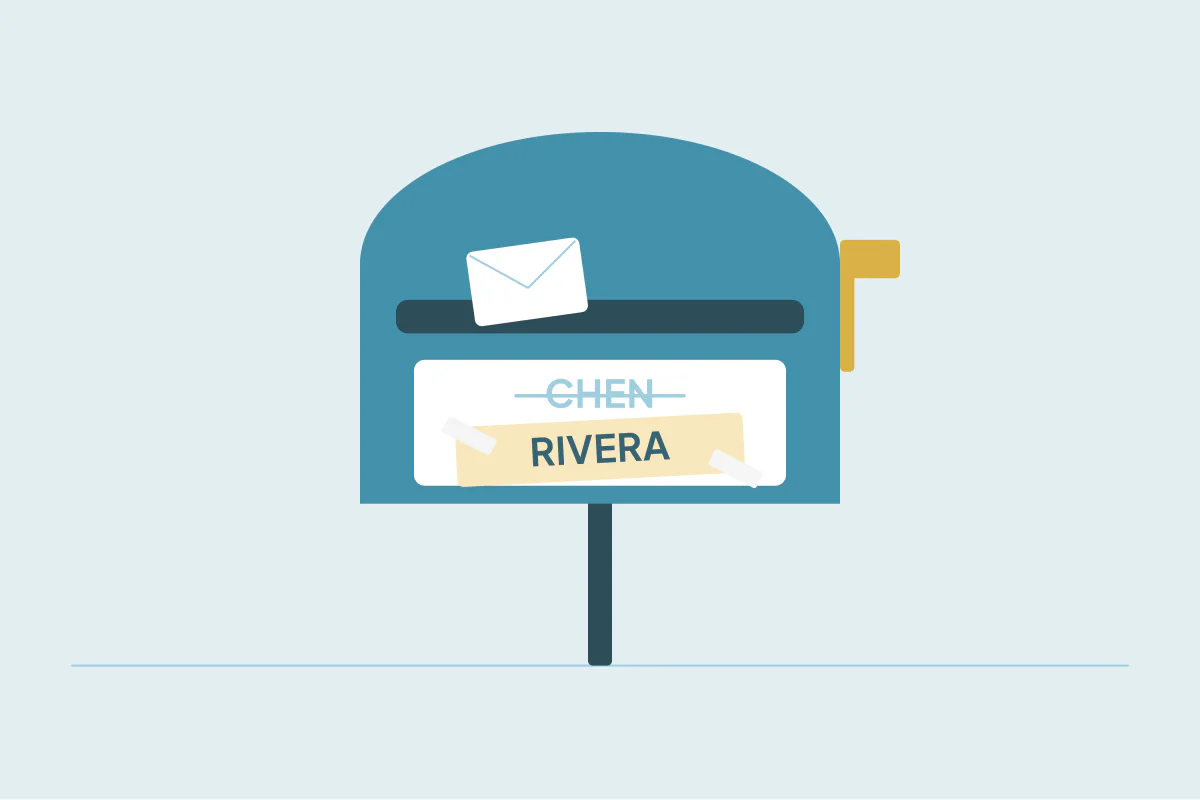
People change their last names for many reasons: marriage, divorce, a family decision or a preference. Their CRM record doesn't always follow. A new form fill or a rep's new entry creates a second contact under the new name, and the old one stays where it was.
Because the last names differ, any search that compares names treats them as two people. This post covers how to connect the two records and what to keep when you merge them.
Why last-name changes create duplicates
The change usually reaches the CRM in one of three ways:
- A new form fill. The person signs up again under their new name, often with the same email. If the form updates by email, no duplicate. If it doesn't, a second record.
- A new email address. A personal email updated to the new name, or a work email reissued, creates a new record that shares nothing but the first name and phone.
- A rep's manual entry. A rep meets the person again and adds them under the new name.
The old record still holds the history: emails, calls, deals. The new one holds the current details. Neither is complete.
How to find them
The last name is the field that changed, so leave it out of the comparison. Match on what stayed the same.
| What stayed the same | Match on |
|---|---|
| Email, with first name as a check | |
| Phone | Phone plus first name |
| Company and first name | First name plus company, reviewed by hand |
| Only the first name | Not enough to match |
If the email changed too, phone is usually the strongest link left. First name plus company finds more pairs, but at a large company it can also pair two people with the same first name, so review those by hand.
What to keep when you merge
When the records are the same person, the merged record should reflect who they are now and keep everything that happened before.
- Name: the current last name, from the newer record.
- Email: the current email. If they're different, keep the old one too in an additional email field if your CRM has one, so replies to old threads still connect.
- History: all activity from both records. Merges in most CRMs move activity to the surviving record.
- Owner: the rep who is working the contact now.
Make sure the newer name wins. If your merge keeps values from the oldest record by default, the old last name could overwrite the new one.
Respect the change
A name change is personal. Once you've merged the records, make sure the old name doesn't come back through a sync or an old list. If a marketing tool still has the old name, update it there as well, so emails go out with the name the person uses now.
How to find renamed contacts in Dedupely
In Dedupely, each field in a search gets its own match option, and you can set the last name to None so it's left out of the comparison. Matching on email or phone plus first name then finds the old and new records. Merge Rules decide which values win, so you can make sure the newer last name is kept, and multi-value fields can keep both email addresses where your CRM has them.
Activities and associations move to the surviving record, so the old history stays with the person.
Match on what didn't change
When a contact changes their last name, any name-based match will miss the pair. Match on email, phone or first name plus company instead, and review the weaker matches by hand.
Then keep the current name and the full history on one record, so the next person who looks them up finds the right name and everything that came before.
Frequently asked questions
How do I find a contact who changed their last name?
Leave the last name out of the search and match on email or phone, with the first name as a check. If both the email and phone changed, try first name plus company and review the results by hand.
Which last name should the merged record keep?
The current one, from the newer record. Check your merge settings, because keeping the oldest record's values by default would bring the old name back.
Should I keep the old email address?
If your CRM has an additional email field, keep it there. Replies to old threads and older lists then still connect to the right person.
Will the old record's emails and deals be kept?
In most CRMs, a merge moves activity and associated records to the surviving record. Check your CRM's merge behavior for objects it doesn't move.
Is a name change a duplicate or a new contact?
It's the same person, so it's a duplicate. The difference is that the newer record's name and contact details should win.





 Or sign up with Google
 HubSpot Marketplace