


TL;DR
- CRM duplicates come from many places: migrations, imports, web forms and prospecting tools.
- New duplicates keep arriving because the processes that create them keep running.
- A CRM's built-in deduplication matches on fixed rules, so near matches slip through.
- Clean the duplicates you have first, then merge new ones automatically as they arrive.
- Dedupely finds near matches like typos and nicknames, and merges new duplicates automatically.
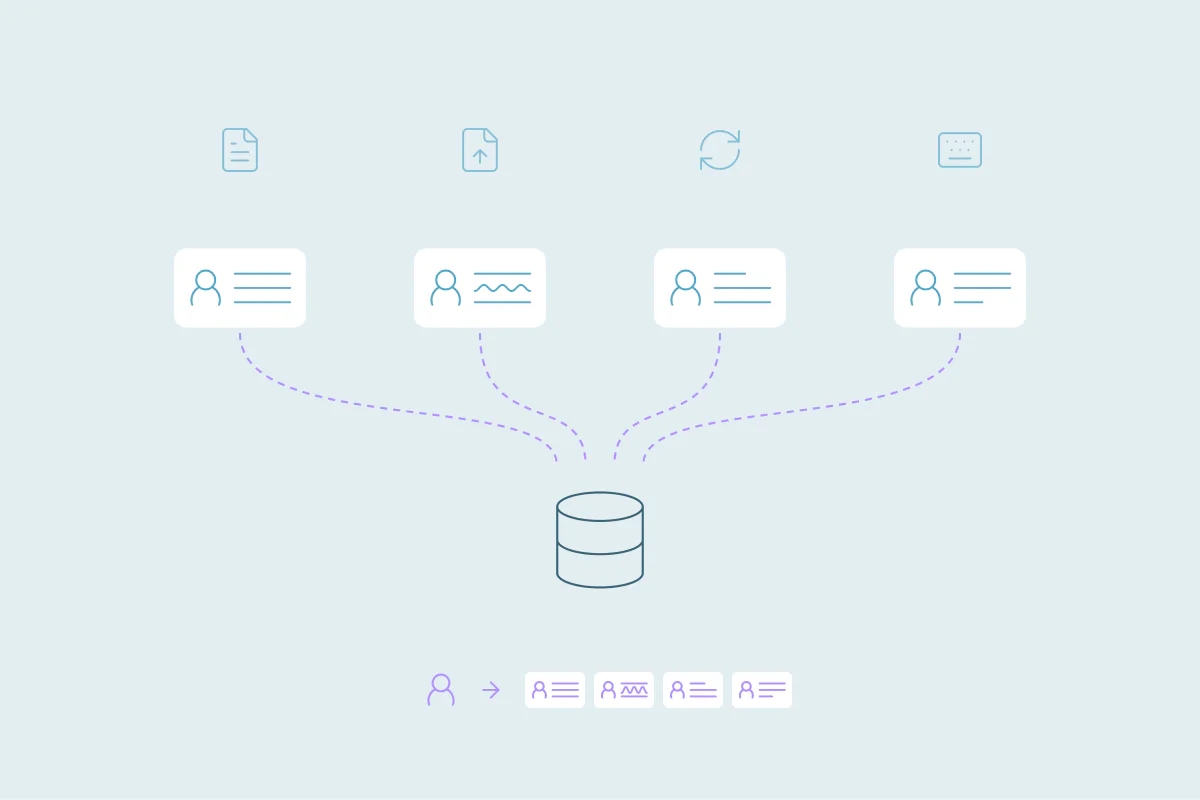
Most CRMs with a few years of history have duplicate contacts, companies or accounts. They come from many places at once: migrations, imports, web forms, prospecting tools and near matches the CRM's built-in deduplication misses. Each team's mix is different, so there's no single fix that works everywhere. Even teams that know their sources well still find new duplicates. In this post, you'll see the sources I see most often, why they keep coming, and how to find yours before you merge.
A duplicate record is two or more records in your CRM that describe the same person, company or deal. Finding the source means tracing which tool or process created them, so you can decide what to clean and what to change.
Duplicates come from many places, and each CRM's mix is different
When teams ask me why their CRM has so many duplicates, the answer is almost always a list. It might include a migration from three years ago, a web form and a rep's weekly import.
The sources also depend on how each team works. Two companies on the same CRM, with the same plan, can have very different duplicate problems.
Knowing the causes helps you plan, and it still won't make duplicates go away. Teams that can name every source still have duplicates, because the processes behind them keep running.
The sources I see most often in calls
These are the main ones that come up when teams talk to us. They're the most common, and there are many more.
CRM migrations and acquisitions
A migration moves years of records at once, often from systems that never checked against each other. An acquisition does the same, with a second customer list that overlaps yours.
Both create a wave of duplicates on a known date. That makes them easier to trace than most other sources.
25% of teams traced their duplicates to a CRM migration or an acquisition.
The CRM's built-in deduplication misses some
Most CRMs have built-in deduplication, and it catches part of the problem. Each one has its own rules for what counts as a match.
Some CRMs only match on an exact name or phone number natively and, to compare any other field, you have to contact their support. Others alert or block at entry, and some don't check records created through integrations or the API.
Records that fall outside those rules get through. A typo in a name, a nickname, or "Inc." on one company and not the other can be enough.
Connected tools
Web forms, phone apps, checkouts and booking tools write records into the CRM on their own. A customer who types a different email, or misspells their name, can end up as a second contact.
Each tool has its own way of deciding whether a person already exists, and you usually can't change it.
When an integration is misconfigured, the effect is faster. A sync error or a wrong field mapping can create a sudden spike of new records.
Almost 40% of teams see sudden duplicate spikes from misconfigured integrations, API errors or payment imports.
Sales and prospecting tools
Prospecting and enrichment tools add contacts as reps work. Some check the CRM before they add a record, and some don't.
Imports
Spreadsheets from events, partners and purchased lists come in with their own formatting. If nobody checks them against the CRM first, people who are already there get a second record.
Beyond these, I see manual entry, API scripts, lead routing and data from support tools. Your list will be your own.
Why duplicates keep coming even when you know the source
Most teams run processes on a daily, weekly, monthly and quarterly rhythm. Think of daily lead imports, weekly campaign syncs and quarter-end uploads.
Those processes keep running even when they create bad data. Each one has an owner with their own goals, and a form that brings in leads stays on, duplicates or not.
Leadership and stakeholders usually care more about results and ROI than about clean data, and that's a fair priority. Nobody here is doing anything wrong. The work for whoever runs the CRM is keeping data usable while the business keeps moving.
What duplicates cost, whatever the source
The causes vary from team to team. The consequences look much the same everywhere.
| Where it shows up | What happens |
|---|---|
| Reports | Contact counts, pipeline and attribution are off, so nobody trusts the numbers. |
| Sales | Two reps call the same customer, or a rep cold-calls someone who already buys from you. |
| Commission | Two reps own the same account on two records, and both claim the deal. |
| Marketing | The same person gets an email twice, or lands in the wrong segment. |
| CRM costs | Duplicates count toward contact or record limits, which can push you into a higher tier. |
How to find the source before you merge
Before you merge anything, spend some time on where the duplicates came from. Three checks usually tell you most of what you need.
List every tool and process that creates records
Write down every form, integration, import, app and person that can add a record. Include the processes that run once a quarter, and the ones only one person knows about.
For each one, note which object it writes to, such as HubSpot Contacts, Salesforce Accounts or Pipedrive People.
Look for patterns in the duplicates you already have
Group your duplicates by source, creation date and owner. A cluster created on a single day often points to an import or a sync.
Duplicates spread across many dates point to a steady source, like a form or a rep's routine. If your CRM stores a record source or creation date, sort by it.
Separate one-off waves from steady sources
The two need different responses, so sort every source you found into one group or the other.
| Type | Examples | What it means for cleanup |
|---|---|---|
| One-off wave | A migration, an acquisition, a single large import | Clean once. The source has already stopped. |
| Steady source | Web forms, integrations, prospecting tools, reps' imports | Clean, then keep checking, because new duplicates keep arriving. |
Clean what you have first, then fix the sources
In most cases, I'd clean the existing duplicates first. A clean CRM makes new duplicates easy to spot, and each new one points back to the source that created it.
Fixing every source first can take months, since each tool has its own owner and settings. Meanwhile, reports and reps keep working from the messy data.
There are exceptions. If a misconfigured integration is creating a sudden spike, stop or fix it first. Otherwise you'll be cleaning the same records again tomorrow.
How Dedupely finds duplicates, whichever tool created them
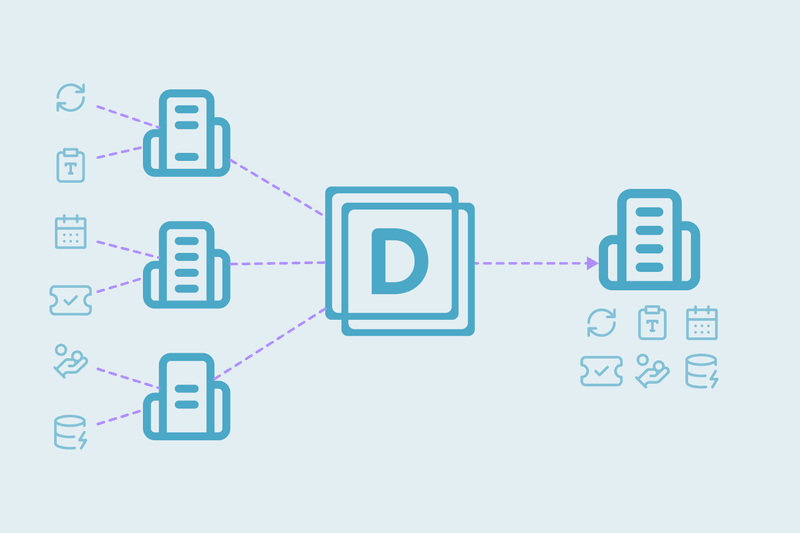
In Dedupely, you build duplicate searches with matching that allows for typos, nicknames and company suffixes like Inc. or LLC, so near matches show up too. You see every match and preview each merge before anything changes, then merge the duplicates you have and merge new ones automatically as they arrive. Our guide to finding duplicates explains how the matching works.
Map your sources, then clean
Your CRM's duplicates have more than one cause, and the mix depends on how your team works. Migrations, imports, connected tools and prospecting tools each add their share, and the processes behind them keep running.
Knowing which tools create records, and which duplicates came in as a one-off wave, tells you where to focus. Once the existing duplicates are cleaned, each new one is easier to trace back to its source, so you can work through the sources one at a time.
Frequently asked questions
Why do CRMs end up with so many duplicate contacts?
CRMs collect duplicates from many sources: migrations, acquisitions, imports, web forms, prospecting tools and built-in deduplication that misses near matches. The mix is different for every team. Because the processes behind them run daily, weekly and quarterly, new duplicates keep arriving even after a cleanup.
How do I find out what is creating duplicates in my CRM?
Start by listing every tool and process that creates records, then group your existing duplicates by source, creation date and owner. Patterns show where they come from. Finally, separate one-off waves, like a migration, from steady sources like forms and integrations, since each needs a different response.
Should I clean duplicates first or fix the source first?
In most cases, clean the existing duplicates first, then fix the sources. A clean database makes new duplicates easy to spot and trace back. The exception is a sudden spike from a misconfigured integration or import, where you stop that source first and then clean up after it.
Why doesn't my CRM's built-in deduplication catch everything?
Built-in deduplication matches on fixed rules, so records that differ slightly slip through. A typo, a nickname, a second email address or a company suffix can be enough. Some also miss records created through integrations or the API, and imports without an email, domain or record ID create new records, so use them for what they catch.
What problems do duplicate contacts cause?
Duplicate contacts make reports unreliable and lead to reps calling the same customer twice. They cause commission disputes when two reps own the same account on separate records, and marketing sends repeat emails to one person. Duplicates also count toward contact or record limits, which can push you into a higher CRM tier.




 Or sign up with Google