

TL;DR
- Phone apps connected to a CRM can create a new contact for each unrecognized caller.
- A call from a number not on file can duplicate an existing contact.
- Placeholder names and made-up emails make call-created contacts hard to match by name or email.
- Comparing phone numbers by their digits, without formatting, matches many call contacts back.
- Dedupely matches call-created contacts by phone and merges them with their existing records.
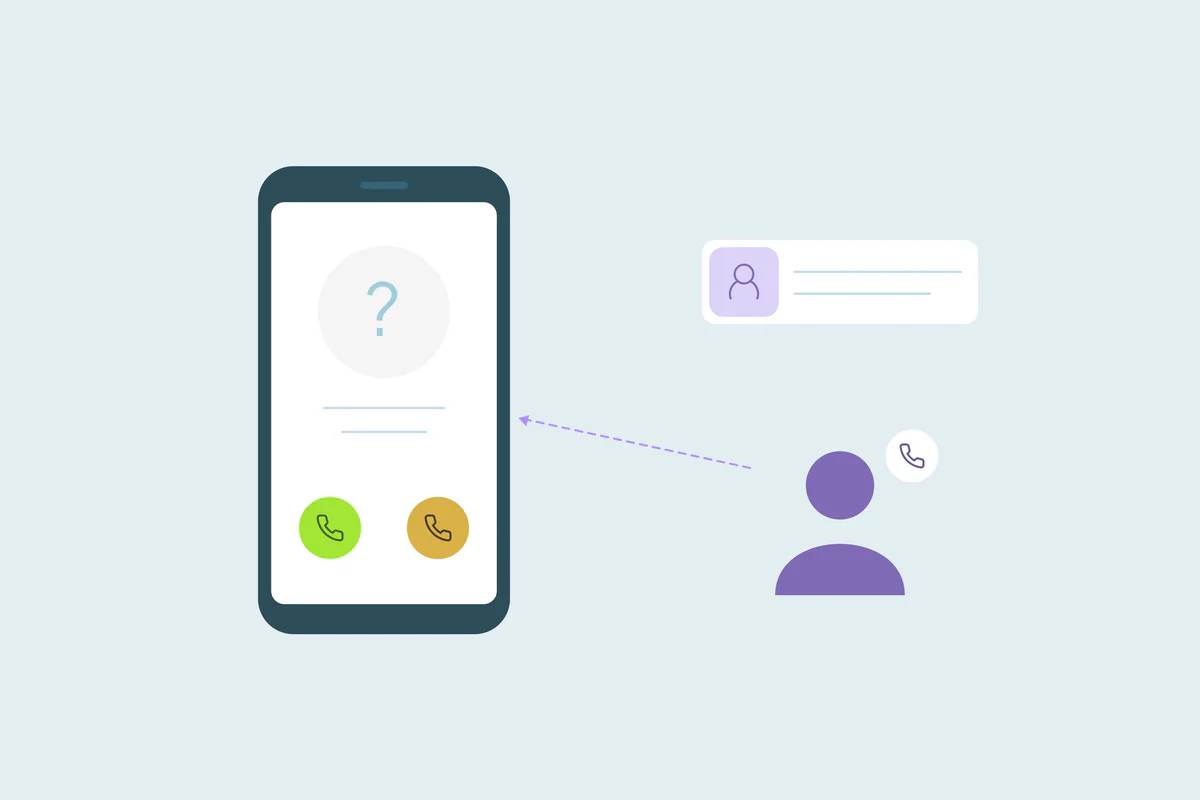
A prospect fills in a form on Monday. On Wednesday, they call your sales line from their mobile. The phone app doesn't recognize the number, so it creates a new contact named "Unknown caller" and logs the call there.
Now the CRM holds two records for one person. The form record has the name, email and source. The call record has the conversation, and nothing that links it to the first one.
In this post, you'll see how phone and call-tracking apps create duplicates and why they're hard to match by name or email. You'll see how to bring them back to the right customer. You'll also see how to keep placeholders from overwriting real data in a merge.
How a phone call becomes a new contact
Phone systems, dialers and call-tracking apps need a record to log each call against. When a call comes in, many look up the caller's number in the CRM and log the call on the contact they find. If they find none, some create a new contact.
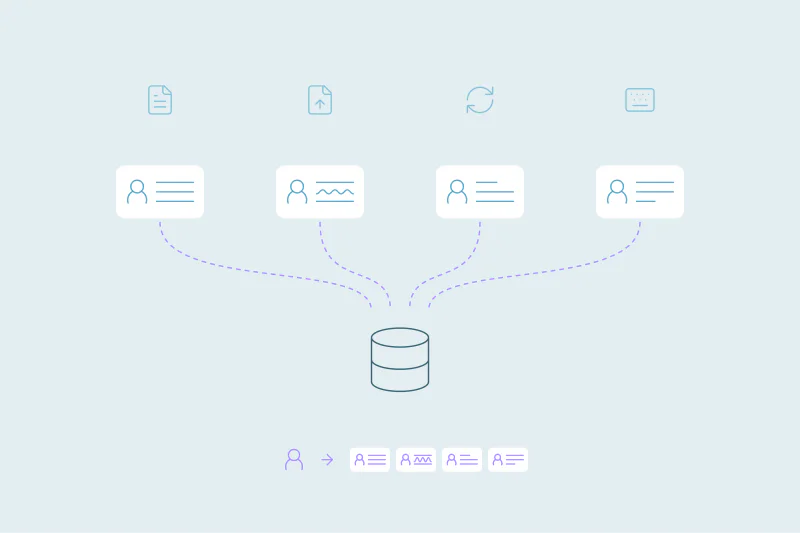
How this works depends on the app, its settings and how the integration is set up. It's one of several connected tools that write to your CRM, alongside forms, imports and syncs.
The duplicate appears whenever the lookup misses a person who's already there.
Patterns that create call duplicates
Every phone setup is different, so causes vary. These come up often.
A caller who already exists without a phone number
Someone who filled in a form may have left the phone field blank. When they call, the app has nothing to match on, so it creates a second contact.
A different number from the one on file
People call from a mobile, a desk phone or a shared office line. If the CRM holds only one of those, a call from another creates a new contact.
The same number in another format
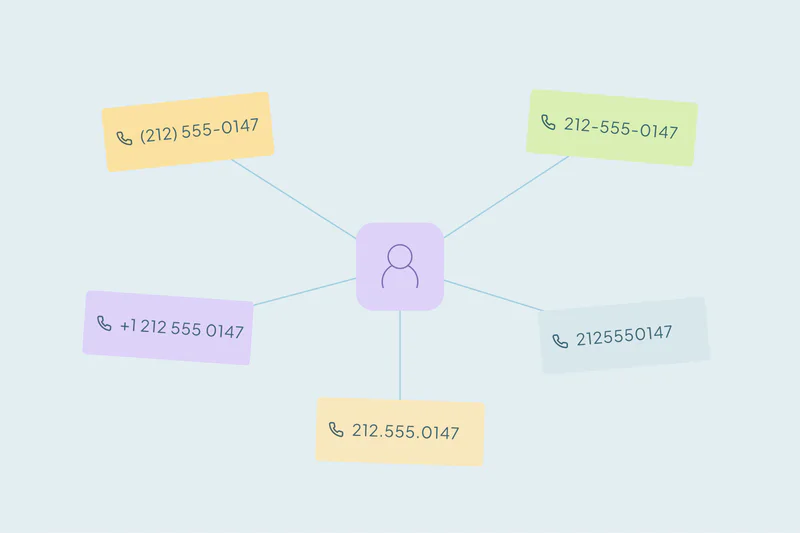
"+1 (555) 010-2345" and "5550102345" are the same number to a person. Some lookups compare the text as written, so formatting, spaces or a country code can be enough to miss the match. Our post on international data and hidden duplicates covers country codes in more depth.
Placeholder names
The app often doesn't know the caller's name, so the new contact gets a stand-in: "Unknown," "Unavailable," "N/A," "0" or the phone number itself. Many contacts can end up with the same placeholder name.
Made-up emails
Some phone integrations fill the email field with an address built from the number, like 15550102345@calls.example.com. That address is unique to the number, so it never matches the caller's real email.
Why call duplicates matter
- Reps call back without context: the call record doesn't show the form the person filled in, their company or their past deals.
- Attribution splits: the form record holds the campaign, while the call that led to the sale sits on another record.
- Reports count leads twice: one person shows up as a web lead and a phone lead.
- Placeholders spread: a careless merge can replace a real name with "Unavailable."
As with other duplicates, the main consequence is lost trust: reps stop believing the CRM shows the whole customer.
How to match call contacts back
What counts as a duplicate is case by case. A shared office line can belong to ten real people, so agree on your rule before you merge. Then start with the obvious duplicates and work outward.
Compare phone numbers by their digits
Remove formatting while retaining the country and extension for review. Matching the last digits finds candidates written in different formats, but can also pair unrelated numbers. Confirm the full number and the caller's identity before merging.
Leave placeholder values out of the match
A placeholder name matches every other contact with the same placeholder. Leave values like "Unknown" or "N/A" out of name matching, and don't use made-up emails as a match field at all.
Review shared lines before merging
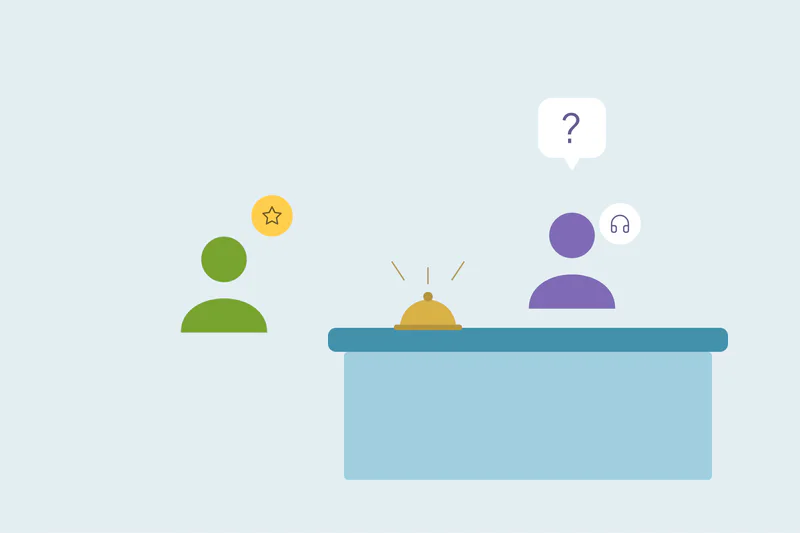
Office switchboards, reception desks and family landlines appear on many records. Send phone matches on those lines to review, and add a second field, like company or last name. Our guide on which fields to match on covers how to combine them.
| Pattern | What it creates | How to match | Watch out for |
|---|---|---|---|
| Caller without a phone on file | A call contact next to a form contact | Phone digits, then name if the caller gave one | Form records with no phone at all |
| Different number | A contact for a mobile or desk line | Name plus company, or name plus email once known | Common names |
| Different format | A contact for the same number written another way | Normalized phone, with country and extension checked | Short numbers and extensions |
| Placeholder name | Many contacts named "Unknown" or "N/A" | Phone only, with placeholder names left out | Huge sets grouped by the placeholder |
| Made-up email | A contact whose email is built from the number | Phone; never the made-up email | The made-up email winning a merge |
Keep placeholders from winning a merge
Finding the duplicate is half the job. The merge then has to keep the real values.
Decide which record survives and which value wins for each field. For call duplicates, the form or CRM record usually holds the real name and email, while the call record holds the newest activity. A rule that keeps the most recent value can pick "Unavailable" over a real name, because the call record is newer.
Set rules so placeholder names and made-up emails always lose, whatever their date. Then check a few merged records before merging the rest. Our post on how to merge CRM records without losing data covers field-by-field choices.
How to reduce call duplicates at the source
You don't need to switch off the phone integration to clean up after it. A few checks make it create fewer duplicates.
- Check how the app looks up callers: find out which field it searches and whether it ignores formatting.
- Check what it does on a miss: some apps let you log unknown calls without creating a contact.
- Store phone numbers in one format: a consistent format helps every lookup.
- Ask for a phone number on forms: a caller who gave one is easier to recognize later.
People will still call from new numbers. If the same integration keeps sending duplicates, see how to manage recurring duplicates from CRM integrations.
How Dedupely matches call contacts to the right customer
In Dedupely, a Similar phone search compares the last seven digits after removing formatting. Use it to find candidates, then confirm country, extension and identity with another reliable field. Set rules that keep real names and emails over placeholders, and preview the result before merging.
One caller, one record
Phone and call-tracking apps create duplicates when they can't find a caller who's already in the CRM. A missing phone, a different number or another format is enough, and placeholder names and made-up emails hide the link.
Compare numbers by their digits and leave placeholders out of the match. Then make sure placeholders never win a merge, and calls return to the right customer. Shared lines still need a second look, because one number can belong to several people.
Frequently asked questions
Why does my phone integration create duplicate contacts?
Usually because it couldn't find the caller in the CRM. Many phone apps look up the caller's number and create a new contact when there's no match. A caller with no phone on file, a different number or the same number in another format can all trigger a new contact.
How do I find duplicate contacts created by phone calls?
Normalize phone formatting and retain country and extension details. Use matching endings to find candidates, then confirm identity with other reliable details. Leave placeholder names and generated email addresses out of identity matching, and review shared or recycled numbers before merging.
Why do contacts from calls have names like "Unknown" or "Unavailable"?
The phone app often doesn't know who's calling, so it fills the name with a placeholder. Some apps also fill the email field with an address built from the phone number. These values make the contact hard to match by name or email.
How do I stop placeholder names from overwriting real names in a merge?
Set rules so placeholder values always lose, whatever their date. A rule that keeps the most recent value can pick a placeholder, because the call record is often newer. Check a few merged records before merging the rest to confirm the real name and email survived.
Is a phone number a reliable way to match duplicate contacts?
Often, for personal mobile numbers. It's less reliable for shared office lines, switchboards and family landlines, which belong to several people. Combine a phone match with a second field, like last name or company, when the number could be shared.


 Or sign up with Google