


TL;DR
- Compare phone numbers by their digits, after removing spaces, dashes, brackets and plus signs.
- A personal mobile number is a strong sign that two records belong to one person.
- Shared main lines and branch numbers can link different people or locations by mistake.
- Pair a phone match with a name or company before merging two records.
- Dedupely matches phone numbers across formats and combines them with the other fields you choose.
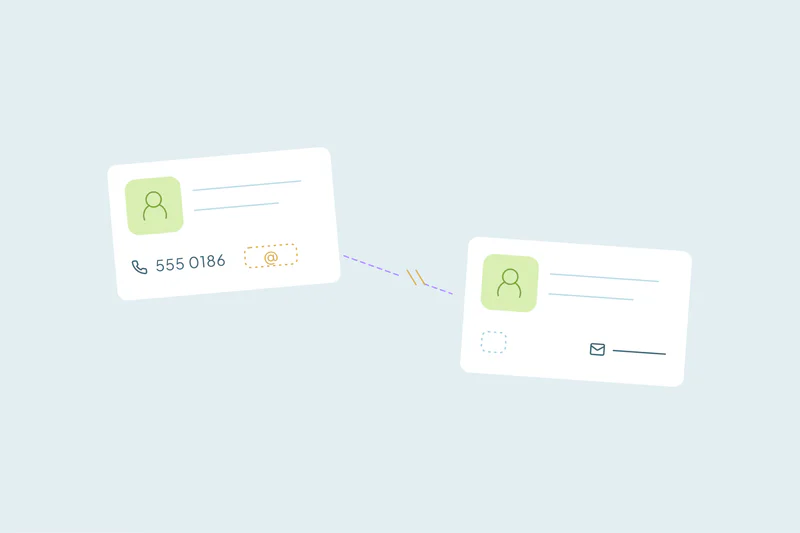
Phone numbers are often the only shared detail between two records. A contact logged after a call and a lead from an event may share no email. They can still share the same mobile number.
Matching on phone takes some care, though. The same number is written in many formats, and many numbers belong to more than one person.
In this post, you'll see why one number looks different from record to record and how to compare numbers by their digits. You'll also see when a phone match is strong, when it misleads and which number to keep when you merge.
Why the same number looks different
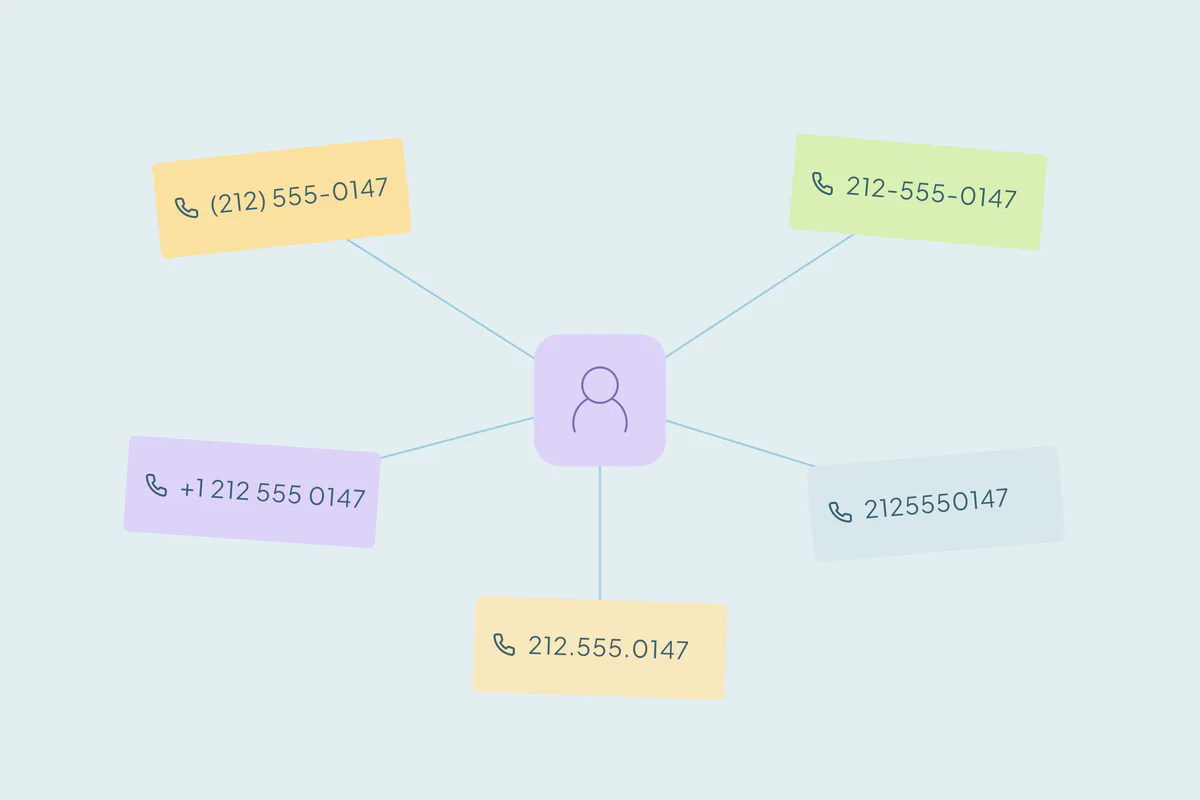
People type phone numbers the way they're used to, and every form, import and integration stores them a little differently. One number can reach your CRM in all of these forms:
| As stored | Where it might come from |
|---|---|
| (212) 555-0147 | Typed in by a rep |
| 212-555-0147 | A web form with a phone mask |
| +1 212 555 0147 | An integration that adds the country code |
| 2125550147 | A spreadsheet that stripped the formatting |
| 212.555.0147 ext. 12 | An email signature, with an extension |
To an exact match, these are five different values. Country codes and leading zeros add more variations for international numbers, which our post on how international data creates hidden duplicates covers.
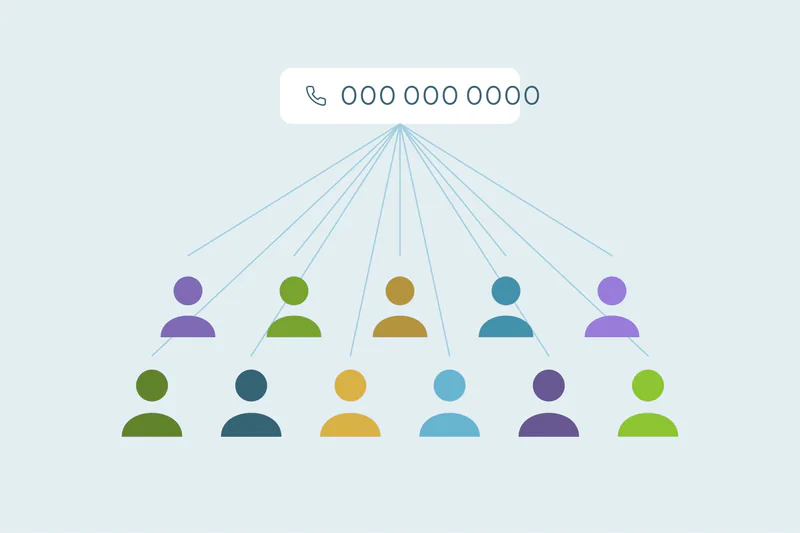
Placeholder numbers add noise too. Values like 000-000-0000 or 1234567 aren't anyone's phone, so leave them out of any match.
How to compare phone numbers by their digits
A phone match works once every number is reduced to the same shape. These steps apply whatever tool you use.
Strip the formatting
Remove spaces, dashes, dots, brackets and the plus sign. What's left is a string of digits you can compare.
Separate extensions
An extension identifies a person behind a shared number. Keep it apart from the main digits, so "ext. 12" doesn't turn a valid number into a different one.
Compare the last digits
A country code or national prefix can change how a number starts. Comparing its ending helps find candidates across formats, but different full numbers can share that ending. Keep country, area code and extension details available to confirm a match.
The shorter the ending you compare, the more matches you find. Seven digits can also pair two different numbers that share an ending in different area codes. A shorter comparison needs a second field to confirm it.
When a phone match is strong
What counts as a duplicate is case by case: what one team considers a duplicate, another may not. Still, some phone matches are more reliable than others.
- Personal mobile numbers. A mobile usually belongs to one person, so two records with the same mobile are likely the same contact.
- Phone plus name. The same number with the same or a similar name is one of the safest matches when email is missing.
- Phone plus company. For companies, the same main number with a similar name points to one organization.
- A number entered in the wrong field. A mobile saved in the office phone field on one record and the mobile field on another is still one number.
When a phone match misleads
Many numbers are shared on purpose. Matching on phone alone groups records that only share a line.
| Number type | How reliable on its own | Pair it with |
|---|---|---|
| Personal mobile | Strong | Name, to confirm |
| Direct office line | Fairly strong | Name or email domain |
| Main line or switchboard | Weak for people; fair for companies | Full name for people, company name for companies |
| Shared branch or headquarters number | Weak | Address or city, to keep locations apart |
| Family landline | Weak | First name |
| Agency, reseller or call center number | Very weak | Leave it out of the match |
Branches are the case to watch. Several offices of one company can list the same headquarters number, and merging them combines separate locations. Our post on related records that look like duplicates covers how to keep them apart.
Numbers also change hands. A number a contact gave up years ago can belong to someone else today. An old record with a matching phone isn't proof on its own.
Which fields to pair with a phone number
Phone works best as one of two or three fields. Start with the obvious duplicates, such as the same name and the same mobile, and merge those first.
- Contacts: phone with full name, or phone with last name and company.
- Companies: main phone with company name, or phone with city to keep branches apart.
- Leads: phone with name, since leads often arrive before anyone confirms an email.
Our guide on which fields to match on covers combinations for every object. Review the matches that rely on a shared number before merging them, and reject a match only when you're certain it's wrong.
Which number to keep when you merge
Two records for one person often hold two different numbers, and both can be valid. Decide the rules before the first merge.
- Keep a direct line or mobile over a main line, so reps reach the person.
- Keep the most recently updated number when both are mobiles.
- Never let a blank or placeholder overwrite a real number.
- Move the other number to a second phone field instead of dropping it, if your CRM has one.
How Dedupely matches records by phone number
In Dedupely, combine phone with another identity field. Similar matching compares the last seven digits after removing formatting. That finds candidates; it does not establish identity across country codes, shared lines or recycled numbers. Confirm the full details, choose the surviving values and preview the merge.
Compare the digits, then confirm with a name
Phone numbers connect records that email can't, especially records created from calls, events and manual entry. They only work once every number is reduced to its digits and compared by its ending.
A personal mobile is strong evidence. A main line or a branch number needs a name, a company or a city to confirm it. Paired that way, phone is one of the most useful fields you have.
Frequently asked questions
How do you find duplicates by phone number?
Normalize formatting while retaining country and extension details. A shared seven-to-ten-digit ending finds candidates, but can join different full numbers. Confirm the full number and independent identity details before merging, especially for shared lines and recycled mobiles.
How do you normalize phone numbers for deduplication?
Strip all formatting, separate the extension and keep only the digits. Comparing the ending of each number handles country codes and leading zeros. Leave placeholder values like 000-000-0000 out of the match, and keep the original formatting in the record if your team relies on it.
Is a matching phone number enough to merge two records?
Only when the number belongs to one person, like a personal mobile, and even then a matching name makes it safer. Main lines, switchboards, branch numbers and family landlines are shared by several people or locations. A match on those numbers alone can merge records that should stay apart.
How should phone extensions be handled when deduplicating?
Store and compare them apart from the main number. An extension usually identifies one person behind a shared line. Two records with the same main number but different extensions are often different people. Stripping the extension into its own field keeps the main digits comparable.
Should you match on the last seven digits of a phone number?
It can help find candidates across formats, but different numbers can share the same ending. Review the full country and area context, extension and independent identity details. A seven-digit ending with a common name or shared company is not sufficient confirmation.



 Or sign up with Google

 HubSpot Marketplace











