


TL;DR
- A customer emailing support from a new address can create a new helpdesk contact.
- If the helpdesk syncs to the CRM, that new contact can become a duplicate there.
- Email aliases like name+test@ can create separate contacts for one person's inbox.
- Split records leave support history and sales history on different contacts for one customer.
- Dedupely finds support duplicates without an exact email match and merges them, keeping their history.
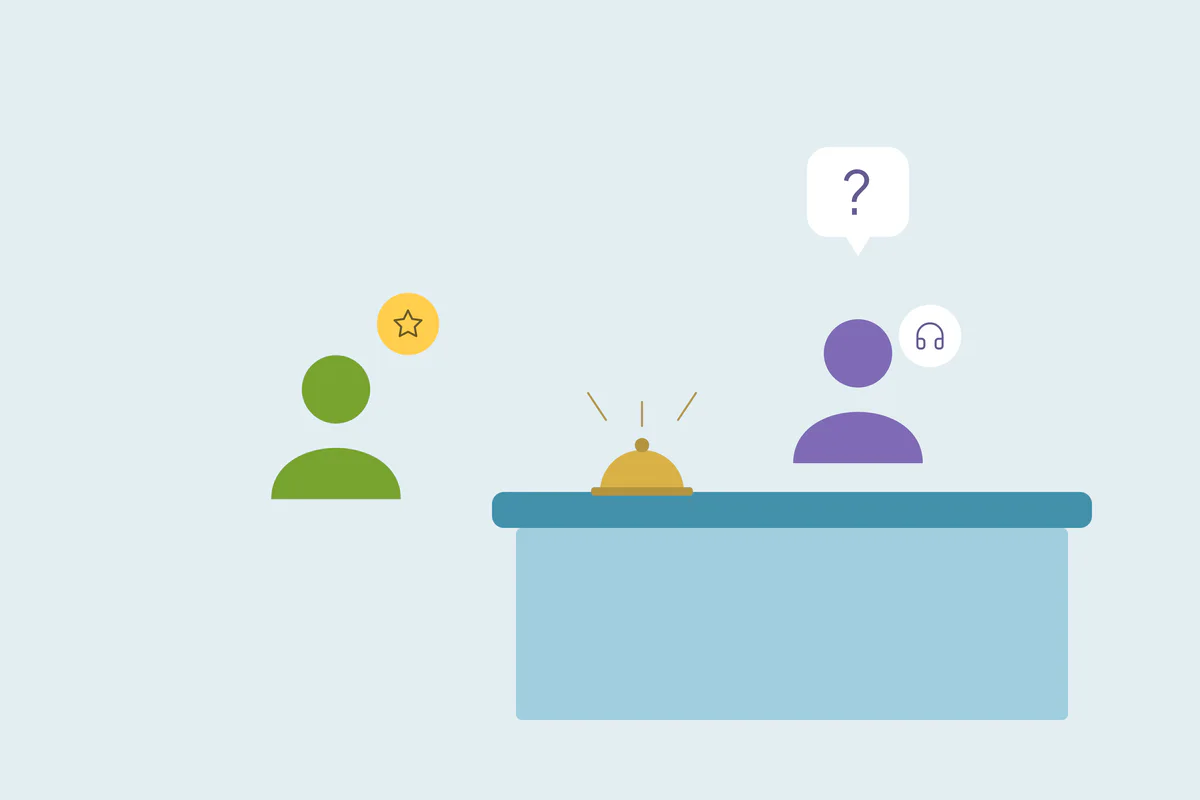
A customer has a problem on a Saturday. They write to support from their personal email, because it's the one on their phone. The helpdesk doesn't know that address, so it creates a new contact, and by Monday the sync has sent that contact to your CRM.
The customer already existed there, with their work email, their deals and their account owner. Now they're two people: one with a support history and one with a sales history.
In this post, you'll see how helpdesk tools create duplicates, which patterns come up often and how to find and reduce them.
How a support email becomes a new CRM contact
Helpdesk tools need to know who they're talking to, so many of them create a contact for each new sender. Some create one when an email arrives at the support address from someone they don't have a record for. People copied on the email can become contacts too.
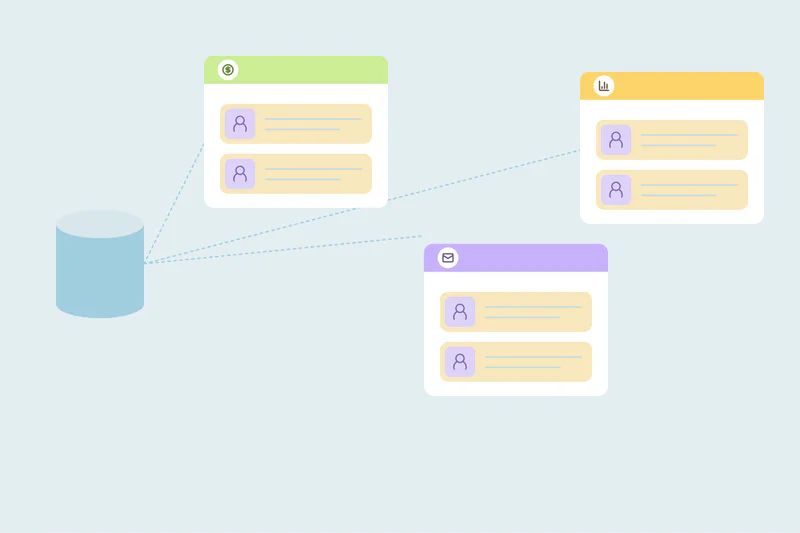
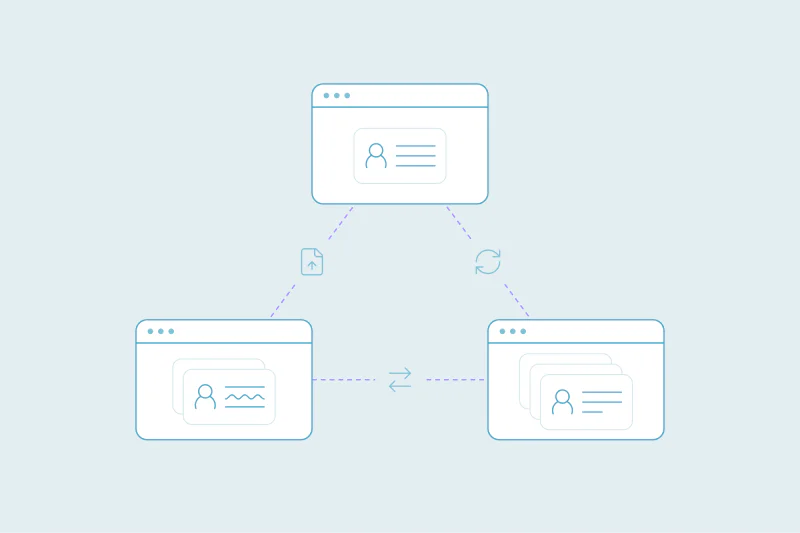
That's useful inside the helpdesk. The duplicate appears when the helpdesk syncs contacts to the CRM, and the CRM matches on email. A new address means a new contact, even when the person is already there.
How this works depends on the helpdesk, its settings and how the sync is set up. It's one of several connected tools that can write to your CRM.
Patterns that create helpdesk duplicates
Every support setup is different, so the causes vary. These come up often.
A customer writes from another address
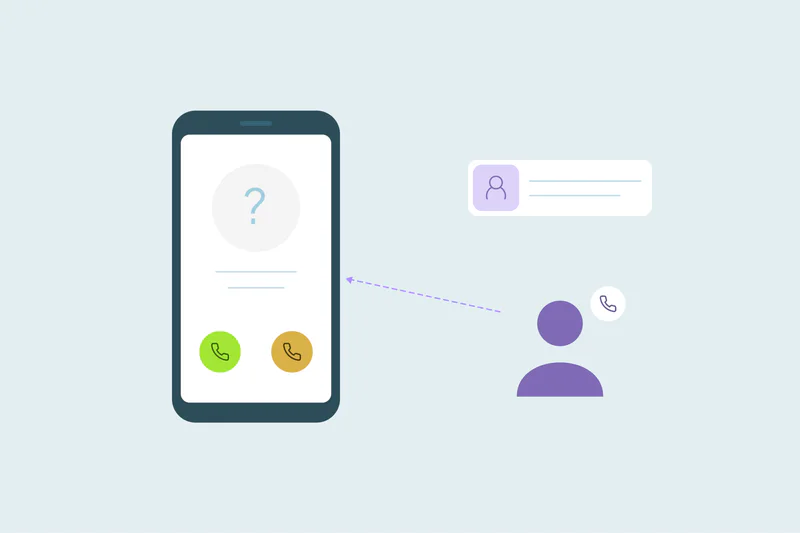
This is the main case. A customer who signed up with a work email writes to support from a personal one, a phone or a colleague's account. The helpdesk sees a new sender, and the sync creates a second contact in the CRM.
Email aliases
Aliases like name+newsletter@ or name+test@ reach the same inbox as name@. Many people use them to sort mail or to test a product. To a helpdesk and a CRM, each alias is a different address and a different contact.
Several sign-ups to keep trying a product
Some people sign up again with a different email to keep trying a product. When they write to support from one of those addresses, the helpdesk adds yet another contact to the set. We cover sign-up duplicates in more depth in CRM deduplication for SaaS companies.
People copied on a ticket
When a customer adds a colleague or a shared inbox in CC, the helpdesk may create contacts for them too. Some of those people already exist in the CRM under another address.
Why helpdesk duplicates matter
A support duplicate looks harmless, since it's just a contact with a few tickets. The cost shows up when teams need the full picture of a customer.
- Support lacks context: the agent sees a stranger, without the customer's plan, owner or history.
- Sales lacks context: the account owner doesn't see open issues before a renewal call.
- Reports split: tickets per customer, satisfaction and churn risk are counted across two records.
- Emails go to the wrong place: marketing may email the support-only contact as if it were a new lead.
The main consequence is the same as with other duplicates: people stop trusting what the CRM shows them.
Helpdesk duplicate patterns and how to match them
| Pattern | What it creates | How to match | Watch out for |
|---|---|---|---|
| Another address | A second contact with a personal or other email | First and last name, plus phone or company | Common names |
| Email aliases | A contact for name+tag@ next to name@ | The part before the plus sign, plus the domain | Teams that use aliases for test accounts on purpose |
| Several sign-ups | Contacts with different emails, often thin on data | Name plus company domain or phone | Records with only an email and no name |
| People copied | Contacts for colleagues or shared inboxes | Name plus company domain | Shared inboxes like support@ standing for many people |
How to find duplicates from your helpdesk
Start with the obvious duplicates: contacts with the same email. These often come from a sync that created a record instead of updating one, and they're the least risky to merge.
Look at where records came from
Some CRMs record which source or integration created a contact. If yours does, filtering on the helpdesk as the source shows where to look first.
Match on name plus a second field
Helpdesk contacts often have a name and an email, and little else. Compare first and last name with phone or company, and use fields you trust for that source.
Compare aliases by their base address
Compare the part before the plus sign with the domain, so name+test@ and name@ line up. Review these before merging, since some teams keep test accounts apart on purpose.
What counts as a duplicate is case by case. What one team considers a duplicate, another may not, so agree on your rule before merging support contacts.
How to reduce helpdesk duplicates at the source
You don't need to stop the helpdesk sync to clean up after it. A few checks make it create fewer duplicates.
- Check how the sync finds contacts: make sure it updates an existing contact when the email matches.
- Check which contacts it sends: decide whether every sender should reach the CRM, or only customers with tickets.
- Add known addresses to the customer: where your helpdesk allows several emails per person, add the new address there.
- Keep a list of tools that write to the CRM: when a new pattern appears, the list shows where it came from.
Even with all of this, people will write from new addresses. If duplicates keep coming from the same integration, see how to manage recurring duplicates from CRM integrations.
How Dedupely brings support and sales history together
In Dedupely, search on name with phone or company to find support contacts with different emails. Choose the surviving values and review supported activities and ticket associations before merging. Once a reviewed sample confirms a rule's accuracy, automate only the cases that meet it and keep shared inboxes in review.
One customer, one history
Helpdesk duplicates often start when customers write from whatever address is at hand. Personal emails, aliases, extra sign-ups and copied colleagues can each become a new contact, and the sync carries them into the CRM.
Checking how the sync matches contacts reduces what arrives. Matching on name with phone or company, and comparing aliases by their base address, brings the support and sales history back to one customer.
Frequently asked questions
Why does my helpdesk create duplicate contacts in my CRM?
Often because a customer wrote from an address the helpdesk didn't know. Many helpdesks create a new contact for each new sender, and the sync then sends it to the CRM. If the CRM matches on email, the new address becomes a new contact next to the existing one.
How do you stop support tickets from creating duplicate contacts?
Check how the helpdesk sync finds contacts, and make it update an existing contact when the email matches. Decide which senders should reach the CRM at all. People will still write from new addresses, so match on name with phone or company after records arrive.
Do email aliases create duplicate contacts?
Yes, often: an address like name+test@example.com reaches the same inbox as name@example.com, but a CRM treats it as a different address. Compare the part before the plus sign together with the domain to find these. Review them first, since some teams keep test accounts apart.
Should support contacts be merged with sales contacts?
Usually, when they're the same person: one record gives support and sales the full history. Agree on your rule first, since what counts as a duplicate varies by team. Check that tickets, deals and activities move to the surviving record when you merge.
Can people copied on support emails become CRM contacts?
Yes, in some setups. Helpdesks can create a contact for each person copied on an email, and a sync can carry them into the CRM. Some of those people already exist under another address, so match them on name and company domain before merging.


 Or sign up with Google
 Pipedrive Marketplace











