


TL;DR
- Ecommerce duplicates often start when a system can't find an existing customer record.
- Shoppers often use several emails, so matching on email alone misses many duplicate customers.
- Name with phone or billing address helps find B2C shoppers who use different emails.
- In B2B wholesale, company domain and company name help find duplicate company accounts.
- Dedupely finds duplicate shoppers and wholesale accounts in your CRM and previews each merge.
An ecommerce CRM fills up fast. Every order, signup form and marketplace sale can create a customer record, often through an app that syncs automatically.
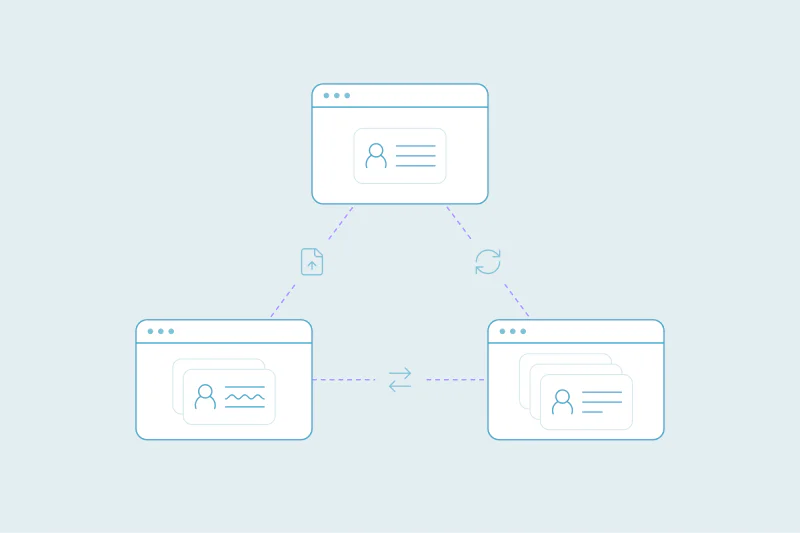
Many of those records are the same people. A shopper checks out as a guest, later creates an account with another email, then buys through a marketplace. The CRM now holds three customers where you have one, each with part of the order history.
In this post, you'll see where ecommerce duplicates come from, how to match them in B2C and wholesale, and what to decide before merging. It's a general guide, so treat each idea as something to test against your own data.
Where ecommerce duplicates come from
A common pattern is a system that creates a new customer whenever it can't find an existing one. Ecommerce has several of those systems, and each looks for customers in its own way.
Guest checkouts
Guest checkout makes buying faster, and it also means the shopper isn't logged in. If the email at checkout differs from the one on file, the order can create a new customer. A typo in the email does the same.
Store integrations syncing to the CRM
Many online stores sync customers and orders to a CRM through an integration. Each integration has its own logic for deciding whether a customer already exists.
If it matches on a different field than your other sources, or runs before an earlier record syncs, it can create a second customer.
Marketplaces
Sales through marketplaces can reach your CRM with fewer details than your own store collects. Depending on the marketplace, the buyer's real email may be missing.
Those records rarely match the same shopper's record from your own store. They end up as separate customers with their own small order histories.
Email and popup tools
Signup popups, newsletter forms and loyalty or review apps create records too, often before the first purchase. When the shopper later buys with another email, or the tool syncs before the order does, the CRM gets two records for one person.
How to match duplicate customers in B2C
Start by understanding what makes a record a duplicate in your store's data, and where records overlap. Once you know that, you can decide which fields to match on and how strict each one should be.
Start with exact email
The obvious duplicates come first: two records with exactly the same email. These are often a store sync and a form, or a repeat import. They're also the matches teams are least likely to debate.
Then look past email
Shoppers use a personal email, a work email, an old address and sometimes a marketplace address. Matching on email alone misses all of those.
Combine name with another field that stays stable: phone number, or billing address with postal code. A match on name, phone and postal code is far stronger than a match on name alone.
Watch for households and gifts
Whether two records are duplicates is case by case. Two people in one household can share an address, a phone number or even an email.
One store treats a household as one customer for marketing. Another needs every person kept apart for orders, returns and consent.
Gift orders add another twist. The shipping address belongs to the recipient, so it can link the buyer to someone else's record.
How to match duplicate accounts in B2B wholesale
Wholesale customers are businesses, so duplicates show up at two levels: the company and the people who buy for it.
Duplicate companies
A retailer can arrive as a company from your wholesale portal, again from a trade show list and again from an order form. Match company records on the core domain of their website or email, then on company name while ignoring suffixes like Inc. or Ltd.
Leave out personal email domains, like gmail.com, when you match on domain. Many small retailers use them, and they would group unrelated businesses.
Several buyers, branches and shared inboxes
One wholesale account can have several buyers, each with their own contact record. Several buyers at one account are separate people. A duplicate is the same buyer entered twice.
Branches and franchise locations are the harder call. One team wants each store as its own account, with its own terms and orders, while another wants one account per business.
Decide first. Then reject the matches you're certain aren't duplicates, so they don't come back in later searches.
Matching fields by ecommerce model
| Model | Start with | Then try | Watch out for |
|---|---|---|---|
| B2C store | Exact email | Name with phone, or name with billing address and postal code | Households and gift orders |
| B2C with marketplaces | Exact email where it exists | Name with phone, or with shipping address and postal code if that's all you have | Missing emails and gift recipients |
| B2B wholesale: companies | Core domain of website or email | Company name ignoring suffixes | Personal email domains, branches, franchises |
| B2B wholesale: buyers | Exact email | Name with company | Shared inboxes like orders@ or info@ |
What to decide before you merge customers
In ecommerce, a merge decides which order history, consent and value a customer keeps. Decide these before the first merge:
- Order history: orders and activity from every record should end up on the surviving one, so lifetime value stays complete.
- Email consent: if one record opted out, decide whether the merged record keeps that opt-out.
- Primary email: the most recent email isn't always the one the shopper uses to log in to your store.
- Tags and segments: VIP, wholesale or loyalty tags from either record may need to carry over.
- The store link: check how your store integration identifies customers, so it doesn't recreate a merged record on the next sync.
How Dedupely finds duplicate customers in ecommerce CRMs
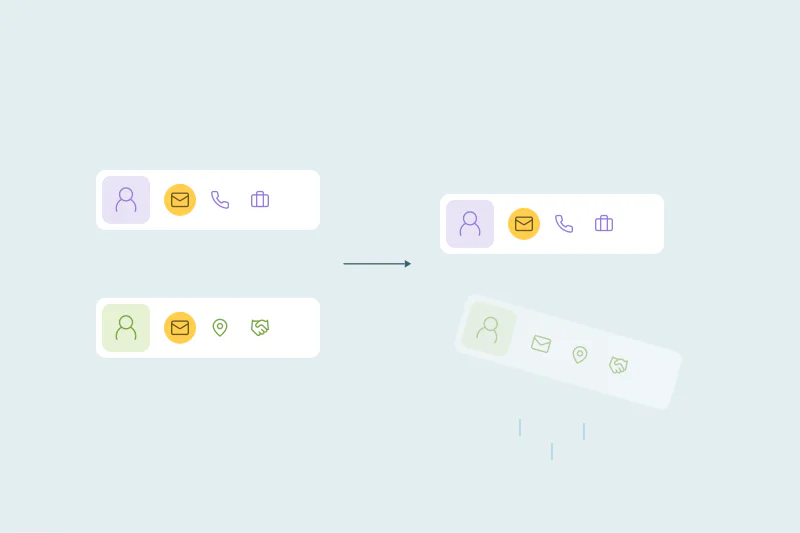
In Dedupely, you build duplicate searches for shoppers on email, name, phone or address, and for wholesale accounts on company domain and name. You preview each merge before it happens, and Merge History keeps the original values of every merged record. Once your rules are tested, you can merge new duplicate shoppers you're certain of, like exact email matches, automatically on a schedule.
One customer, one record, one order history
Ecommerce duplicates come from the same systems that bring in sales: guest checkouts, store syncs, marketplaces and email tools. When one of them can't find the existing record, it creates another, and the same shopper ends up split across several.
Starting with exact email, then matching on name with stable fields like phone or address, finds many of them in B2C. In wholesale, domain and company name do the same at the account level. What counts as a duplicate stays your call, from households to franchise stores.
Frequently asked questions
Why does my ecommerce store create duplicate customers in the CRM?
Often because a system creates a new customer when it can't find an existing one. Guest checkouts with a different email and store integrations that match on another field both do this. So do marketplace orders without the buyer's real email, and signup tools that sync before the first purchase.
How do I find duplicate customers with different emails?
Match on name combined with a field that stays stable for the shopper, such as phone number or billing address with postal code. Start with exact email matches first, since those are the safest. Then review the name-based matches, watching for household members and gift orders that share an address.
Should household members be merged into one customer?
It depends on how you use the data. Some stores treat a household as one customer, while others keep every person separate for orders and consent. Decide what counts as a duplicate for your store, and reject matches you're certain are different people so they don't come back.
How do you deduplicate B2B wholesale accounts?
Match company records on the core domain of their website or email, and on company name while ignoring suffixes like Inc. or Ltd. Leave out personal email domains, which group unrelated businesses, and decide how to treat branches and franchises before you merge.
What happens to order history when you merge duplicate customers?
That depends on the CRM and the tool you merge with, so check before the first merge. Ideally, orders and activity from every record move to the surviving one, so lifetime value stays complete. Also check that your store integration won't recreate the merged record on its next sync.



 Or sign up with Google