 Dedupely Intelligence




TL;DR
- Same name and different address can mean two people, two locations or one person who moved.
- For companies, different addresses often mean separate branches that should stay separate.
- For people, a newer address on one record usually means the same person moved.
- Keep records with different addresses out of automatic merges and review them.
- In Dedupely, an address filter keeps these pairs out of a search you merge from.
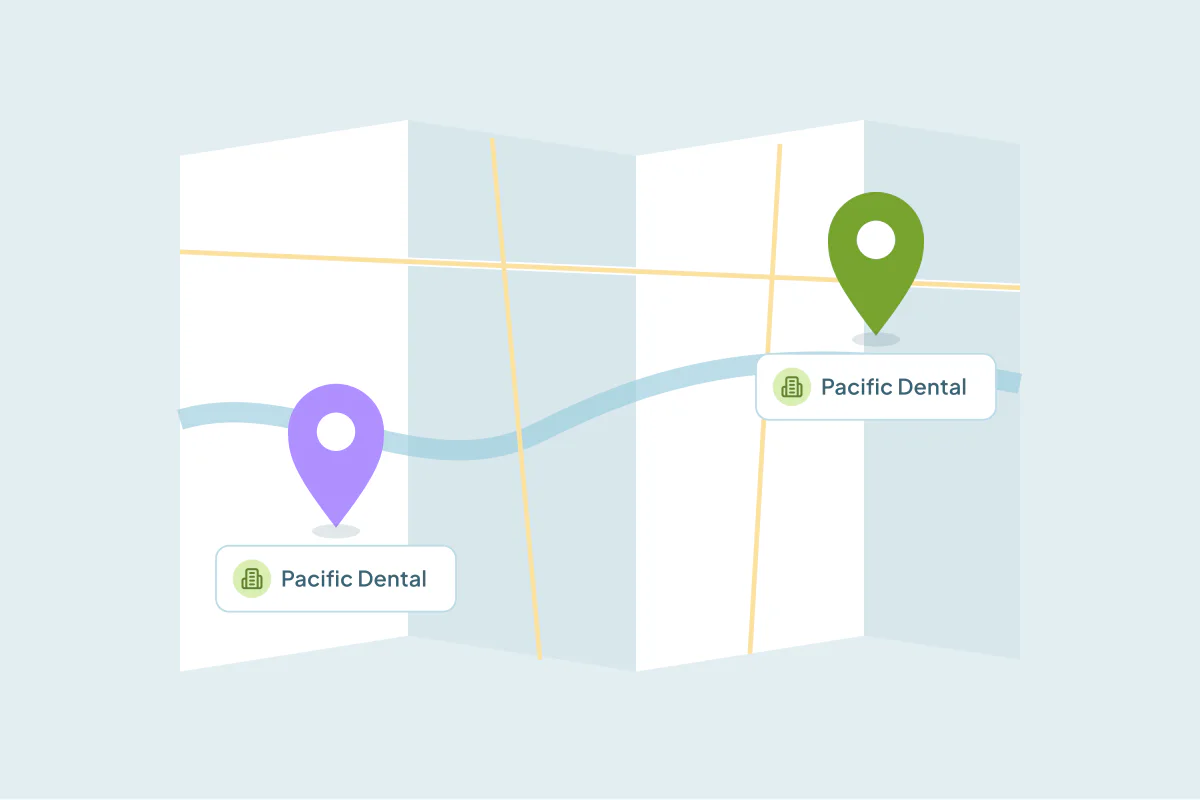
A name match is one of the most common ways to find duplicates. It's also one of the easiest ways to merge the wrong records. When two records share a name but list different addresses, they can be the same person who moved, two people with the same name, or two branches of the same company.
The address is the field that tells you which. This post covers how to read it, how to keep different-address pairs out of your merges and when to merge them anyway.
What a different address usually means
Read the address alongside the record type.
- Two companies, same name, different cities. Often two branches, two franchise locations or two unrelated businesses with a common name. Many teams keep these separate.
- Two contacts, same name, different cities. Either two people or one person who moved. The dates and email settle it.
- Same city, slightly different street. Often the same address written two ways ("Suite 200" vs "Ste. 200"), so probably the same record.
- One address filled in, one blank. The blank tells you nothing. Decide on other fields.
When to keep them apart
Keep records separate when the address is the only thing that tells them apart and it points to two places that both matter.
For companies, that's usually a decision about structure. If each location buys separately, has its own contacts or its own deals, two records reflect how you sell. Merging them puts all of it under one address. How to keep global accounts straight in your CRM covers how to decide between one record per location and one per company.
For people, keep them apart when other fields disagree too: different emails, different phones, different employers.
When to merge them anyway
Merge when the evidence says it's one person or one company that moved. Signs:
- The same email or phone on both records.
- One record is older and has gone quiet, while the newer one is active.
- The old address matches where the company used to be, and the new one where it is now.
When you merge, make sure the current address wins, and that its street, city and postal code come from the same record. Mixing the street from one record with the city from the other creates an address that doesn't exist.
How to keep different-address pairs out of your merges
You have two options, and many teams use both.
Match on the address too
Add the address, or the city and postal code, to the search. Then only records with the same name and the same location pair up. This is the safest search to merge from, but it misses people who moved.
Filter instead of matching
Match on name, and add a filter on the address field so the search only includes records with no address. Records that are missing data still come through, while pairs with two filled-in addresses stay out, so two locations never pair up in that search.
Whatever you leave out, review it by hand on a separate search. Those are the pairs most likely to be judgment calls.
| Situation | What to do |
|---|---|
| Same name, same address | Merge with confidence |
| Same name, one address blank | Merge after checking email or phone |
| Same name, different address, same email or phone | Probably one person or company that moved; review, then merge |
| Same name, different address, nothing else shared | Keep apart, or review by hand |
How to keep records with different addresses apart in Dedupely
In Dedupely, filters work on any synced field, so you can match on name and filter on the address field to control which pairs appear. A filter's "Applies to" setting lets you require that all, one or more, or only one record in a match meets the condition. A filter can't use "is blank" on a field the search already matches on, so filter on the address only when you aren't matching on it.
When you do merge, a suggested Merge Rule can take all address parts from the same record, so the street, city and postal code stay together. Pairs that turn out to be two places can be rejected, and they stay out of future searches.
Let the address make the call
A shared name gets two records into the same match. The address decides what to do with them. Same address, merge. Different address, look for a shared email or phone before you merge, and keep separate locations separate when they sell separately.
Build one strict search to merge from and one looser search to review, and the different-address pairs never merge without someone looking.
Frequently asked questions
Should I merge contacts with the same name but different addresses?
Only if another field, like email or phone, shows they're the same person. Without that, they're as likely to be two people as one person who moved.
Are two companies with the same name in different cities duplicates?
Sometimes. They can be one company that moved, two branches or two unrelated businesses. If each location buys separately, many teams keep one record per location.
How do I keep different addresses from merging automatically?
Either match on the address too, or match on name and filter the search to records with no address. Review the pairs you left out on a separate search.
What if one record has an address and the other doesn't?
A blank address doesn't tell you anything. Decide on email, phone and activity. If those agree, merge and keep the filled-in address.
How do I keep the right address when I merge?
Make the current address win, and take every part of it, street, city, region and postal code, from the same record. Otherwise the merged record can end up with an address that doesn't exist.




 Or sign up with Google

 HubSpot Marketplace