 Dedupely Intelligence




TL;DR
- An ID from another system, like an ERP customer number, can be a precise match field.
- It only works if every record that should match has the same ID, written the same way.
- Account-level IDs on contacts group colleagues together, so pair them with a person field.
- Keep the record your other system points to, or its sync may create the duplicate again.
- In Dedupely, you can match on your ID field and review those matches before they merge.
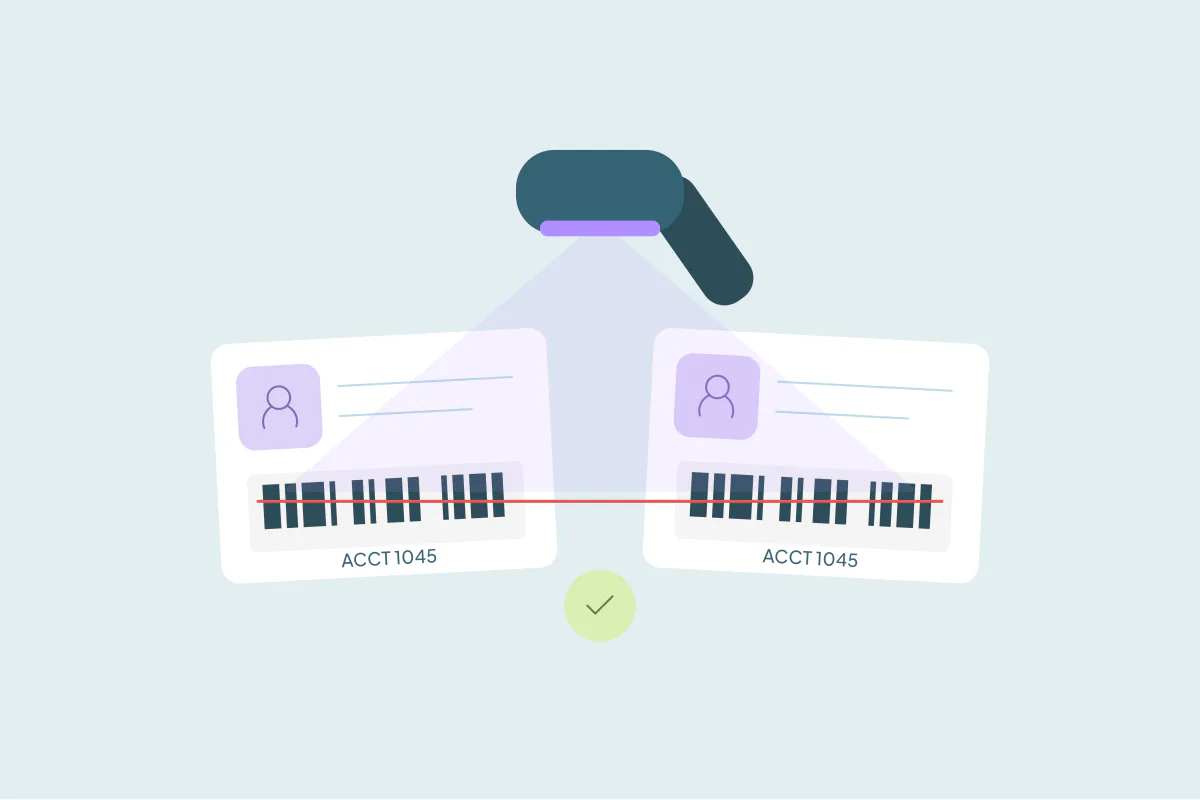
An ID from another system is often the most precise field you can match on. If your ERP, billing tool or licensing database gives each customer one number, two CRM records with the same number are very likely the same customer.
The catch is that the ID has to be consistent. A number typed with a prefix on one record and without it on another won't match exactly. And an ID that belongs to a company, not a person, will group everyone who works there.
This post covers which IDs work as match fields, how to check one before you rely on it, and how to merge the records it finds without breaking the sync that brought the ID in.
Which IDs make good match fields
Any ID that another system assigns to one customer, and only one, can work. Common ones:
- ERP or accounting customer numbers. The number your finance system uses for a customer account.
- Billing or subscription IDs. The customer ID from the tool that charges the card.
- Tax or VAT numbers. Useful for companies, as long as subsidiaries don't share one.
- License or registration numbers. Advisor numbers, practice IDs and similar numbers in regulated industries.
- Your own product's user or account ID. When sign-ups sync from your app to the CRM.
What these have in common is that a person or system outside the CRM created them. A rep didn't type them from memory, so they're less likely to contain typos than a name or a phone number.
Check the ID before you trust it
Before you build a search on an ID, look at how it's stored. A few checks save a lot of cleanup later.
Is it written the same way everywhere?
Look at a sample of records. If some IDs have a prefix ("CUST-1045"), leading zeros ("001045") or spaces, and others don't, an exact comparison treats them as different values. Standardize the format first, or fix the integration that writes it.
Does it belong to a person or to a company?
This is the most common mistake. An ERP customer number usually identifies an account. If that number is copied onto every contact at the customer, matching contacts on it groups everyone at that company into one duplicate set.
For companies, the account ID can be enough on its own. For people, combine it with a person field, like email or first and last name.
How many records are blank?
Records without the ID can't match on it. That's useful, because blanks never cause a false match, but it also means the search only covers part of the database. If half your records have no ID, you'll need a second search on other fields for the rest.
Can two real records share it?
Some IDs are shared on purpose. A parent company and its branches may sit under one tax number, or a billing account may cover several business units. Decide whether those should be one record before you merge them.
| ID | Match it on its own? | Watch for |
|---|---|---|
| ERP customer number | Companies: often yes. Contacts: no, add a person field | The same number copied to every contact |
| Billing or subscription ID | Usually yes | One customer with several subscriptions |
| Tax or VAT number | Companies, with care | Subsidiaries and branches sharing a number |
| License or registration number | Usually yes, for people | Old and new numbers after a renewal |
| Product user ID | Yes, for people | Test and internal accounts |
Review ID matches before you automate them
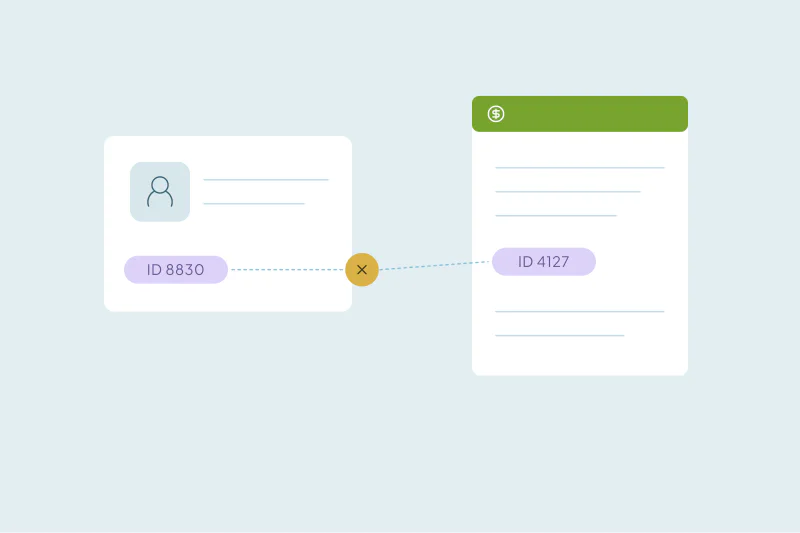
Even a clean ID can be wrong once in a while. A rep pastes a number into the wrong record, or an import maps the ID column to the wrong field. When that happens, two different customers share an ID, and a merge would combine them.
That's why matches built on an outside ID are worth reviewing before they merge. Go through the first sets by hand, reject anything that isn't a real duplicate and look for patterns in the false ones. Many teams keep ID matches in a review step for good, so a person approves each merge.
Decide which record survives
Once you know two records are the same customer, the record you keep matters more than usual. The other system is pointing at one of them.
If your ERP or billing tool syncs to a specific CRM record, keep that record as the primary one. Otherwise the next sync may not find the record it expects and create a new one, and your duplicate comes back. What happens to workflows and record IDs when you merge covers how record IDs change in each CRM.
Then check the ID field itself. If the duplicates hold different IDs, decide which one wins before you merge, so the surviving record keeps the number the other system uses.
How to match duplicates on an outside ID in Dedupely
In Dedupely, you can match on any synced field, including a custom ID field, and set it to Exact so only identical values pair up. Add a person field like email when you're matching contacts on an account-level ID. Blank values never match, so records without an ID stay out of the search.
The Dedupely Knowledge Base treats matches on a tax ID or an ERP customer number as complex matches: it suggests Auto Match with Manual Review, so you're notified of new matches and a person approves each merge. Merge Rules let you choose which record survives and which value wins in each field.
A precise field still needs a check
An ID from another system can find duplicates that names and emails miss, because it was assigned outside the CRM. It's only as good as its consistency, though. A format difference hides real matches, and an ID copied to the wrong record creates false ones.
Check how the ID is written, whether it belongs to a person or a company and whether anyone shares it. Then review the matches before they merge, and keep the record your other system points to.
Frequently asked questions
Can I find CRM duplicates using an ERP customer number?
Yes, if the number is written the same way on every record. Two records with the same ERP number are very likely the same customer. Check for prefixes, leading zeros and blanks first, and add a person field when you match contacts.
Should I merge records with the same customer ID automatically?
Review them first. An ID typed into the wrong record makes two different customers look identical. Merge a sample by hand, reject the false matches and keep a review step for new ones.
Why does matching on our account number group every contact at a company?
Because the number identifies the account, not the person. If it's copied to each contact, every contact at that customer shares it. Match contacts on the account number plus email or name.
Which record should I keep when two duplicates have the same ERP ID?
Keep the one your ERP or billing tool syncs with. If you keep the other, the next sync may not find its record and create a new one, which brings the duplicate back.
What if two duplicates have different IDs?
Then the IDs alone won't match them, and one of the numbers is probably wrong or old. Match them on other fields, check which ID the other system uses and make sure that value wins in the merge.


 Or sign up with Google
 HubSpot Marketplace