Stop calling the Leads you’ve already sold.
Spot the same prospect on arrival
Forms and imports and integrations all land in the Leads Inbox. The same prospect arrives several times before anyone qualifies the first. Nobody trusts a queue like that.
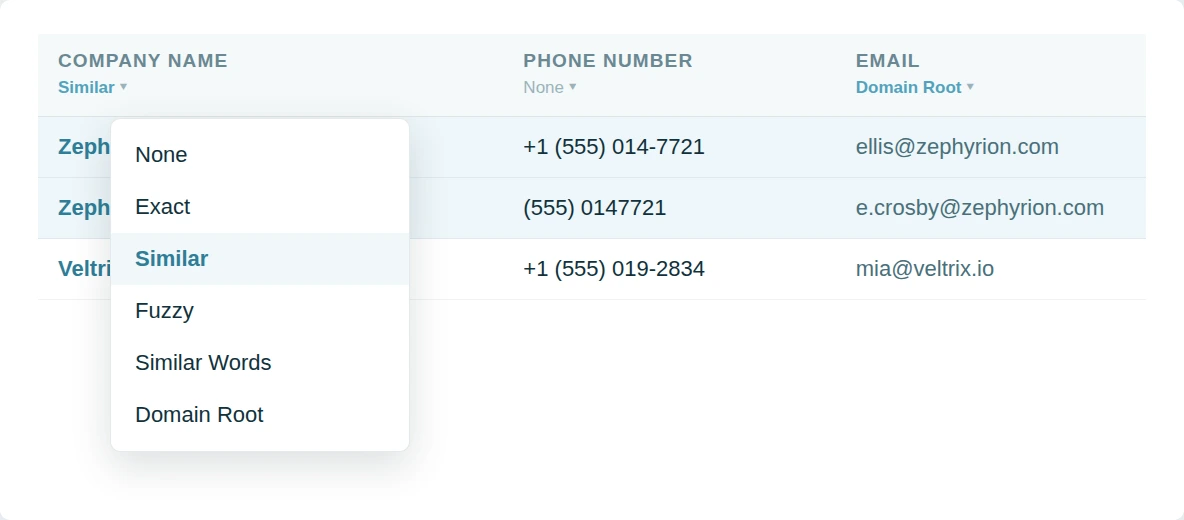
Dedupely matches duplicate leads in Pipedrive on title or organization or email or any field.
Clear the inbox in one pass
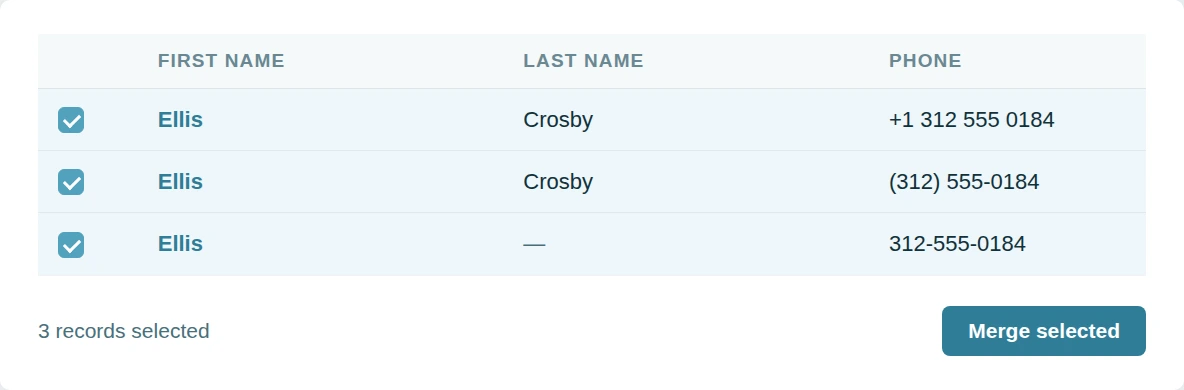
Opening each pair and merging it by hand is why the inbox never empties. The clicking takes hours. The hours never come.
Dedupely groups every matching lead and merges duplicate leads at once.
Leave archived leads alone
Archived leads cannot be updated or merged. A cleanup that ignores that quietly resurrects them. Then the archive fills again.
Dedupely treats archiving like deleting so an unarchived lead comes back on its own.

Merge duplicates by object in Pipedrive
- PeopleReps check twice before calling, in case the record is stale.
- OrganizationsOne company, three records, deals spread across all of them.
- DealsEvery repeat enquiry opens another deal on the same buyer.
- LeadsThe Leads Inbox fills faster than anyone clears it.
- ProductsOne product on two lines splits what it actually earned.


Merge Pipedrive duplicates in 5 minutes
Three steps from account to first merge
-
Connect your account
One click CRM connection.
-
Match any field
Finds matches no matter how messy.
-
Merge your duplicates
Bulk, single, or Auto Merge.

Pipedrive customer stories
How other teams cleaned up their duplicates
- 3,000+ duplicate records merged How a Wellness App Stopped Sales Reps from Calling the Same Prospect by Merging 3,000+ Duplicate Pipedrive Records with Dedupely Read the story
- 2,000+ duplicate records merged How a Moving Company Stopped Cleaning Up Duplicate Pipedrive Leads by Hand Every Day, with Dedupely Read the story
- 58,000+ duplicate records merged How a SaaS Company Merged 58,000+ Duplicate Pipedrive Records Created by Its Migration from HubSpot, with Dedupely Read the story
20,000+ businesses
feel the magic










"Great support. They are on top of things, and answer questions very quickly."

"Works really well, support is A++++++"

Questions about duplicate leads in Pipedrive

The Leads Inbox. Leads are a separate object in Pipedrive, and duplicates there do not appear in a deal search at all.
A converted lead is a deal, so it falls outside the lead search. Run a deal search to catch duplicates created that way.
Yes, as well as on the lead's own title, value and custom fields.
Web forms, imports and integrations each create their own lead. Auto Match watches for new ones so the inbox does not quietly refill.
Get started for free
20 free trial merges and as much free support as you need to get your duplicates under control.


A Grogan-Crane
HubSpot User
 HubSpot Marketplace
 Running CRM cleanup for clients? See the Partner Program












