


TL;DR
- Placeholder values are stand-ins typed when the real value is unknown, like test@test.com.
- Records that share a placeholder can look like duplicates even when they're unrelated.
- A very large duplicate set is often a sign that a placeholder caused the match.
- Placeholders should be left out of matching and never win a merge.
- Dedupely holds back matches built on poor or example data from merging by default.
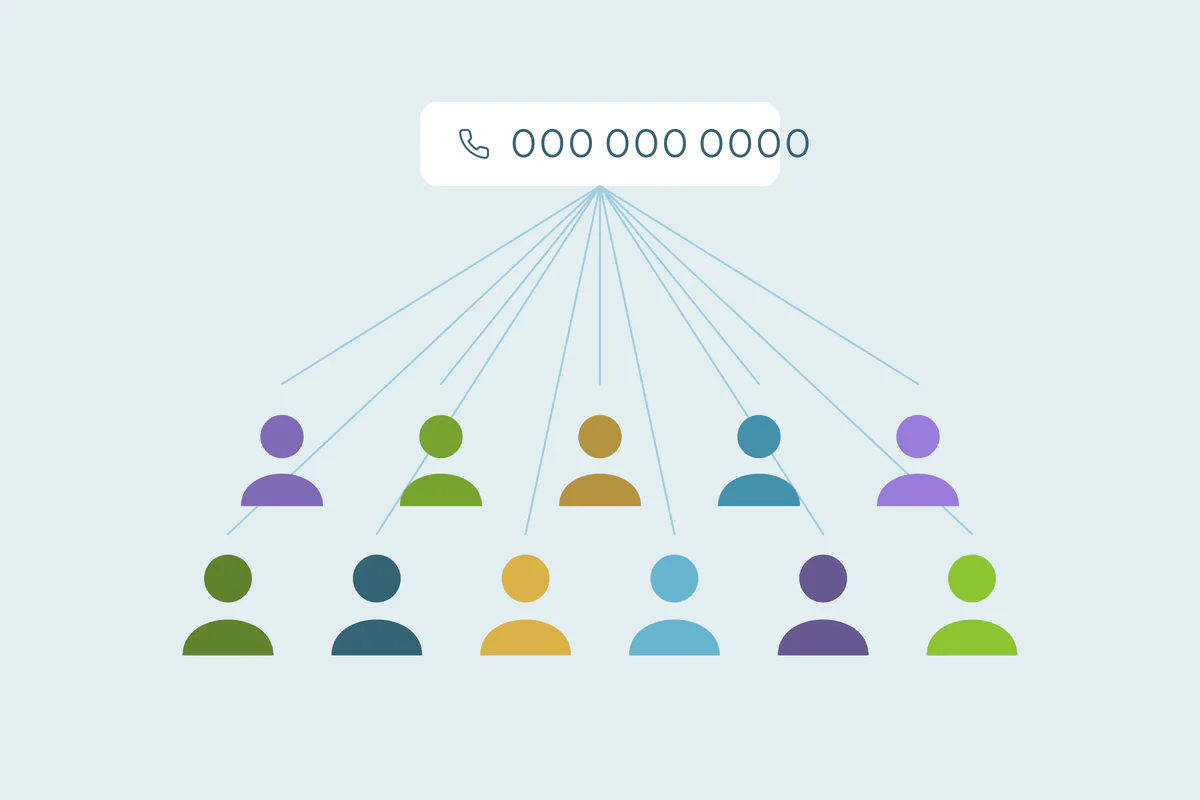
You run a duplicate search on phone numbers and one set holds 400 contacts. They have different names, different companies and different emails. What they share is the phone number 0000000000.
That number is a placeholder: something a person or a tool typed because the field needed a value. Placeholders are harmless one at a time. In a duplicate search, they pull unrelated records into one set, and in a merge they can overwrite real data.
In this post, you'll see the common placeholder values, where they come from and why they cause false matches. You'll also see how to spot them, leave them out of matching and keep them from winning a merge.
What placeholder values look like
A placeholder is any value that stands in for missing information. Some are obvious, and some look like real data until you see how often they repeat.
| Field | Common placeholders |
|---|---|
| test@test.com, noemail@company.com, none@none.com, an address built from a phone number | |
| Phone | 0000000000, 1234567890, 12345678910, 5555555555, the company's main line |
| Name | John Doe, Test Test, Unknown, N/A, "-", a single letter |
| Company | N/A, None, Individual, Self-employed, "Marketing Team" |
| Owner | An integration user, a former employee, a shared "Sales" user |
Some of these are context dependent. "Self-employed" can be a real answer, and a company's main line is a real number. What makes them placeholders is that they say nothing about who the record is.
Where placeholders come from
Causes vary by team and by system. These come up often.
Required fields
When a form or a CRM layout requires a phone or email, people type something to get past it. A rep on a call or a store employee with a walk-in customer may type a dummy value instead of asking.
Integrations filling gaps
Some connected tools fill empty fields with a stand-in. Phone apps may name an unknown caller "Unavailable" or build an email from the number. Imports can turn empty cells into "N/A" or "0."
Test records
Anyone setting up a form, a workflow or an integration creates test records. Many use the same values every time, so dozens of "Test Test" contacts can collect over the years.
Shared values that are real
A reception number, a generic inbox or a team name like "Marketing Team" is real, but it's shared by many people. In matching, it behaves like a placeholder.
Why placeholders cause false matches
Matching looks for records that share values. A placeholder is a value many records share for no reason. An exact match on it groups records that have nothing else in common.
The effect grows with every record that carries it. One placeholder phone can create a single set with hundreds of records. If that set is merged, hundreds of people become one record, and that kind of merge can't be undone in many CRMs.
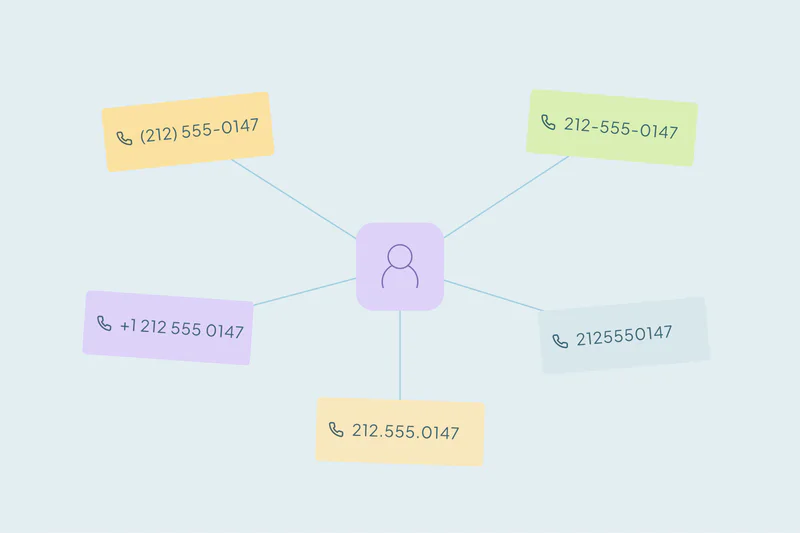
Placeholders also hide real duplicates. Two records for the same person, one with a real phone and one with 0000000000, won't match on phone at all. How matching handles these values is covered in our post on how duplicate matching works.
What counts as a duplicate is case by case. Two records sharing "Marketing Team" might be one shared contact for one team, or two different companies. Decide which before you merge anything that shares it.
How to spot placeholder values
Look at the size of each duplicate set
Real duplicates often come in twos and threes. A set with dozens or hundreds of records is a warning sign. Open it and look at which value the records share.
Count how often each value appears
Sort or group a field and count each value. A phone number on 300 records, or a name on 80, is rarely one person. Our post on how to find out how many duplicates your CRM has explains why a sample of each result matters.
Watch for patterns
Repeated digits, sequences like 123456, the word "test," and very short values like a single letter are common placeholders. So are emails at your own domain for people who don't work there.
How to handle placeholders in deduplication
Leave them out of matching
Keep a list of the placeholder values you've found and leave records holding them out of the search for that field. They can still match on other fields, like name plus company.
Match on a second field
A phone match is safer when the last name or company matches too. A placeholder rarely repeats across two fields for the same unrelated records. Our guide on which fields to match on covers how to combine them.
Keep them from winning a merge
When real duplicates merge, a placeholder can overwrite a real value. A rule that keeps the newest value can pick "Unknown" over a real name if the placeholder record is newer. Set rules so known placeholders always lose, and preview a few merges first.
Delete what's only test data
Records created for testing, with nothing real attached, don't need to be merged. Check that nothing is linked to them, then delete them.
Reduce them at the source
Make fields optional where a fake value is worse than a blank one. Tell staff a blank is fine, and check how each integration fills empty fields.
Placeholders aren't the only reason unrelated records match. Subsidiaries, branches and shared inboxes are real related records, covered in related records that look like duplicates.
How Dedupely keeps placeholder values out of your merges
By default, Dedupely holds back sets with more than 20 records and matches with poor or example data, like test@test.com or John Doe. You can filter known placeholder values out of a duplicate search and set rules for which value wins, so placeholders never overwrite real data. Held-back sets can still be merged by hand, rejected or sent to review.
A shared value isn't always a shared person
Placeholder values exist because people and tools need to fill a field. In a duplicate search, they make unrelated records look alike. In a merge, they can replace real data or combine hundreds of people into one.
Spotting them starts with unusually large sets and values that repeat too often. Leaving them out of matching, pairing every match with a second field and keeping placeholders from winning keeps your merges about real duplicates.
Frequently asked questions
Why does my duplicate search group unrelated records together?
Often because they share a placeholder value, like a dummy phone number or test@test.com. An exact match on that value groups records with nothing else in common. Check which value the records in a large set share, and leave known placeholders out of the match.
What are placeholder values in a CRM?
They're stand-ins typed when the real value is missing, like 1234567890 for a phone, John Doe for a name or test@test.com for an email. They come from required fields, test records and integrations that fill gaps. They say nothing about who the record is.
How do I find fake phone numbers in my CRM?
Count how often each phone number appears. A number on dozens or hundreds of records is likely a placeholder or a shared main line. Also look for repeated digits, sequences like 123456 and numbers that are too short to be real.
Should I merge records that share test@test.com?
Usually not as duplicates of each other. Records sharing a test email are often unrelated people or test records. Delete the pure test records after checking nothing is linked to them, and match the rest on other fields, like name and company.
How do I stop placeholder values from overwriting real data?
Set rules so known placeholder values always lose in a merge, whatever their date. A rule that keeps the most recent value can pick a placeholder if that record is newer. Preview a few merges before running the rest to confirm real values survive.




 Or sign up with Google
 HubSpot Marketplace











