


TL;DR
- Companies run several CRMs after an acquisition, or for separate teams, regions or clients.
- Each CRM can collect its own duplicates, and one customer can exist in several CRMs.
- A customer in two CRMs counts as a duplicate only if your team decides it does.
- Deciding what each CRM is for shows which overlaps between systems are expected.
- Dedupely cleans each connected CRM in its own workspace, and synced HubSpot–Salesforce records in both CRMs.
Plenty of companies run more than one CRM. One came with an acquisition, support works in a different system from sales, or each region chose its own. Agencies and consultants work in a different CRM for almost every client.
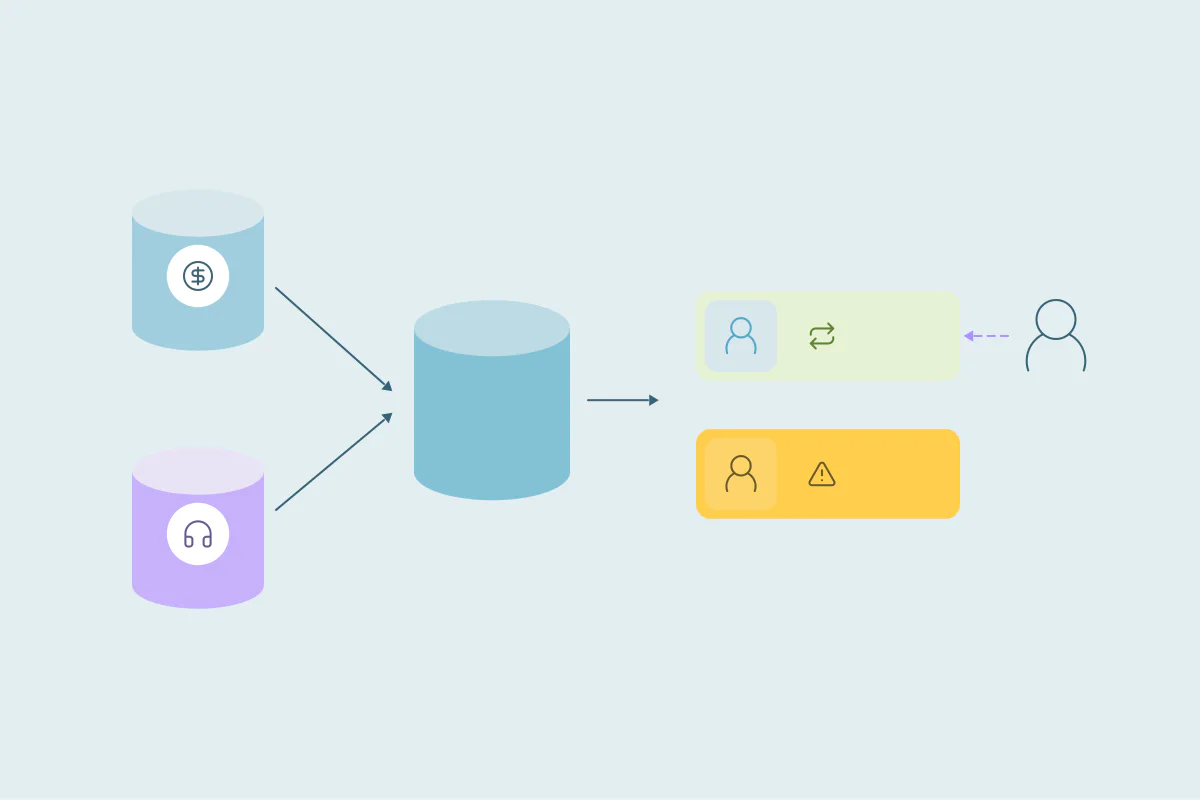
Each of those CRMs can collect its own duplicates. On top of that, the same customer can live in two or three systems at once, with different owners and different data. Whether that's a problem depends on what each system is for.
In this post, you'll see the two kinds of duplicates several CRMs bring and how to handle each. You'll also see how to decide when an overlap counts as a duplicate. It covers both the team running the CRMs and the consultant cleaning them.
Why companies end up with more than one CRM
Few teams plan to run several CRMs. It tends to happen one decision at a time, and each situation brings its own kind of overlap.
| Situation | Where overlap shows up | What to decide first |
|---|---|---|
| After an acquisition | Shared customers exist in both companies' CRMs, often with different owners | Whether to keep both systems or move into one |
| Separate teams, like sales and support | The same customer is a contact in both systems | Which system owns which fields, and whether the systems sync |
| Regions or business units | Global customers appear once per region | Whether a customer served by two regions is one record or two |
| Agencies and consultants | Each client's CRM has its own duplicates | Each client's definition of a duplicate |
Two kinds of duplicates: inside each CRM and across them
When you run several CRMs, duplicates come in two kinds. Each one needs a different decision.
Duplicates inside each CRM
Every CRM can collect duplicates from its own forms, imports and integrations. Running two systems means two sets of duplicates, with two sets of sources.
These are the same duplicates any single-CRM team deals with, and the ones to fix first. Merge each side on its own, and later you're comparing one record against one.
The same customer in several CRMs
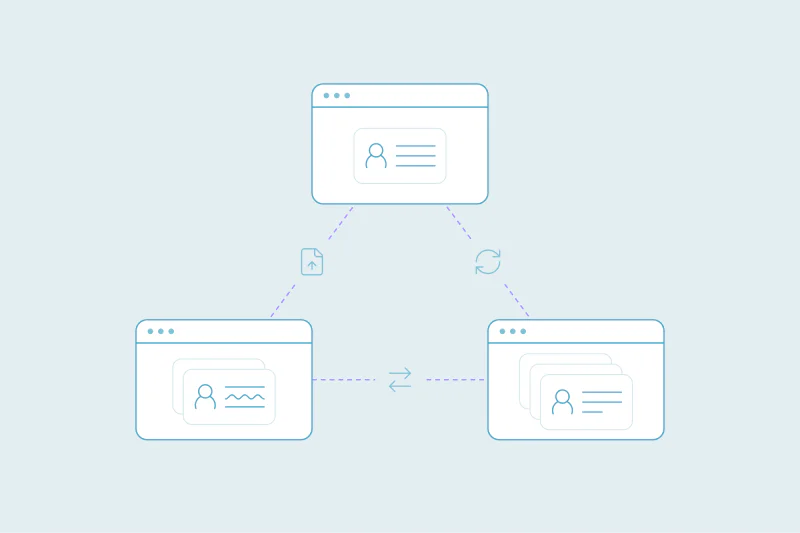
The second kind only exists because there's more than one system. A customer can be a contact in the sales CRM and a contact in the support CRM at the same time.
Whether that's a duplicate is case by case. For a team that keeps sales and support apart on purpose, two records are expected. For a team that reports on both systems together, the same customer counted twice inflates every number.
Decide what each system is for
Whether an overlap is a duplicate depends on the job each CRM does. Answer these before you match anything across systems:
- What each CRM is for: selling, supporting customers, serving one region or one client.
- Which system is the source of truth for each object, or for fields like owner or lifecycle stage.
- Which field links records across systems, like email or domain, and whether every system fills it in.
- Which overlaps are expected, like a customer in both the sales and the support CRM.
Once each system has a clear job, the overlaps sort themselves into two groups. Expected overlaps stay as they are. The rest are duplicates to clean, or a sign that two systems are doing the same job.
When an overlap counts as a duplicate
A few signs suggest the same customer in two systems is a problem:
- Two teams work the same customer without knowing about each other.
- Reports that combine both systems count the customer twice.
- Owner, consent or contact details differ, and nobody knows which one is right.
- Both systems hold the same kind of record, like two sales records for one account.
When none of these apply, the overlap may be exactly what your setup intends. A support record and a sales record for one customer can live side by side for years.
Clean inside each CRM first
Before you match anything, understand what makes a record a duplicate in each CRM and where records overlap. Two CRMs in one company can use the same fields very differently.
A support system may hold one contact per inbox, including shared ones like support@. A sales CRM may hold one contact per person. The same matching would give very different results in each.
Start with exact matches on the field that identifies each record, like email for contacts or domain for companies. Then move to looser criteria, like name and company. If you're certain two records aren't duplicates, reject the match so it doesn't come back in later searches.
When two CRMs sync with each other
A sync changes the picture, because a merge in one system has to make sense in both. In a HubSpot–Salesforce sync, merging on only one side breaks the link between the records. Our post on merging duplicates with the HubSpot–Salesforce integration on covers how to handle that.
If you're a consultant: keep each CRM on its own
Consultants and agencies often work in several CRMs at once, one per client or several for one client. Each one needs its own definition of a duplicate.
Agree on the definition per CRM
What one client sees as a duplicate, another may not. A franchise client may want every location kept apart. A software client may want every user from one company under one account.
Write down the definition for each client before you build any matching. It saves rework when results reach the client for review.
Keep client data apart
Never combine data from different clients to find duplicates, even when the same companies show up in both. Each client's CRM is its own dataset, with its own owners and its own rules.
For a client with several CRMs, clean each one first. Then help the client decide what each system is for, so the overlaps they keep are ones they chose.
How Dedupely handles duplicates when you run several CRMs
Dedupely connects several CRMs, each in its own workspace, where you build duplicate searches and set rules for which value wins. It doesn't merge across CRMs, with one exception: when HubSpot and Salesforce sync, Dedupely merges the duplicates in both CRMs at once.
Several CRMs, one clear job for each
Running more than one CRM multiplies the places duplicates can form. It also adds a second question: is the same customer in two systems a problem at all? The answer depends on what each system is for and how your team reports on them.
Once each CRM has a clear job, expected overlaps stop looking like errors and real duplicates stand out. Cleaning each system on its own, starting with the obvious duplicates, gives you records you can trust in every one of them.
Frequently asked questions
How do you manage duplicates across multiple CRMs?
Clean each CRM on its own first, starting with exact matches on email or domain. Then decide what each system is for and which overlaps between them are expected. A customer in both a sales and a support CRM may be fine, and the rest are duplicates to clean.
Is a customer in two CRMs a duplicate?
It depends on how your team uses the systems. When sales and support keep separate CRMs on purpose, two records for one customer are expected. When two teams work the same customer unaware of each other, or combined reports count it twice, the overlap is a problem.
Which CRM should be the source of truth?
The one whose team owns the data in question, and it can differ by object or field. Sales may own deal stages and account owners, while support owns ticket history. Decide this per field before you merge or sync anything, so every system knows where each value comes from.
Should sales and support use separate CRMs?
That's a business choice, and both setups work. Separate systems mean one customer can exist in both, which is fine as long as each system has a clear job. What matters is agreeing on which fields link records and which system owns shared fields like owner or email.
Can you deduplicate several clients' CRMs at once?
You can work on several, but each client's CRM should be cleaned on its own, with its own definition of a duplicate. What one client sees as a duplicate, another may not. Never combine data from different clients, even when the same companies appear in both.




 Or sign up with Google













