



TL;DR
- Client cleanups need proof, because a finished cleanup only shows up as fewer records.
- Agree on what counts as a duplicate in writing, with one client decision-maker.
- Record counts per object before and after, and keep each merge's original values.
- With many client tools, clean data before it enters the CRM, then clean inside it.
- Dedupely finds duplicates with your criteria, previews each merge and records every merge's original values.
When you clean a client's CRM, you work in their data, with their tools, on their deadline. Some of you manage several clients' CRMs month after month. Others come in for one project, often before a migration or a launch. Either way, the part I hear about most is proving the work. A good cleanup leaves a smaller database that the client can't easily check. In this post, you'll see how to agree on criteria, keep a record of every merge and report results a client can trust.
Two kinds of client deduplication work
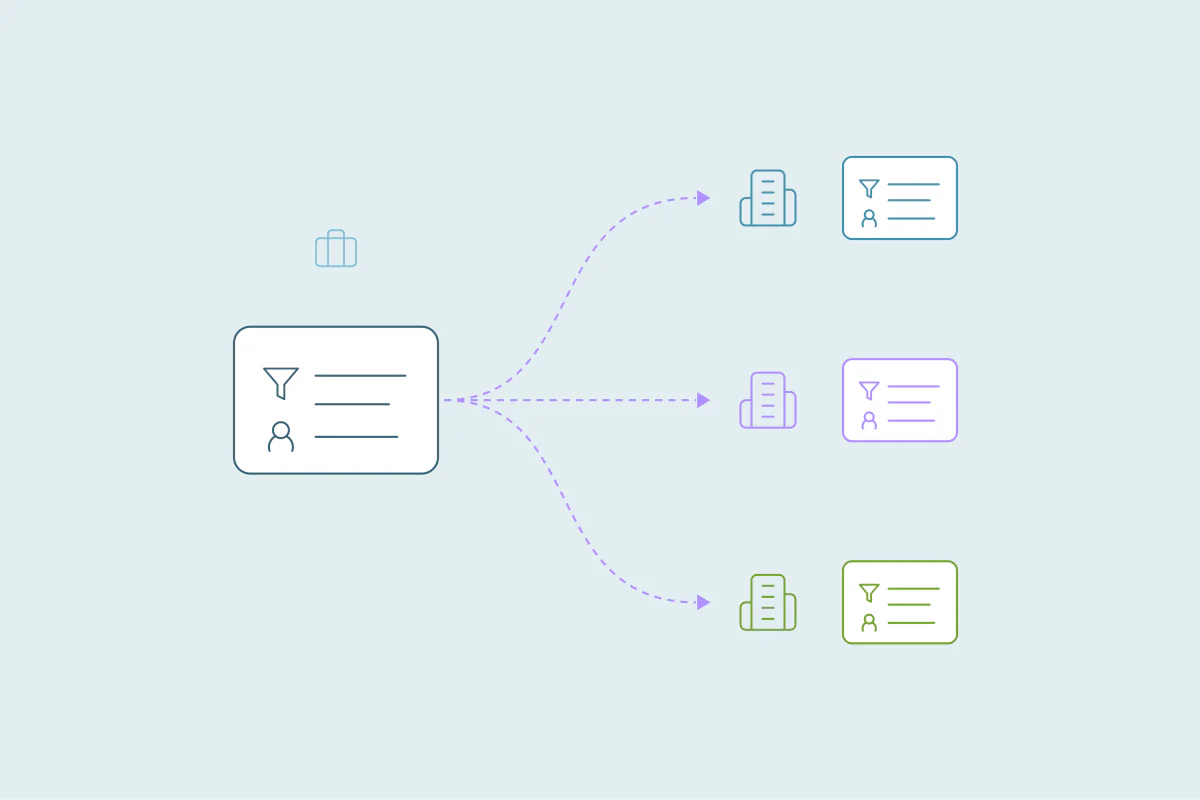
Agencies and freelancers who manage several clients' CRMs do recurring work. Each client has its own CRM, its own tools and its own idea of what a duplicate is. New duplicates keep arriving from forms, imports and integrations, so the job never fully ends.
Consultants on one-off projects work toward a date set by something else: a migration, an integration launch or the start of a contract. The project ends with a handover, and the client lives with every merge after you leave.
The two need different rhythms, and the same proof. In both cases, the client has to be able to see what you did and why.
Why proving the work is the hard part
A finished cleanup shows up as fewer records. The client sees their contact count drop by thousands and asks what went missing.
A single wrong merge is far more visible than a thousand right ones. A rep finds an account under someone else's name, or a phone number they used last week is gone. Without a record, you can't show what happened.
That's why I treat proof as part of the project from day one. Everything below works the same in HubSpot Contacts, Salesforce Accounts or Pipedrive People.
Agree on what counts as a duplicate before you merge
Every team defines duplicates a little differently. One client treats each branch office as its own company, and another wants one record per company everywhere.
Settle these questions with the client before anything merges, and put the answers in writing. They become your criteria, and later they're your answer to "why did these two merge?"
| What to agree | Why it matters to the client |
|---|---|
| What counts as a duplicate, object by object | Branches, regions and subsidiaries may need to stay separate. |
| Which record survives and which values win | Owner, lifecycle stage and email decide who works the account and who gets the commission. |
| Which sets go to review instead of merging in bulk | Key accounts, billing records and synced records carry the most risk. |
| Who signs off on the client side | One decision-maker keeps the criteria from changing mid-project. |
Show the before and after
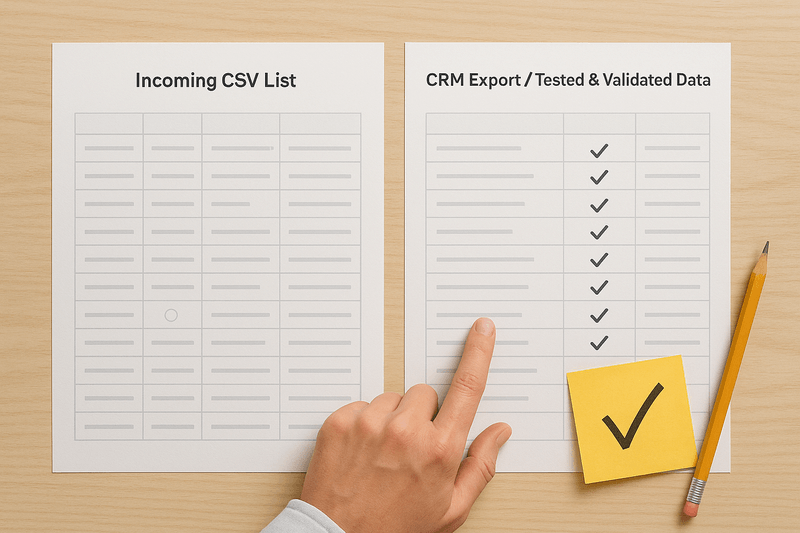
Take your "before" numbers before you change anything. Record the count of records per object, the number of duplicate sets each criterion finds, and where the duplicates came from.
Export the records you plan to merge, too. If a question comes up months later, you have the data as it was on day one.
Walk the client through a few merges before you run the rest. Show them the records going in, the values that win and the record that comes out. After the merge, take the same counts again so the before and after sit side by side.
Keep a record of every merge
For each merge, keep the original records, the winning values, the final result and a link to the merged record in the CRM. That's what lets you answer "where did this phone number go?" in a minute.
In many CRMs, a merge can't be fully undone. A merge record with the original values is how you recreate a record if a merge turns out to be wrong.
Hand the full record over at the end of the project. It shows the client what changed, and it protects you when someone asks about a merge after you've left.
Report results the client can use
A good report tells the client what changed and what to do next. I'd include:
- Duplicate sets merged and records removed, per object.
- Sets left for the client to review, and why each one needs a person.
- Sets you reviewed and rejected, because they're separate records.
- The sources still creating duplicates, with an example from each.
- What you recommend next, such as fixing a form or a recurring check.
Working across each client's tools
Every client brings a different stack: web forms, enrichment and prospecting tools, spreadsheets, and sometimes a second CRM. You can't deduplicate inside every one of them. An enrichment tool, for example, usually can't be cleaned on its side, and its data goes into the CRM anyway.
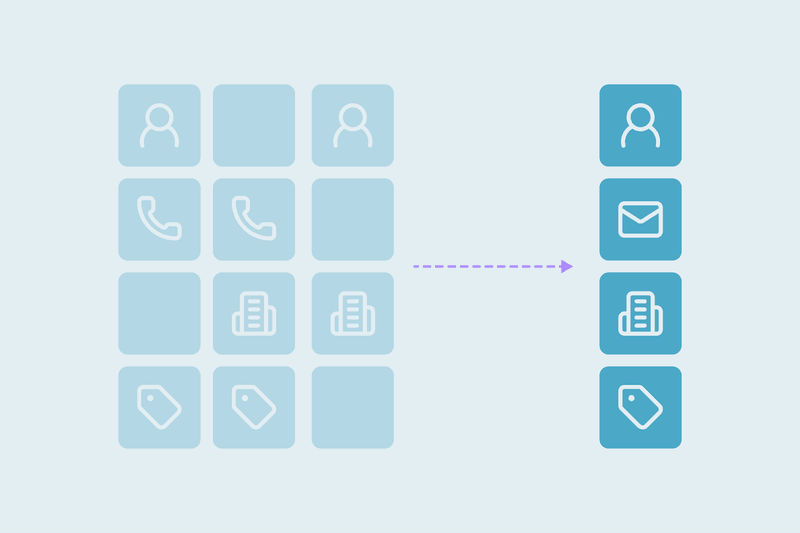
Clean data before it enters where you can: spreadsheets before import, and the old system before a migration. Then clean in the CRM for everything else. When two CRMs sync both ways, a duplicate exists on both sides, so the merge has to happen in both.
In the first week, list every tool that creates records for that client. It explains why duplicates keep coming back, and it turns your report into a plan.
For ongoing clients, automate what you're sure of
Once the backlog is clean and the client trusts your criteria, set the patterns you're most certain of to merge automatically. Records where three or four strong fields match, such as name, email and company, are good candidates.
Merging new duplicates automatically keeps them from spreading between your check-ins. Edge cases still go to review, on your side or the client's.
Send a short report on a regular schedule, monthly for most clients. The same numbers each time make the work visible long after the first cleanup.
How Dedupely helps you prove every client merge
Connecting a client's CRM to Dedupely never changes its data, and you preview every merge before it runs. Each merge is recorded with the original records, the winning values, the final result and a link to the merged record. You can export that history as a CSV, which is also how you recreate a record, since merges can't be undone.
If you work with clients regularly, there are two programs:
| Partner program | Affiliate program | |
|---|---|---|
| How it's set up | Your account is an umbrella. Each client sits below it, separate and independent from the others. | Your client buys their own subscription through your affiliate link. |
| Who runs the project | You, with full control of the deduplication project and the account. You can give clients access as admins or users. | Your client, with Dedupely's customer success team taking care of them. |
| What you earn | You charge clients what you want for deduplication, and get 15% off the tier you're placed in. Your tier is set by the total records across all your clients and their CRMs. | 15% commission on any subscription bought through your link, for as long as it's active. |
| Who supports whom | Dedupely takes care of you, and you take care of your clients. | Dedupely's customer success team takes care of the customer. |
Put the agreement in writing before you merge
Whether the work is recurring or a one-off project, a client cleanup comes down to proof. Criteria agreed in writing explain why records merged, and "before" numbers next to the same counts afterward show what changed.
A record of every merge, with its original values, ties the work together. It answers questions long after the project ends, and it's what the client keeps when you hand the work over.
Frequently asked questions
How do you prove the value of a CRM cleanup to a client?
Show the before and after with the same numbers: records per object, duplicate sets found and sets merged. Agree on criteria in writing, walk the client through sample merges, and log every merge with original and winning values. Then report what stayed for review and why.
What should a CRM deduplication report include?
It should include duplicate sets merged and records removed per object, sets left for review and why, and sets rejected as separate records. Add the sources still creating duplicates, with an example from each, and your recommended next steps. Repeat the same numbers in every report so the client can compare them.
How do you deduplicate a client's CRM without losing data?
Agree with the client on which record survives and which values win, then preview a sample of merges together. Export the records before merging and keep a record of each merge with its original values. Many CRMs can't fully undo a merge, so that record is how you restore anything.
What CRM deduplication approach works across multiple sales and marketing tools?
Clean data before it enters the CRM wherever a tool allows it, such as spreadsheets before import. Clean in the CRM for tools you can't clean on their side, like enrichment tools. When two CRMs sync both ways, merge in both systems at once.
How do you agree with a client on what counts as a duplicate?
Share samples of likely duplicate sets for each set of criteria, including borderline cases. Ask the client which sets to merge and which to reject, then adjust the criteria. Settle which values win and which sets always go to review, and get sign-off from one decision-maker.


 Or sign up with Google

 HubSpot Marketplace











