


TL;DR
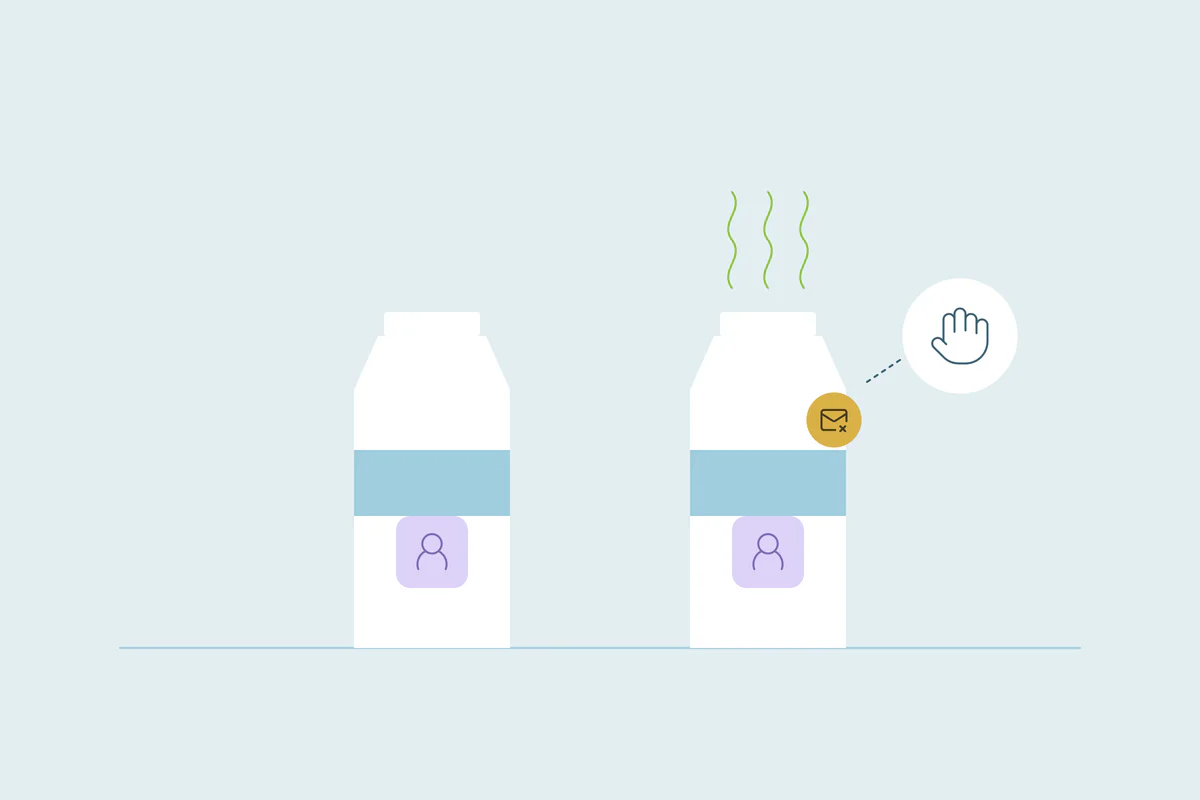
- Data decay is CRM data going out of date as people and companies change.
- A duplicate is a second record for the same person or company.
- Outdated records often stay in place while new records for the same people get created.
- Duplicates hide which record is current, so updates land on one record and miss another.
- Dedupely finds records that decay split apart and merges them, keeping the most recent values.
CRM data ages: people change jobs, emails and phone numbers, and companies move, rebrand and change their websites. The records that described them a year ago slowly stop being true.
Outdated data and duplicate data are often treated as two separate problems, with separate cleanups. In practice, each one makes the other worse. Old records stay in place, new ones get created next to them, and nobody can tell which is current.
In this post, you'll see what data decay is, how it differs from duplicates, and how the two feed each other. You'll also see the order that makes both easier to fix.
What is CRM data decay?
CRM data decay means stored values no longer describe the person or company. People change jobs and phone numbers, and businesses move or rebrand, while their old details remain in the CRM.
Duplicates and outdated records are different problems
A duplicate is a second record for the same person or company. An outdated record is a single record with values that are no longer true. One is about how many records exist, the other about whether their values are current.
| Duplicate record | Outdated record | |
|---|---|---|
| What's wrong | The same person or company exists more than once | The record's values no longer match reality |
| How it starts | Forms, imports, syncs and manual entry create a new record | Time passes and nobody updates the record |
| How you notice | Two reps call the same person; reports count customers twice | Emails bounce; calls reach the wrong person |
| How it's fixed | Merge the records, deciding which values win | Update, archive or delete the record |
The two often appear together, and that's where the trouble starts.
How data decay creates duplicates
When a person or company changes, the old record rarely changes with it. The next time they reach your CRM, they arrive with new details, and the new details don't match the old record.
A new email address
Someone moves to a new job or starts using a different address. Their next form submission or sign-up comes in with an email the CRM hasn't seen, so it creates a new contact. The old one stays where it was.
A new company name or website
A company rebrands or moves to a new domain. Records that arrive with the new name or website don't match the old company record, so a second company appears.
A new phone number or address
A rep can't find a customer by their current number or office, so they add a new record by hand. The customer was there all along, under details that went out of date.
Old lists coming back
An old export, an event list or a purchased list can bring back values that were already replaced. If they're imported without matching, they create records next to the current ones.
These are common causes, and there are others. Why a CRM keeps creating duplicates is case by case, as we cover in why your CRM keeps creating duplicates.
How duplicates hide data decay
Once a person or company has two records, it's hard to tell which one is current. That makes decay harder to see and harder to fix.
Updates land on one record
A rep updates the phone number on the record they found. Marketing updates the email on the record they found. Each record ends up with part of the current truth, and neither is complete.
Old values keep being used
Workflows, sequences and reports run on whichever record they pick up. If that's the outdated one, emails bounce, calls go to the wrong number and the owner may be someone who left.
The wrong record can win a merge
When the records are finally merged, the result depends on which values win. A merge that keeps the oldest values can bring outdated data back over the current details.
Fix duplicates first, then outdated data
The order matters. If you update outdated records before deduplicating, you may update one record and leave its duplicate behind. Merging first gives each person or company one record to keep current.
Start with the obvious duplicates
Begin with exact matches on the field that identifies each record, like email for people or domain for companies. These are the least risky to merge, and each set removes noise for the next step.
Keep the values you can verify
A recent record can still contain an old address or a placeholder. Choose the source you trust for each field, confirm contact details where possible, and keep original-source and consent fields under their own rules. A record's update date is not proof that every value on it is current.
Then decide what to do with outdated records
Once each person or company has one record, look at what's still out of date. Some records can be updated. Others, like contacts who left with no forwarding details, may be better archived or deleted under your own data policy.
Repeat on a schedule
Decay doesn't stop, and neither do new duplicates. A regular cleanup keeps both small. We cover the timing in how often to deduplicate your CRM.
Why waiting makes both worse
Each month of decay adds outdated values, and each outdated value makes the next new record less likely to match. Duplicates grow, and the records that should hold the current truth drift further apart.
The cost shows up in bounced emails, wrong owners and reports nobody trusts. That's why we argue against leaving deduplication for later.
How Dedupely keeps current data when merging duplicates
In Dedupely, build searches for confirmed duplicates and set rules for which value wins field by field. Choose a trusted source for current contact details and separate rules for original source and preferences. Preview the result; a recent record update does not establish that all of its values are newer.
Two problems, one cleanup order
Data decay and duplicates start differently, but they feed each other. Outdated records stay in place while new ones are created next to them, and duplicates hide which record holds the current truth.
Merge confirmed duplicates with the values you can verify, then update or retire what remains outdated. If the available data cannot establish identity, resolve that uncertainty before merging.
Frequently asked questions
What is data decay in a CRM?
Data decay is CRM data going out of date, as people change jobs, emails and phone numbers, and companies move, rebrand or change websites. The records still exist, but some of their values no longer describe the real person or company. It happens to any database over time.
What is the difference between duplicate data and outdated data?
A duplicate is a second record for the same person or company. Outdated data is a single record with values that are no longer true. Duplicates are fixed by merging, deciding which values win, while outdated records are updated, archived or deleted.
Does data decay cause duplicate records?
It can. When a person or company changes their email, name or website, their next form, import or sign-up may not match the old record. The CRM then creates a new record, and the outdated one stays in place next to it.
Should you remove outdated records or merge them?
Merge an outdated record only after confirming it belongs to the same person or company as the current record. Choose verified values field by field and check what history your CRM preserves. Update, archive or delete other outdated records under your data policy.
How do you stop CRM data from going out of date?
People and companies keep changing. Regularly review confirmed duplicates, update verified contact details and retire unreachable records under your data policy. Choose merge values by field and trusted source rather than assuming the newest record is always right.



 Or sign up with Google
 Pipedrive Marketplace











