

TL;DR
- Multi-location duplicates often start when each location adds the same customers on its own.
- A customer served by two locations can be one record or two, depending on your business.
- Branches that share a name or phone number aren't always duplicates of each other.
- Cleaning within each location before matching across locations keeps early merges safer.
- Dedupely finds duplicate customers and locations in a shared CRM and previews each merge.
Clinics, franchises, branches and regional offices often share one CRM. Each location brings in its own customers, often through its own staff, forms and local tools.
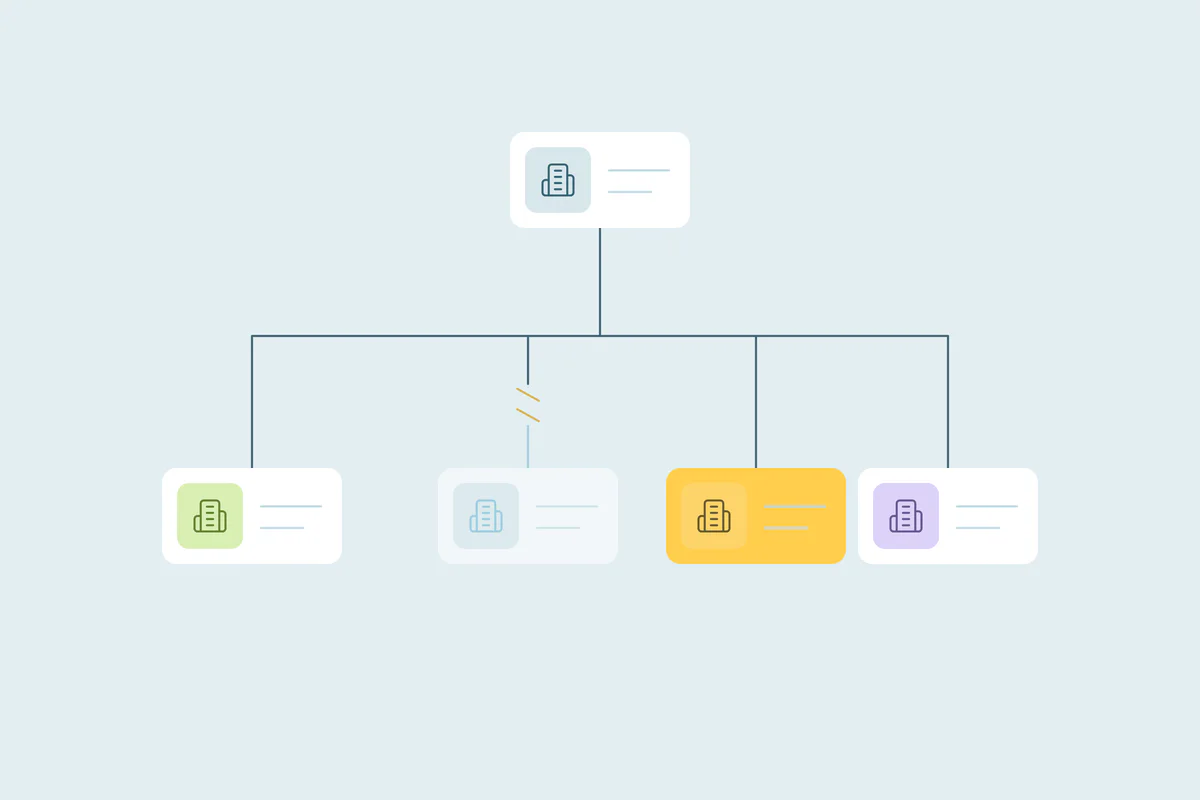
That setup gives the business one view of everyone it serves, until the same customer appears once per location. Location records can split too, when one branch is entered under two names.
In this post, you'll see where multi-location duplicates come from and what counts as a duplicate when locations overlap. You'll also see how to match customers and locations, and what to decide before you merge.
Where duplicates come from in a multi-location CRM
Every business runs its locations differently, so the causes vary. These come up often.
Each location enters its own customers
Front desk staff at each location create records as customers walk in, call or book. If they don't search for an existing record first, or search with a slightly different name, a second record appears.
Customers who visit more than one location
A customer who moves, travels or uses the branch closest to work can be served by several locations. Each visit can add a record with a different phone, address or spelling.
Local forms, booking tools and imports
Locations sometimes run their own booking tool, website form or spreadsheet. Each one sends records to the CRM its own way, and each can miss the record another location created.
New locations joining the CRM
When a new branch opens, or a franchisee joins, its existing customer list is often imported. Those customers may already be in the CRM from another location.
The location records themselves
Locations are often records too, as companies or accounts. One branch can be entered as "Downtown" by one team and "Main Street" by another, with the same address.
What counts as a duplicate across locations
What counts as a duplicate is case by case. What one business considers a duplicate, another may not.
One customer, several locations
A business that serves customers centrally may want one record per person, with a field for the locations they've visited. A franchise where each location owns its customer relationships may want one record per location.
Both choices are reasonable. What matters is deciding before anyone merges, so locations don't undo each other's work.
Branches that look alike
Two branches of the same business can share a name, a domain and a central phone number. They're still separate places, with separate staff and customers.
These are related records. How to handle related records covers how to keep them apart.
The same location entered twice
Two records with the same street address and postal code are often one location under two names. Those are the location duplicates worth merging, once you've confirmed they're the same place.
How to match customers and locations
Start with the obvious duplicates: exact matches on the field that identifies each record. Then combine fields for the rest, as covered in which fields to match on.
| Record | Start with | Then try | Watch out for |
|---|---|---|---|
| Customers within one location | Exact email | Name with phone | Family members sharing an email or phone |
| Customers across locations | Exact email | Name with phone, or name with home address | Locations that keep their own customer records on purpose |
| Location records | Street address with postal code | Location phone number | A central phone number shared by every branch |
| Regional offices | Address with city | Name with region | Offices that share the company name and domain |
What to decide before you merge
In a multi-location CRM, a merge decides which location a customer belongs to and who follows up. These decisions deserve agreement before the first merge.
- Home location: which location keeps the customer when records from two branches merge. The most recent visit, the first one or the one with the most activity are common choices.
- Owner: which staff member or team owns the merged record, so follow-ups don't go to two people.
- Location history: visits, bookings and notes from every location should end up on the surviving record.
- Consent and preferences: an opt-out recorded at one location usually applies to the person, so it should survive the merge.
- Local fields: some locations track fields others don't. Decide which values win when they differ.
Agree on ownership across locations
Location managers often see their customers as theirs. A merge that moves a customer to another branch can feel like a lost customer, even when it's the right call.
Agree on the rule with location managers first, and share it with every branch. It saves arguments after the merge.
Keep new duplicates from spreading
New locations, new staff and new tools keep adding records, so duplicates can come back. A few habits slow them down:
- Ask staff at every location to search by email or phone before creating a customer.
- Give every record a location field, so you can clean one location at a time.
- Check a new branch's customer list for duplicates against the CRM before it goes live.
- Use one naming format for location records, ideally including the street address.
If some locations run a different CRM altogether, the same principles apply across systems. Managing duplicates across more than one CRM covers that setup.
How Dedupely cleans a CRM shared by many locations
In Dedupely, you build duplicate searches for customers and for location records, and use filters to work through one location at a time. You reject false matches like separate branches, so they stay out of future searches, and preview each merge. By default, Dedupely also excludes risky matches, like sets of more than 20 records, from the main results.
One customer, one record, every location
Multi-location duplicates often come from the way these businesses work. Each location adds customers, uses its own tools and sometimes joins with a list of its own. Location records split too, when one branch carries two names.
Deciding what counts as a duplicate across locations comes first. Cleaning within each location before matching across them, and agreeing on home location and ownership, lets every branch work from the same customer data.
Frequently asked questions
Why does a multi-location business have duplicate customers?
Often because each location creates its own records. Staff add walk-ins and bookings without finding the existing record, local tools and forms sync separately, and new branches import their own customer lists. A customer served by more than one location can end up with one record per location.
Should a customer who visits two locations have one record or two?
It depends on how your business works. If you serve customers centrally, one record with the locations they've visited gives the full picture. If each location owns its customer relationships, as in many franchises, separate records may be right, with one rule applied everywhere.
Are branch locations duplicates in a CRM?
Often not. Branches can share a name, a domain and a central phone number, yet they're separate places with their own staff and customers. Two records with the same street address and postal code, though, are often one location entered twice under different names.
How do you match duplicate location records?
Match on street address with postal code first, since it rarely changes for a location. Then try the location's own phone number, leaving out central numbers shared by every branch. Confirm with local staff before merging, since they know each location by sight and can spot two names for one branch.
Who should own deduplication in a multi-location business?
Often a central team, like operations or the CRM admin, since duplicates cross locations. Location managers should agree on the rules, especially which location keeps a customer after a merge. Local staff help confirm unclear matches, because they know which customer is which.





 Or sign up with Google