Dedupely Intelligence





TL;DR
- In a Salesforce merge, the surviving master record keeps its record ID.
- Merged-away Salesforce records go to the Recycle Bin, where they stay for 15 days.
- Opportunities, cases, tasks and notes are reparented to the surviving Salesforce record.
- Salesforce merges fire standard events, so Apex triggers and record-triggered Flows run.
- Dedupely bulk merges Salesforce Leads, Contacts, Accounts, Opportunities and Custom Objects, with previews.
Salesforce orgs tend to carry a lot around each record. Opportunities, cases, account hierarchies, Apex triggers and Flows all react when two records become one.
Dedupely merges through Salesforce's own API, so the merge follows Salesforce's rules for IDs, related records and the Recycle Bin. What you decide in Dedupely is which sets merge, which record survives and which values win.
In this post, you'll see what happens to each part of a record when you merge in Dedupely for Salesforce. For Salesforce's own duplicate rules and editions, see Salesforce deduplication and where native tools stop.
Which Salesforce records Dedupely merges
Dedupely syncs and merges Salesforce Leads, Contacts, Accounts, Opportunities, Individuals (when your org has them on) and Custom Objects. It works with every Salesforce edition, even free ones.
A merge always combines records of the same object. A lead can't merge into a contact, even when both are the same person. Converting the lead is Salesforce's route for that case.
Connecting Salesforce needs a System Administrator profile, Modify All Data, or Edit and Delete permissions on the object. Syncing only reads your data, and nothing merges until you start a merge.
The master record keeps its ID
Every Salesforce merge has a master record that the others merge into. The master keeps its record ID, so links, reports and integrations that point to it keep working.
The IDs of the merged-away records stop being active records. Any system that stored one of those IDs needs to point to the master instead. That makes the choice of master the most important decision in a Salesforce merge.
Without Merge Rules, the master is whichever record Salesforce picks by default. With Merge Rules, you decide. The master can be the oldest, the newest, the last updated, the one with the most field data, or a custom choice. Then you set field-level rules, like keeping the most recent phone or the owner of the master.
Merged-away records go to the Recycle Bin
The records that lose a merge are deleted, and Salesforce sends them to the Recycle Bin. Deleted items stay there for 15 days, and users can restore them during that time.
As of October 2026, from Salesforce Help: Manage the Recycle Bin in Lightning Experience.
Restoring brings back the record itself. Salesforce Help doesn't say that related records move back with it. So the Recycle Bin is a short safety window, and your original values belong somewhere that lasts longer.
Related records move to the master
When records merge, Salesforce makes the master the new parent of their related records. Opportunities, tasks, cases, notes and custom related lists are reparented to the surviving record.
As of October 2026, from the Salesforce developer docs: merge().
For a rep, that means the full history of a customer shows on one record after the merge. For an admin, it means roll-up fields, sharing and reports that count related records can change. Check those on a few merged records before a large batch.
Salesforce's merge doesn't cover opportunities or custom objects, so Dedupely merges those itself. It updates the surviving record, moves child records to it and deletes the duplicates. Their emails, files, notes, opportunity contact roles and product lines don't move, so check those before you merge.
Triggers and Flows run on merge
Merges fire standard Salesforce events, so your Apex triggers and record-triggered Flows run. Salesforce's developer docs describe what fires:
- One delete event for all the records deleted in the merge.
- One update event for the winning record only.
- No triggers for child records that are reparented in the merge.
As of October 2026, from the Salesforce developer docs: Triggers and merge statements.
A delete trigger that cleans up related data, or a Flow that notifies an owner on update, will run on every merge. In a bulk merge of thousands of records, that can mean thousands of notifications. Review the automation on each object before a large merge.
Account hierarchies
Parent and child accounts often share a name or a domain, so they can look like duplicates. Dedupely stops a merge when the accounts in a set belong to the same parent–child hierarchy.
When a parent account is merged away, its child accounts move to the surviving account. Salesforce's API does the same and returns an error when a merge would create a loop in the hierarchy.
As of October 2026, from the Salesforce developer docs: merge().
What counts as a duplicate account is case by case. Two offices of one company can be one customer for one team and two accounts for another. Our post on duplicate accounts in Salesforce covers how to decide.
Bulk merges instead of three at a time
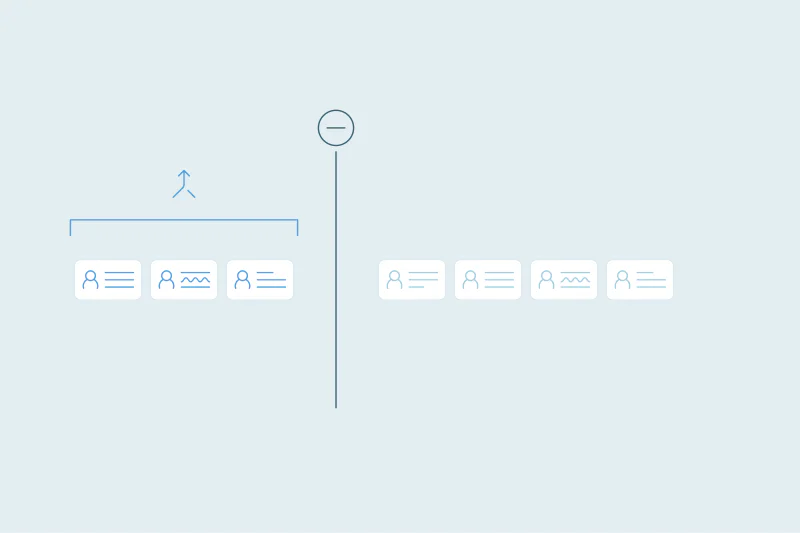
A native Salesforce merge combines up to three records, including the master. A company with five account records takes at least two merges, and a backlog of hundreds takes hundreds.
As of October 2026, from the Salesforce developer docs: merge().
Dedupely bulk merges thousands of records in one action, and bulk merging a few thousand matches takes minutes. Each set follows the same Merge Rules, so the outcome stays consistent from the first set to the last.
Testing in a Salesforce Sandbox
You can connect a Salesforce Sandbox to Dedupely and test your duplicate searches and Merge Rules before you merge in production. It's the safest route for orgs with a lot of Flows, Apex or integrations.
Sandbox records count toward your record limit, so turn off a Sandbox's objects once you've finished testing.
Salesforce records synced with HubSpot
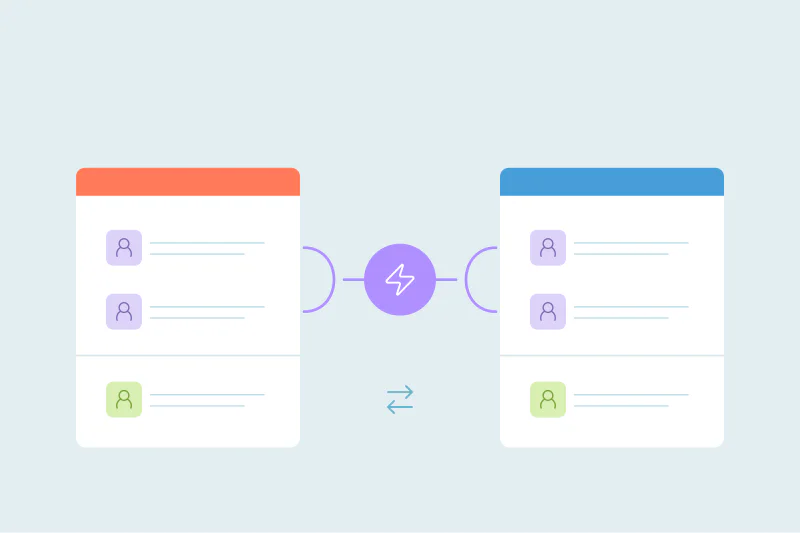
Dedupely detects an active HubSpot–Salesforce integration and merges the duplicates in both CRMs in one action. Both CRMs must be connected to Dedupely and linked.
If the other CRM isn't connected, the merge is blocked. Dedupely stops anything that could break the sync unless you tell it to move forward. Our post on merging duplicates with the HubSpot–Salesforce sync on covers this case.
What you can see before and after a merge
Before a set merges, Dedupely shows the winning values in bold and a Preview Merge panel with the full record. After it merges, Merge History keeps the original records and the winning values. You can export the original values and record IDs as a CSV.
Merges can't be undone. They happen directly in Salesforce, and most CRMs can't undo a merge either. Most merges can be undone for 30 days from Merge History, which restores the merged-away records and moves the match to Rejected Matches. Merges made in Salesforce and HubSpot at once are the exception. Treat every merge as permanent anyway. After 30 days, restore the values from the Merge History CSV and reject the false match. See how to undo a merge.
Our playbook on what to do if you merged the wrong records walks through it.
How Dedupely helps you merge Salesforce duplicates at scale
In Dedupely, you build duplicate searches for each Salesforce object, set rules for which record and which values win, and preview each merge. You can test it all in a Sandbox first, then bulk merge thousands of records in one action and send unclear sets to review.
Plan for what a merge sets in motion
A Salesforce merge is more than two records becoming one. The master's ID survives, related records move, the losing records sit in the Recycle Bin for 15 days, and your triggers and Flows run.
Knowing that ahead of time turns a large merge into a planned one. Pick the master on purpose and test in a Sandbox when your org has heavy automation. Keep the original values somewhere that outlasts the Recycle Bin.
Frequently asked questions
Which record ID is kept when you merge in Salesforce?
The master record's ID. The other records merge into it and are deleted, so links, reports and integrations that point to the master keep working. Anything that stored the ID of a merged-away record needs to point to the master instead, which makes choosing the master the key decision.
Do Apex triggers fire when records are merged?
Yes, a merge fires one delete event for the records deleted in it and one update event for the winner. Reparented child records don't fire triggers. Review delete and update triggers on the object before a large merge, since they run for every set.
How long do merged records stay in the Salesforce Recycle Bin?
Deleted items stay in the Recycle Bin for 15 days, and users can restore them during that time. Salesforce Help doesn't say related records move back with a restored record. Keep an export of the original values for anything you need after that window.
Can you merge more than three records at once in Salesforce?
Not natively. Every Salesforce merge combines up to three records, including the master, whether you merge from a record or through the API. Larger sets take several merges, and a backlog of hundreds of duplicate companies means hundreds of separate merges, each with its own master.
Can you merge a lead into a contact in Salesforce?
No, Salesforce only merges records of the same object, so leads merge with leads and contacts with contacts. When both are the same person, Salesforce's route is converting the lead, after checking for a matching contact and account. Dedupely follows the same rule and only matches records within one object.



 Or sign up with Google