


TL;DR
- To merge more than 3 Salesforce records, merge them in rounds into one master record.
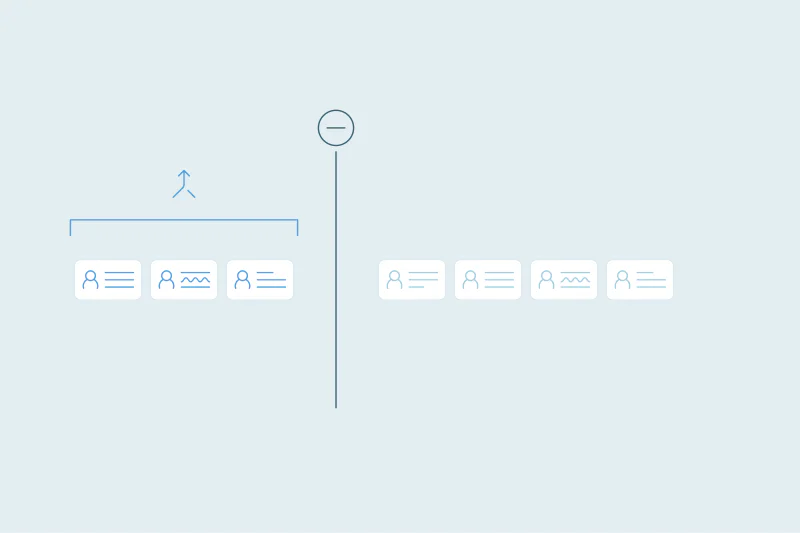
- Each Salesforce merge takes up to three records, including the master.
- Twelve records for one person take at least six Salesforce merges.
- Choose the master and winning values once, then repeat them in every round.
- Dedupely merges every record in a Salesforce match in one action, with rules you preview.
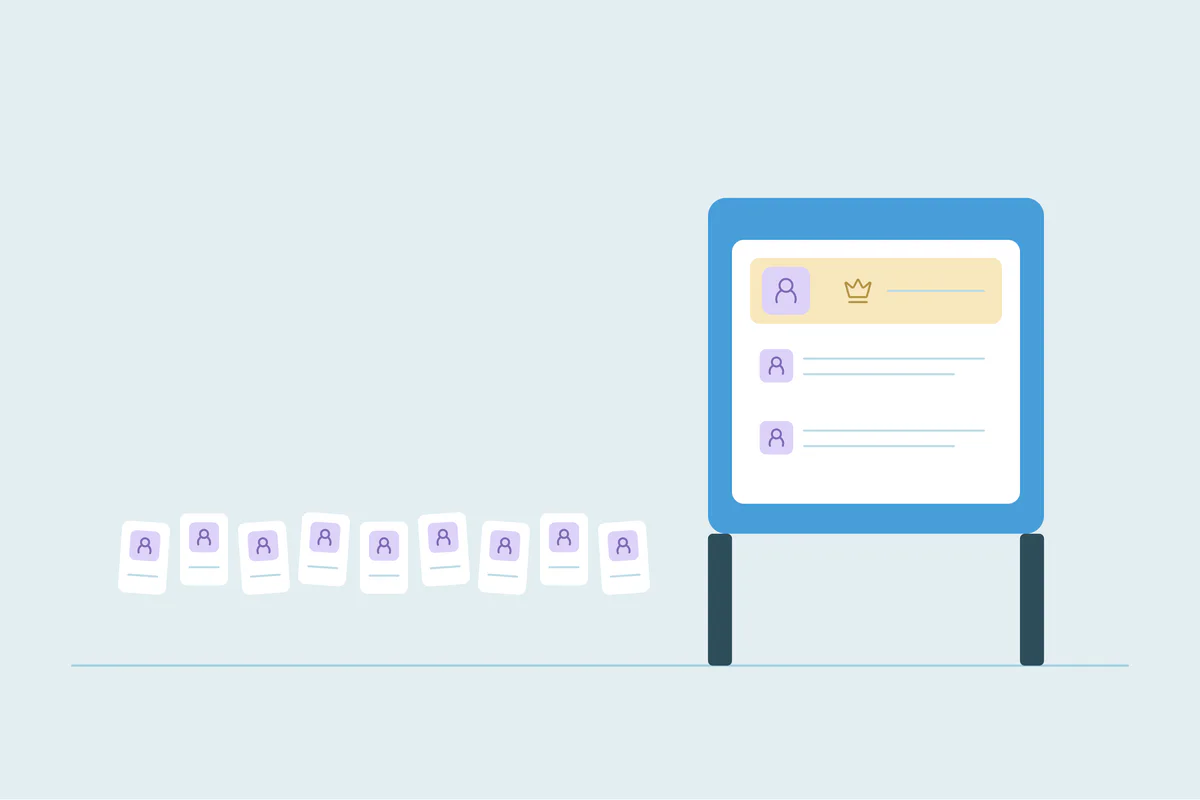
To merge more than 3 records in Salesforce, merge them in rounds into one master record, or use a tool that merges whole sets. Salesforce's merge takes up to three records at a time, including the one that survives.
For most duplicates, three is enough. The trouble starts with the records that matter most, like a customer entered by five reps or a lead from every form you run.
In this post, you'll see why Salesforce stops at three and what each merge does. You'll also see three ways to merge larger sets and what to decide before you start.
Why Salesforce merges up to three records
The limit is the same whether you merge from a record page or through the API.
- Accounts: Salesforce Help says to select up to three account records to merge, with one as the principal record.
- Leads: the same rule applies, with up to three lead records per merge.
- Through the API: each merge request takes up to three records, including the main record. To merge more, Salesforce's developer docs say to run successive merges into the same main record.
Sources, as of October 2026: Salesforce Help, Merge Duplicate Accounts in Lightning Experience and Merge Duplicate Leads in Lightning Experience; Salesforce developer docs, merge().
The API can send up to 200 merge requests in one call, but each request still holds three records at most. And records only merge with records of the same object, so a lead and a contact for the same person stay separate.
What each Salesforce merge does
Every round of a large merge repeats the same steps, so it's worth knowing them before you multiply them.
| Part of the merge | What happens |
|---|---|
| Master record | Survives and keeps its record ID |
| Other records | Deleted; they stay in the Recycle Bin for 15 days and can be restored there |
| Related records | The master becomes their new parent |
| Field values | The master's values stay unless you choose values from the others |
| Account hierarchy | Child records of merged-away accounts move to the master; a merge that would create a loop fails |
Sources, as of October 2026: Salesforce developer docs, merge(); Salesforce Help, Manage the Recycle Bin in Lightning Experience.
Because the master keeps its ID, it should stay the same record across every round. Our post on duplicate accounts in Salesforce covers how to choose it. For what happens to merged-away records, triggers and Flows, see what happens when you merge in Dedupely for Salesforce.
Option 1: Merge in rounds into one master
The native route is to merge two records into the master, then two more, until one record is left. Each round removes up to two records.
| Records for one customer | Merges needed, at least |
|---|---|
| 4 | 2 |
| 5 | 2 |
| 8 | 4 |
| 12 | 6 |
| 20 | 10 |
A few rules keep the rounds consistent:
- Pick the master first and keep it in every round, so its ID never changes.
- Write down the winning values for owner, email, phone and status, and choose them the same way each time.
- Start with the oldest or most linked records if you aren't sure, and check the master after each round.
Rounds work for a few large sets. For hundreds of them, the clicks add up fast, and every round is a new chance to pick a different value.
Option 2: Script the merges through the API
A developer can write a script that groups the duplicates and runs successive merges into each master. That removes the clicks, but the script has to make every decision a person would.
- Which record is the master for each group.
- Which values win from the other records, since the master's values stay by default.
- What to do when a merge fails, for example on an account hierarchy loop.
- Where the original values go, since deleted records leave the Recycle Bin after 15 days.
Test the script in a sandbox with your own automation turned on. Each round is a separate merge, so anything that runs on a merge runs once per round.
Option 3: Use a tool that merges whole sets
Deduplication tools built for Salesforce can merge a full set of records in one action. When you compare them, check how they handle the decisions above:
- Whether every record in a set merges in one action, whatever the set size.
- How the master is chosen, and whether you can set rules for it.
- Whether you can choose winning values field by field and preview the result.
- What happens to parent and child accounts in the same set.
- Whether you get a record of every merge, with the original values.
Our guide to Salesforce deduplication and where native tools stop covers what Salesforce's own duplicate rules find first.
What to decide before merging large sets
Whatever route you take, a few choices come first.
- Is the whole set a duplicate? Large sets often mix one customer with a branch or a shared inbox. Open the biggest sets before merging.
- Are some records parent and child accounts? They often share a name or domain. Whether they're one customer is case by case.
- Which tools store Salesforce IDs? Records merged away lose their live ID, so billing or support tools may need the master's ID.
- Where do the original values live after 15 days? Keep an export of every record you merge.
A Salesforce merge can't be reversed as a merge. The Recycle Bin restores a deleted record for 15 days, but your original values need a longer home.
How Dedupely merges large Salesforce sets in one action
In Dedupely, every record in a Salesforce match merges into one master in a single action, however many records the set holds. You choose the master and winning values with rules, or keep the default, where the oldest record is the master, and preview each merge first. Related records move to the master, and merges stop for accounts in the same parent–child hierarchy.
Three records per merge, one decision per set
Salesforce's three-record limit doesn't stop you from merging larger sets. It turns one decision into several rounds, and each round is a chance to pick a different master or value.
Whichever route you choose, decide the master and the winning values once for the whole set. Then the number of rounds stops mattering, because every one of them follows the same answer.
Frequently asked questions
What is the maximum number of records you can merge in Salesforce?
Three per merge, including the master record, as of October 2026. That applies to accounts and leads merged from the record page and to merge requests through the API. To merge more, run successive merges into the same master, so its record ID stays the same throughout.
How many merges does it take to combine ten Salesforce records?
At least five. Each merge keeps the master and removes up to two other records, so ten records need nine records removed across five rounds. Keep the same master in every round and choose the winning values the same way each time, so the final record matches your plan.
Can Data Loader merge records in Salesforce?
Not directly. As of October 2026, Data Loader's command-line operations are insert, update, upsert, delete, hard delete and extract, and merge isn't one of them. Teams that merge in bulk without a tool use the API's merge call, which still takes up to three records per request.
Which records can Salesforce merge through the API?
As of October 2026, Salesforce's merge call works on leads, contacts, accounts (including person accounts) and individuals. Each request merges up to three records of the same type into one main record. To merge more, you send successive requests into the same main record, so its ID stays the same.
Does the master record keep its ID through several rounds?
Yes, as long as it stays the master. In every Salesforce merge, the master survives with its ID and the other records are deleted. Keep the same master in each round, and the final record has the ID it started with. Switch masters halfway, and the first one is deleted with its ID.




 Or sign up with Google

 Pipedrive Marketplace












