


TL;DR
- In Close, a lead is usually a company, and contacts are the people inside it.
- Duplicates in Close can be whole leads or contacts repeated inside one lead.
- Close merges two leads at a time in the app, and a merge can't be undone.
- Close's API has no endpoint for merging contacts.
- Dedupely finds and merges duplicate leads, contacts and opportunities in Close.
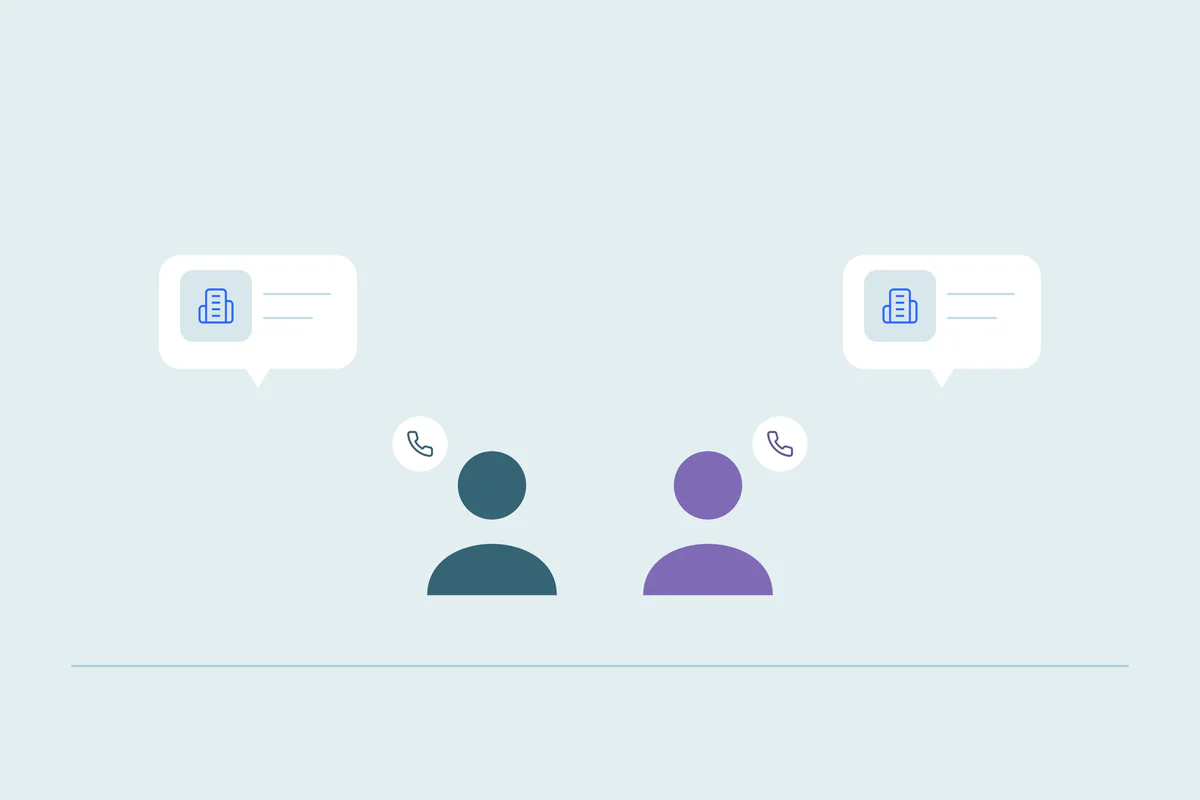
Close is built around the lead. For B2B teams, a lead is a company, and the people you talk to there are contacts inside it. That structure keeps calls and emails in one place, until the same company shows up as two leads.
Then the history splits. One rep logs calls on the first lead, another sends a sequence from the second, and nobody sees the full picture. Contacts can repeat too, sometimes inside the same lead.
In this post, you'll see how Close organizes leads and contacts, where duplicates come from and what Close's own tools do about them. You'll also see where native merging stops and how to clean up both kinds of duplicates safely.
How Close organizes leads and contacts
Close imports companies as leads by default. For a B2B business, each lead is a company with one or more contacts. For a B2C business, each lead is a customer with exactly one contact, and both share the same name.
This matters for deduplication, because the word "lead" means something different in Close than in many other CRMs. Elsewhere, a lead is often a single person who hasn't converted yet. In Close, a duplicate lead usually means a duplicate company, with its contacts, opportunities and activity attached.
If you want the general picture of how duplicate leads form across CRMs, see duplicate leads and why they form faster than contacts. This post stays with Close's model.
As of October 2026, from Close's help center: Leads.
Three kinds of duplicates in Close
Duplicate leads
The same company exists as two or more leads. Each one can hold its own contacts, opportunities, calls and emails. Reps working different leads may not know a colleague is talking to the same company.
Duplicate contacts inside a lead
The same person appears twice under one lead. This often happens when a rep adds a contact by hand. Then the same person arrives from an import or an integration with a different name spelling or email.
The same person under two leads
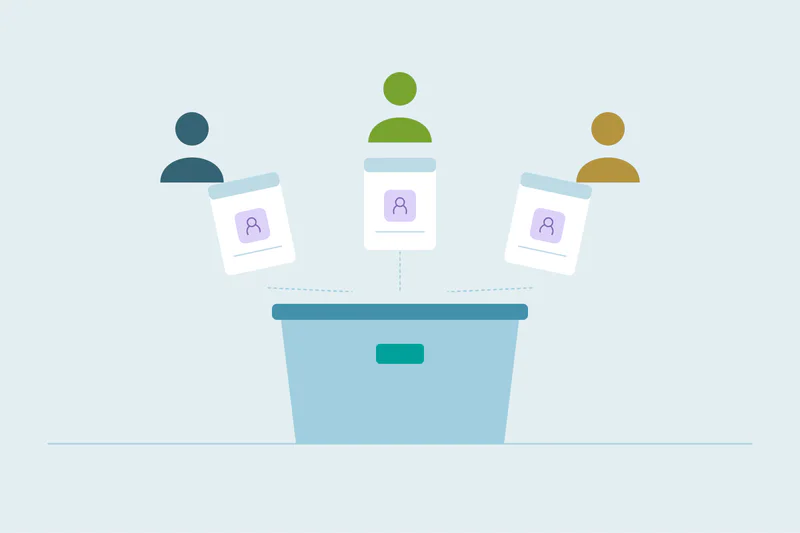
When a company is duplicated, its people often are too. Each lead carries its own version of the contact. Merging the leads brings those contacts under one lead, where they can show up as duplicates inside it.
Where Close duplicates come from
Causes vary from one Close account to the next. These come up often.
- Imports without a match field: Close's importer can check for existing leads, but only on the fields you choose. If none is selected, or the company name is spelled differently, a new lead is created.
- Company names that vary: "Acme," "Acme Inc." and "ACME Corp" can each become a lead when the name is the field you compare.
- Integrations and forms: tools that create leads through the API can create a new one when they don't recognize an existing company.
- B2C accounts: when each lead is one person, a returning customer with a new email can become a second lead.
- Contacts added by different reps: two reps can add the same person to a lead from a call and from an email thread.
When the importer does find a match, you choose whether to add only missing information, replace the lead's information or skip the row. Within one file, Close can also group rows that share a value, like company name, into a single lead.
As of October 2026, from Close's help center: Avoiding lead duplicates, Importing leads and contacts from a file and Updating existing leads and contacts.
What Close's own tools do about duplicates
Close's help center describes these options, as of October 2026.
| Tool | What it does | What to know |
|---|---|---|
| Import check | Compares incoming rows with existing leads on the fields you select | A match on any one selected field counts as a match |
| Find Lead Duplicates | Lists possible duplicate leads across your account in a CSV, by lead name, URL, address or contact details | A support tool that needs an API key; it doesn't change any data |
| Find Contact Duplicates | Lists possible duplicate contacts within the same lead, by name, phone or email | Also read-only; it only looks inside one lead at a time |
| Merge in the app | Merges one lead into a destination lead | Two leads at a time; the destination lead's values win on conflicts; a merged lead can't be unmerged |
| Bulk merge by Close Support | Close's support team merges the leads in your reviewed CSV | You choose a rule, such as keeping the lead created first or the one with the highest-priority status |
Sources, as of October 2026: Finding and merging duplicates, Close support tools and Editing, merging and deleting leads.
Close's help center says there's no built-in duplicate detection tool in the app itself. Finding duplicates starts with those support tools and a review of the CSV they produce.
Where native merging stops in Close
Native tools in every CRM have limits, as our comparison of native deduplication and deduplication tools shows. In Close, these are the ones to plan for.
Contacts have no merge endpoint
Close's API documents a merge for two leads, but its contact endpoints cover only listing, creating, updating and deleting. For bulk contact merges, the support tool's page points you to Close's support team.
Lead merges happen two at a time
In the app, you merge one lead into another. For a few duplicates, that works. For hundreds of duplicate companies, each with several versions, it takes many separate merges.
The destination lead's values win
When two leads disagree on name, description, status or a custom field, Close keeps the destination lead's value. The created date and creator come from the older lead. You can't pick a winning value field by field, so choose the destination with care.
Matching is fixed to a few fields
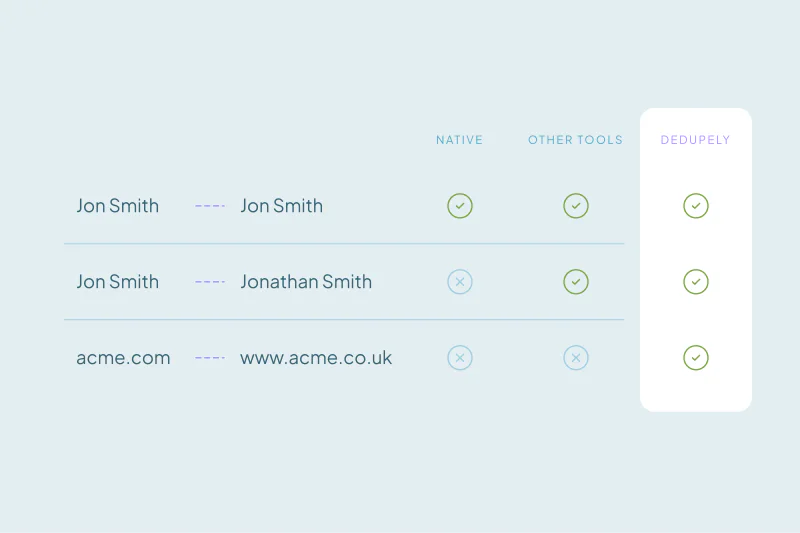
The support tools compare names, URLs, addresses, phones and emails. Close's help pages don't say how loosely names are compared, so "Acme Ltd" and "Acme Limited" may not pair up unless another field matches. You also can't add your own fields or criteria.
How to clean up duplicates in Close
These principles apply whichever tool does the merging.
Agree on what a duplicate lead is
What counts as a duplicate is case by case. One team treats two offices of the same company as one lead; another keeps them apart because different reps own them. Decide this before you merge, since lead merges are permanent.
Start with the obvious leads
Leads with the same website domain are the safest place to start. Then look at leads with similar names and a shared phone or contact email. Our guide on finding duplicate companies by domain covers how to handle shared and country domains.
Merge leads before contacts
Merging duplicate leads first brings each company's contacts together. Then you can find the contacts repeated inside each lead in one pass, instead of checking them twice.
Decide which lead survives
Pick a rule and keep it: the oldest lead, the one with the most recent status change, or the one with the most activity. Check owner and status on the surviving lead after each merge.
If your Close account syncs with other tools, see how to manage recurring duplicates from CRM integrations, so the same leads don't come back.
How Dedupely merges duplicate leads and contacts in Close
Dedupely connects to Close Leads, Contacts and Opportunities, so you can build duplicate searches on the fields you choose and preview each merge. Dedupely also merges contacts, which Close's API can't, and moves their opportunities, notes, calls, emails and tasks to the surviving contact. When leads merge, the other lead's history moves with them.
One company, one lead
Close's lead-first model works best when each company exists once. Duplicate leads split calls, emails and opportunities, and duplicate contacts inside a lead make reps guess who they're talking to.
Close's tools find many of these and merge leads two at a time, with the destination lead's values winning. Since merges can't be undone, agree first on what a duplicate lead is. Then start with the obvious matches and merge leads before contacts.
Frequently asked questions
How do I merge duplicate leads in Close CRM?
In the app, you merge one lead into a destination lead, two at a time. Close keeps the destination lead's values when fields conflict, and takes the created date from the older lead. For many duplicates at once, Close's support team can merge the leads listed in a reviewed CSV.
Can you merge contacts in Close CRM?
Close's help center doesn't describe a self-service contact merge, and its API has no contact merge endpoint. A support tool lists duplicate contacts within the same lead by name, phone or email. For bulk merges, Close's help pages point you to its support team with that list.
Does Close CRM detect duplicates automatically?
Not in the app itself, according to Close's help center. The importer can check incoming rows against existing leads on fields you choose. Separate support tools, run with an API key, list possible duplicate leads and contacts in a CSV without changing any data.
Can you undo a lead merge in Close?
No, Close's help center says a merged lead can't be unmerged. Before merging many leads, export them so you keep their original values. Choose the destination lead carefully, because its name, description, status and custom field values win when the two leads disagree.
What is the difference between a lead and a contact in Close?
A lead is usually a company, and contacts are the people at that company. In a B2C setup, each lead is one customer with exactly one contact. So a duplicate lead in Close usually means a duplicate company, with its own contacts and activity.


 Or sign up with Google
 HubSpot Marketplace











