



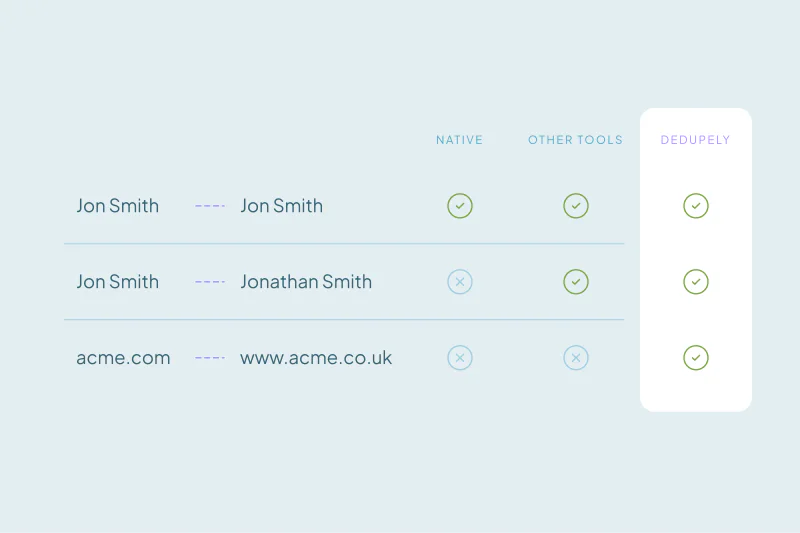
Automating deduplication collides with one fear: destroying the history in your CRM. Native tools offer some background deduplication, but they are narrow in scope, need custom code or lock you into rigid rules such as the oldest record always winning.
The result follows a pattern. Teams find their CRM misses obvious duplicates, a problem 58% of them report. To avoid merging unrelated accounts, they fall back to manual work. The workload and the fear of losing data eventually win, and 64% of teams stop deduplicating entirely.
Breaking the pattern means dropping the choice between hand-picking every record and blind automation.
Sort Matches by Confidence
Start with how certain you are of each match. It is not an industry rule, but sorting matches into confidence tiers lets you apply the right amount of automation to each one.
- High confidence matches: Exact matches, such as a shared email address, go straight to Auto Merge and merge in the background without anyone stepping in.
- Medium confidence: Matches built from a combination of match options per field need a middle ground. Auto Match finds them in the background and emails you once they reach the threshold you set. You review each set and decide whether to merge.
- Low confidence: Records that share very little go to Manual Review for a closer look, or get rejected to prevent a wrong merge.
- High confidence non-matches: Records that are clearly different people or companies go to Rejected Matches and never match again.
Decide Which Values Survive Every Merge
Background automation is only safe when every merge ends the way you expect. Creation dates and a default of the oldest record winning cannot guarantee that. Explicit rules can.
Merge Rules decide field by field which value wins. Keep the most recent value, the longest one, or always the field your team actively updates.
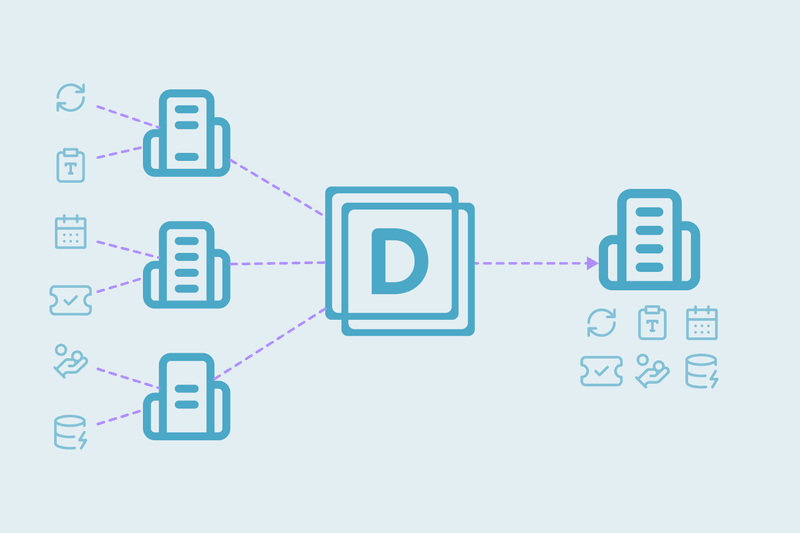
Companies rarely share a unique identifier like an email address. Match them on several fields at once, each with its own match option, and you catch real duplicates while keeping subsidiaries and independent branches apart.
Schedule Deduplication by Data Source
Pace deduplication so the database stays accurate without burying your team. Base the schedule on where duplicates come from, not on arbitrary dates.
- Daily: Run Auto Merge on the Duplicate Search for web form entries. High-confidence leads merge in the background and lead routing keeps moving.
- Weekly: Check sales imports from third-party tools, so any overlap is merged before it spreads into active pipelines.
- By volume: Leave edge cases on Auto Match and review them only when they reach your threshold, instead of checking every day.
- Monthly: Run a broad Auto Merge across the whole database to catch anything your source-specific searches missed.
Automating deduplication means setting a standard your CRM has to follow. Tier matches by confidence, choose which values win and schedule by source, and your history stays intact.
Once you define exactly how records merge, the fear of overwriting history goes away. Deduplication stops being a project you dread and becomes a background process marketing, sales and RevOps can trust.
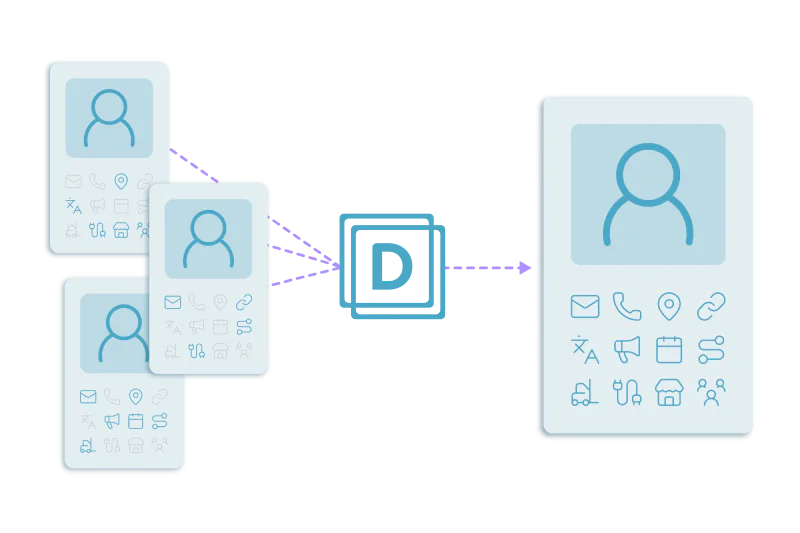
Auto Merge merges new duplicates on a schedule, using your Duplicate Search criteria and Merge Rules.
Start free, connect your CRM, and see the duplicates you have before you merge anything. Start here.



 Or sign up with Google

 Pipedrive user











