

TL;DR
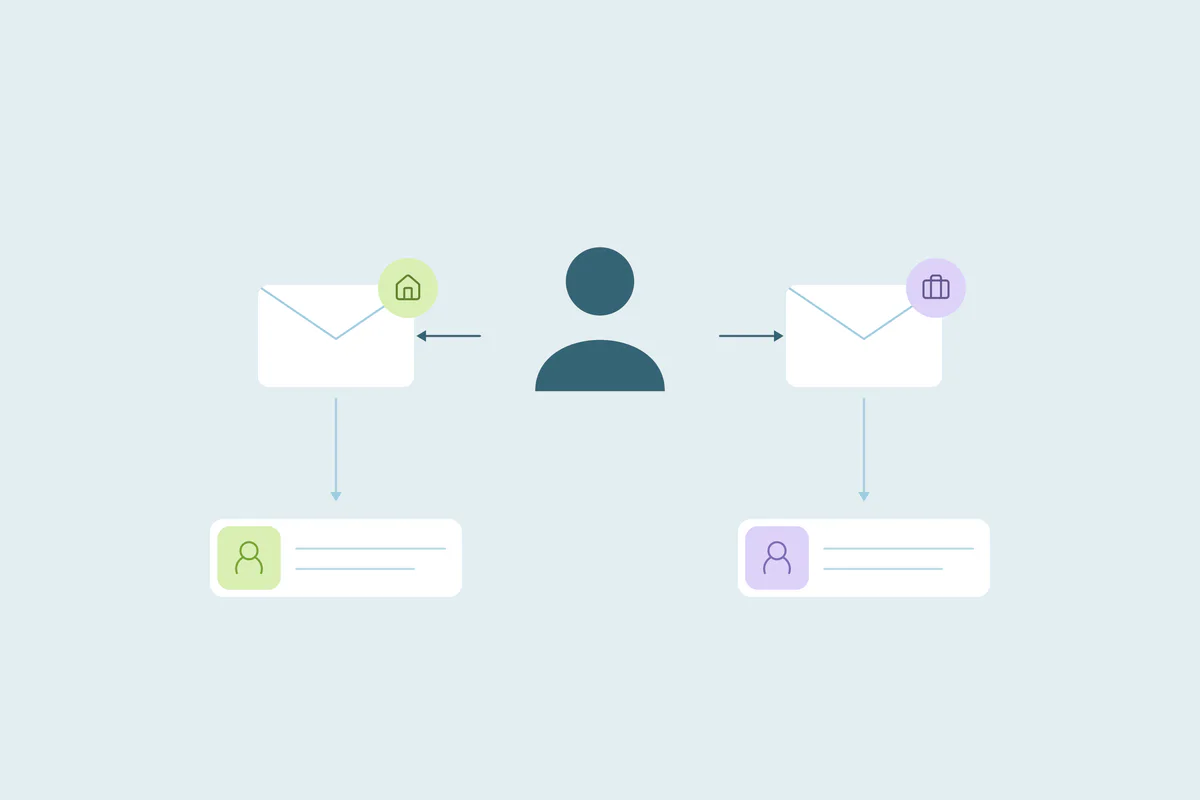
- A personal and a work email for one person can create two separate contact records.
- Matching first name, last name and phone finds one person across different email addresses.
- Matching first name, last name and company name works when records have no phone.
- Plus-sign aliases and dots in Gmail addresses can turn one inbox into several contacts.
- Dedupely Intelligence finds one person behind personal, work and alias emails, without match settings.
Someone downloads a guide with their Gmail address on a Sunday. On Tuesday, they book a demo with their work email.
A month later, they sign up for a trial as name+trial@ to keep it out of their main inbox. Your CRM now has three contacts for one person.
Many CRMs and forms recognize a contact by email. A new address looks like a new person, so personal emails, work emails and aliases each start a record of their own.
In this post, you'll see how to match one person across addresses, which aliases to watch for and which email to keep.
Why one person ends up with several email addresses
People keep different addresses for different parts of their lives, and they choose one depending on the moment.
- Personal email for research: newsletters, downloads and webinars, often before someone is ready to talk to sales.
- Work email for buying: demos, trials, contracts and invoices.
- Aliases: name+tag@ addresses that people use to sort or filter their own mail.
- A new job: a new work address that has nothing in common with the old one.
Forms are a common entry point for all of these, and we cover them in why web forms create duplicate contacts. This post focuses on how to recognize one person behind several addresses.
Whether those records count as duplicates is case by case. What one team considers a duplicate, another may not. Some teams keep a personal and a work contact apart on purpose, so agree on your rule first.
Start with the obvious duplicates
Before you look across addresses, merge the contacts that share the same email. These exact matches are the easiest to confirm, so they're a low-risk place to start.
Each set you merge removes noise. The personal and work email matches you look at next are then easier to judge, because fewer records compete for the same name.
Match on name plus phone or company
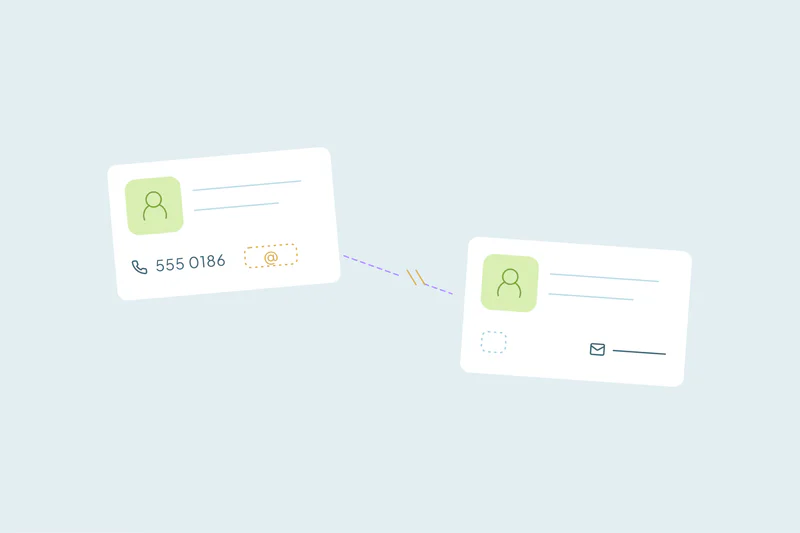
When the email differs, other fields have to show that two records are the same person. A reliable approach is first name and last name, plus a phone number or a company name.
First name, last name and phone
A mobile number often follows a person across the addresses they use. If two contacts share a full name and a mobile number, they're very likely one person.
Compare phone numbers by their digits, ignoring spaces, dashes, brackets and country codes. An office switchboard can be shared by many people, so treat a shared main line with more caution.
First name, last name and company name
A record created with a work email often has a company name. A record created with a personal email sometimes does too, when the form asks for it.
If both records name the same company, a full name match becomes much stronger. Legal suffixes like Inc. or GmbH can hide that match, so compare company names by their shared words.
Why the name alone isn't enough
Common names can match many unrelated people. Two contacts named Maria Lopez with different emails could easily be two people. The name tells you where to look, and the second field decides.
For more combinations, see which fields to match on to find CRM duplicates.
Email aliases that hide one inbox
Some duplicates share an inbox even though the addresses look different. Two kinds of aliases come up often.
Plus-sign aliases (name+tag@)
Some email providers deliver mail sent to name+anything@ to the same inbox as name@. Gmail and Microsoft Exchange Online both support it, and people use it to sort mail or test sign-ups.
To a CRM, name+news@example.com and name@example.com are two different addresses. Comparing only the part before the plus sign, together with the domain, shows they're one inbox.
Dots in Gmail addresses
For personal Gmail accounts, dots in the address don't matter. maria.lopez@gmail.com and marialopez@gmail.com reach the same inbox.
This doesn't apply everywhere. In Gmail accounts run by a company or school, dots do change the address. Other providers can treat them as different addresses too, so ignore dots only for personal Gmail addresses.
Sources, as of October 2026: Dots don't matter in Gmail addresses (Gmail Help); Tips to optimize your Gmail inbox (Google Workspace); Plus addressing in Exchange Online (Microsoft Learn).
Shared and role inboxes
Addresses like info@ or sales@ work the other way: one address, many people. A match on a shared inbox can pair colleagues who are different people, so pair it with the name before merging.
Email patterns and how to match them
| Pattern | Example | How to match | Watch out for |
|---|---|---|---|
| Personal and work email | maria.lopez@gmail.com and mlopez@example.com | First and last name, plus phone or company name | Common names, and teams that keep both on purpose |
| Plus-sign alias | mlopez+trial@example.com and mlopez@example.com | The part before the plus sign, plus the domain | Testers who use aliases to create fake accounts |
| Gmail dots | maria.lopez@gmail.com and marialopez@gmail.com | The address without dots, for personal Gmail only | Company Gmail accounts, where dots matter |
| Typo in the address | mlopez@exmaple.com and mlopez@example.com | A similar match on email, plus name | Two people whose emails differ by one letter |
| Shared inbox | sales@example.com on two records | Email plus first and last name | Different colleagues behind one address |
Decide which email the merged contact keeps
Finding the match is half the work. When two contacts merge, one email becomes the main one, and that choice decides where your emails land.
Work email or personal email
Sales teams often prefer the work email, since that's where buying conversations happen. Marketing may prefer whichever address the person engages with. There's no single right answer, so decide per team and apply it the same way every time.
Keep the other address
Some CRMs have a field for additional emails. Keeping the second address there means the next form submission with it can be recognized, instead of becoming a new contact.
Check consent before you merge
A person may have unsubscribed from one address and not the other. Decide how a merge treats those preferences before you merge in bulk, so nobody gets emails they asked to stop.
How Dedupely finds people behind different email addresses
Dedupely Intelligence finds contacts and leads that belong to one person across different email addresses, without any match settings. You can also build duplicate searches on name plus phone or company, and set rules for which value wins in each field. Preview each merge, and reject the matches your team keeps apart so they don't come back.
One person, many inboxes
Personal emails, work emails and aliases are a normal part of how people use the internet. Each one can start a new contact in a CRM that recognizes people by email.
Matching first and last name with a phone or company name finds the person behind those addresses. Knowing which aliases share an inbox, and deciding which email the merged record keeps, does the rest.
Frequently asked questions
How do you find duplicate contacts with different email addresses?
Match on first name and last name plus a second field, like phone or company name. A shared mobile number is strong evidence, since it often follows a person across addresses. Review name-based matches before merging, because common names can belong to different people with different emails.
Should you merge a contact's personal and work email records?
It depends on your team: merging gives one record with the full history, from early research to purchase. Some teams keep personal and work contacts apart on purpose. Agree on one rule, and keep the second address in an additional email field if you merge.
Are Gmail addresses with dots the same address?
For personal Gmail accounts, yes: Google says dots don't change the address, so maria.lopez@gmail.com and marialopez@gmail.com reach one inbox. In Gmail accounts run by a company or school, dots do change the address. Other providers may also treat them as different addresses.
What is a plus-sign email alias?
It's an address with a plus sign and a tag before the @, like name+news@example.com. Some providers, including Gmail and Exchange Online, deliver it to the same inbox as name@example.com. People use these aliases to sort mail, which can create extra contacts in a CRM.
Which email should a merged contact keep?
The one your team uses to reach the person, often the work email for sales. Store the other address in an additional email field, if your CRM has one. Check consent before merging, since someone may have unsubscribed from one address and not the other.



 Or sign up with Google