

TL;DR
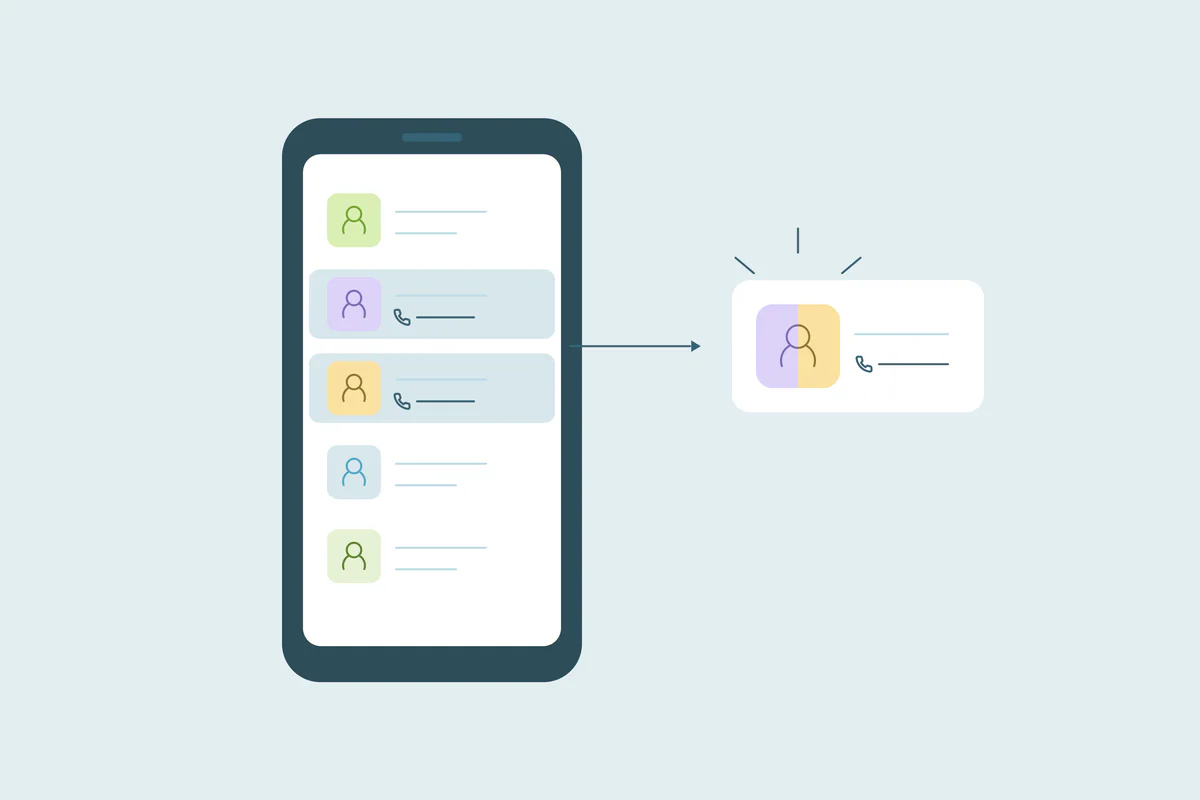
- Google Contacts suggests duplicate contacts and merges them in its Merge & fix tool.
- Contacts saved in different Google Accounts can't be merged with each other.
- Google Contacts can undo all changes from the past 30 days at once.
- Review suggested duplicates before merging all, since shared emails and phones can mislead.
- Dedupely connects to Google Contacts to find and merge duplicates with criteria you choose.
Some small teams and independent professionals keep their client and partner contacts in Google Contacts. It can work as their CRM, or sit next to a CRM and hold the contacts people reach from Gmail and their phones.
Either way, duplicates build up quietly. The same person appears twice with a work and a personal email, or once from a phone and once from an import. Then a search returns two records, and nobody knows which one is current.
In this post, you'll see why Google Contacts collects duplicates and what Google's Merge & fix tool does. You'll also see where it can fall short for business contacts, and how to merge safely.
Why Google Contacts collects duplicates
Causes differ from one account to the next. These are common ones.
Contacts saved from several places
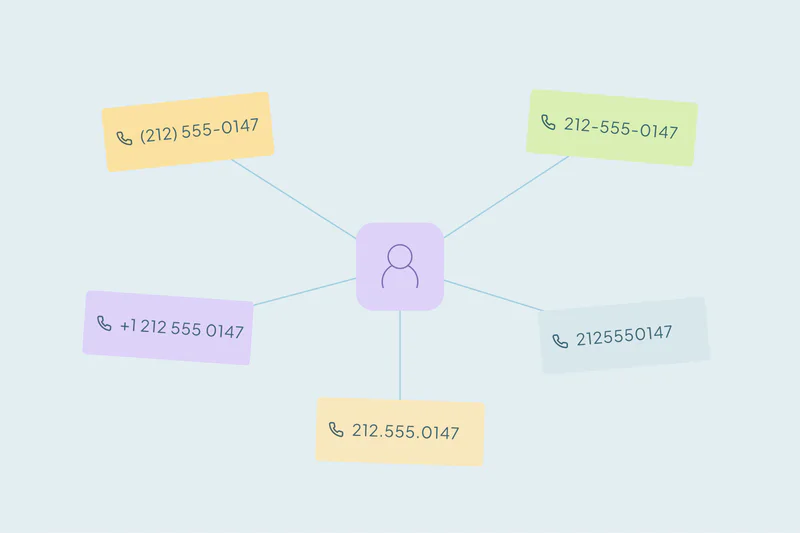
Contacts arrive from phones, Gmail, shared files and calendar invitations. If the same person is saved from two places with slightly different details, two contacts can form.
"Other contacts" saved automatically
Google can automatically add people you interact with to "Other contacts," a separate list. That includes people you email in Gmail, share Drive files with or accept calendar invitations from.
When you later save one of them as a contact by hand, you can end up with two entries for the same person.
Imports and connected tools
A spreadsheet or contact file imported more than once adds the same people again. Tools that write to Google Contacts, like a CRM sync, can also create a new contact when they don't recognize an existing one.
Several Google Accounts
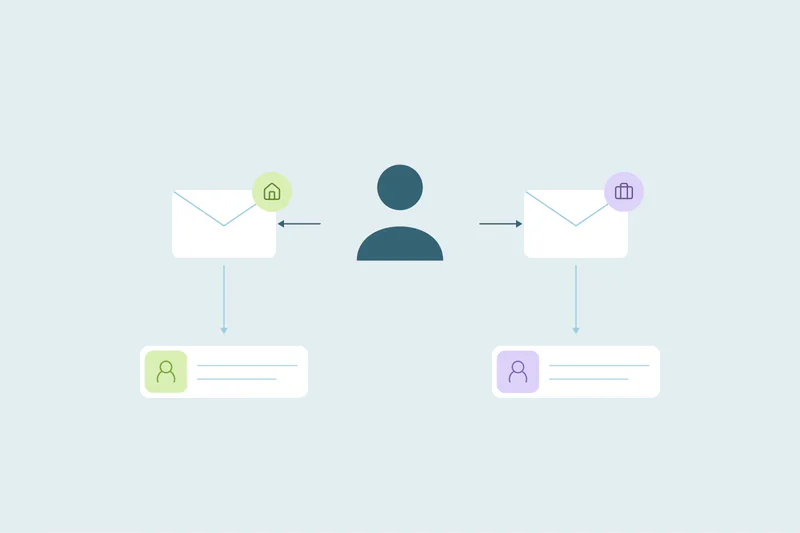
Some teams keep contacts in more than one Google Account, such as a personal account and a work account. The same client can live in both, and each account sees only its own contacts.
What counts as a duplicate in your contacts
What counts as a duplicate is case by case: what one team considers a duplicate, another may not. Two contacts with the same email are usually one person. But a family can share one inbox, and an office can share one phone number.
Start with the obvious duplicates: exact matches on email or phone. Then look at harder cases, like the same name with a personal and a work email. Our guide on which fields to match on covers how to combine name, email, phone and company.
What Google's Merge & fix tool does
Google Contacts has a built-in tool for duplicates called Merge & fix. Here's what Google's help pages say it does, as of October 2026.
| What it does | What to know |
|---|---|
| Suggests duplicate contacts | If there's no "Merge duplicates" option, Google has found no contacts you can merge |
| Merges suggestions one at a time or all at once | "Merge all" accepts every suggestion in one action |
| Lets you pick contacts to merge yourself | Useful for duplicates the suggestions didn't find |
| Works within one Google Account | Contacts saved in different Google Accounts can't be merged |
| Lets you separate a merged contact | A merge in Google Contacts can be split again |
| Undoes recent changes | You can undo all changes to your contacts from the past 30 days, all at once |
Sources, as of October 2026: Merge duplicate contacts, Edit or delete contacts and Change who's saved & suggested as contacts.
For a personal address book with a few duplicates, Merge & fix is often enough. Business contacts can need more control.
Where Merge & fix can fall short for business contacts
Native tools in other systems have similar limits, as our comparison of native deduplication and deduplication tools shows. In Google Contacts, these are the ones to watch.
You don't choose how duplicates are found
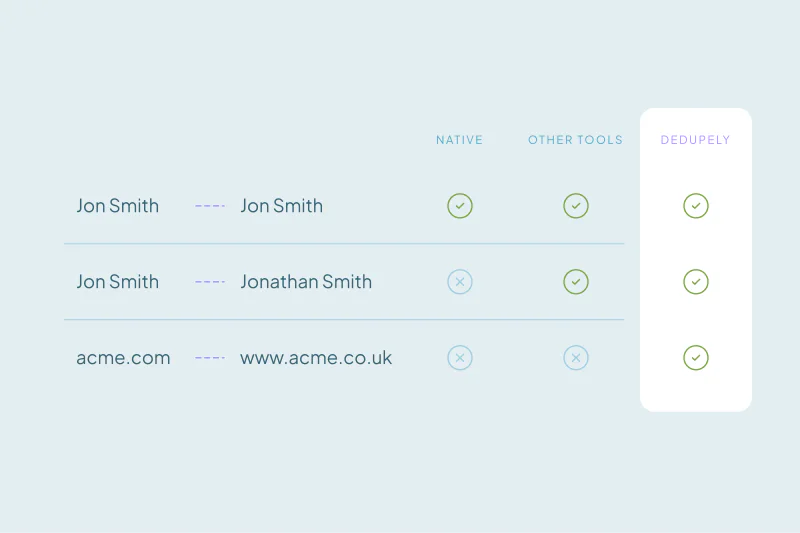
Google's help page doesn't describe which fields it compares to suggest a duplicate. You can't tell it to match on name and company, or to ignore a shared office phone.
So a suggestion may group two people who share a detail, and miss one person saved with two different emails.
"Merge all" merges every suggestion
Accepting every suggestion at once is fast. It also merges the edge cases along with the obvious ones, like two colleagues who share a reception number.
Read through the suggestions first, and merge the uncertain ones one at a time.
One Google Account at a time
Contacts in a personal account and a work account can't be merged with each other. If your clients are split across accounts, decide which account is the main one before you clean either.
Which value wins isn't described
Google's help page doesn't explain how conflicting details are combined, such as two different job titles. Check a few merged contacts afterwards to see what was kept.
How to merge Google Contacts duplicates safely
These principles apply whether you use Merge & fix or another tool.
- Merge what you're sure of first. Exact matches on email or phone are the least likely to be wrong.
- Review the rest. Same-name matches and shared phones need a person to decide.
- Choose a main account. If contacts live in several Google Accounts, pick one as the source of truth.
- Decide which system leads. If Google Contacts syncs with a CRM, agree which one holds the current details.
- Check soon after a large merge. Google's 30-day undo window applies to all your changes at once, so spot problems early.
If your contacts also live in a CRM, duplicates can form across both systems. Our post on managing duplicates across more than one CRM covers how to decide which system wins.
How Dedupely finds and merges Google Contacts duplicates
Dedupely connects to one Google account per connection, where you build duplicate searches on fields like name, email, phone and company. You set rules for which value wins, preview each merge and merge duplicate sets in bulk. Contacts in "Other contacts" aren't merged.
Keep your contacts as reliable as a CRM
When Google Contacts holds your client and partner records, duplicates cause the same problems as in a CRM. People email an old address, and nobody trusts which contact is current.
Merge & fix handles the obvious cases within one account. For business contacts, start with exact matches, review shared details by hand and pick one account as the source of truth. A routine check keeps new duplicates from building up again.
Frequently asked questions
How do I merge duplicate contacts in Google Contacts?
Use Merge & fix in Google Contacts. It suggests duplicates to merge one at a time or all at once, and you can also select contacts yourself. If there's no "Merge duplicates" option, Google hasn't found any contacts it can merge in that account.
Why does Google Contacts have so many duplicates?
Contacts arrive from several places: phones, Gmail, imports and connected tools. Google can also add people you interact with to "Other contacts" automatically. When the same person is saved from two sources with different details, like a work and a personal email, two contacts can form.
Can you undo a merge in Google Contacts?
Yes, Google lets you separate a contact you merged. You can also undo all changes to your contacts from the past 30 days, though that reverses every other change in that period too. Check merged contacts soon after a large merge, while that 30-day window is still open.
Can I merge contacts from two Google accounts?
No, Google Contacts can't merge contacts saved in different Google Accounts. Decide which account is your main one, then bring the contacts you need into it before cleaning. Merge duplicates within that account afterwards, starting with exact matches on email or phone.
What are "Other contacts" in Google Contacts?
"Other contacts" are people Google saves automatically when you interact with them, such as people you email in Gmail or share Drive files with. They're kept apart from the contacts you save yourself. You can turn this automatic saving off in your Google Account settings.


 Or sign up with Google