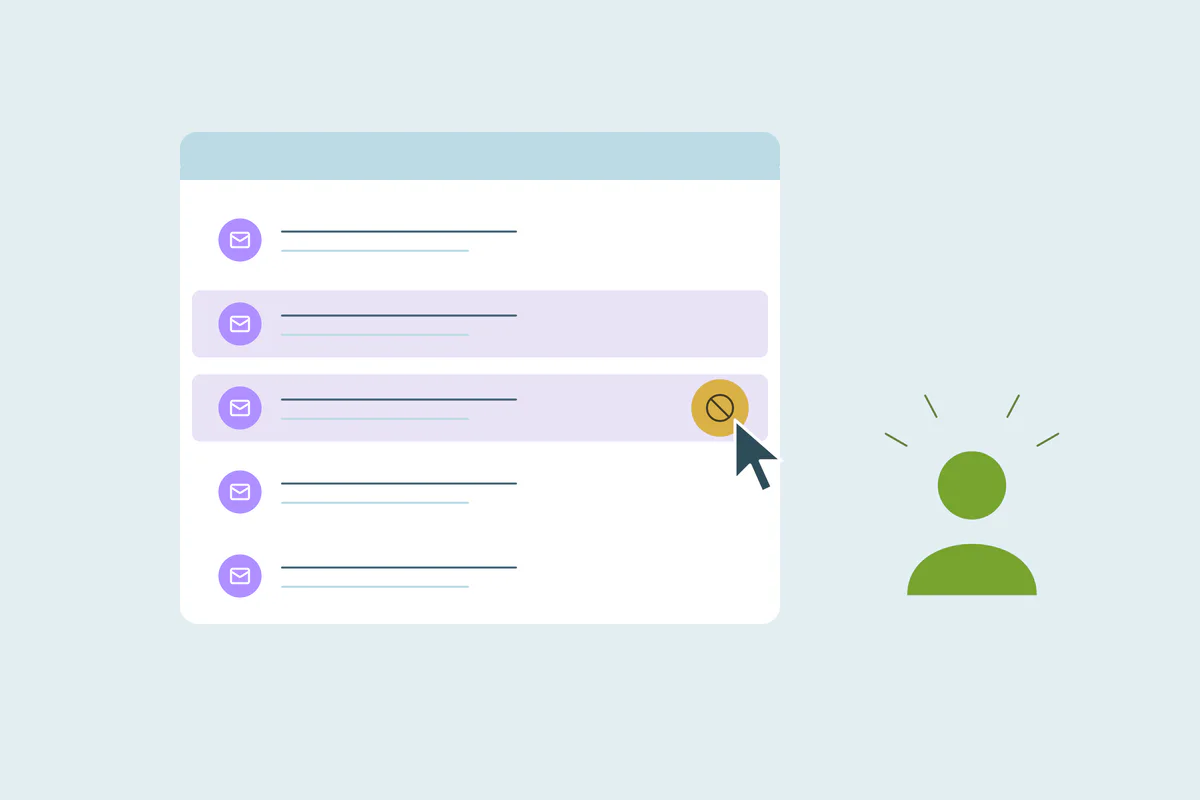


TL;DR
- Deliverability depends on bounces, spam complaints and how recipients engage with your email.
- A person on two contact records can get the same email twice and may report it as spam.
- Duplicate records often keep outdated email addresses that bounce when you send.
- Duplicates add inactive addresses to lists, which lowers engagement across a send.
- Dedupely finds contacts that belong to one person and merges them onto the address they read.
Deliverability problems tend to show up as a symptom. Open rates slide, more messages land in spam, or a mailbox provider starts deferring your sends. The usual suspects are content, authentication and sending volume.
Duplicate contacts rarely make that list, but they feed several of the signals mailbox providers watch.
One person on two records can get the same email twice. An old record keeps an address that bounces, and records nobody reads drag down engagement.
In this post, you'll see how duplicates affect deliverability and where they come from. You'll also see how to clean them up before your next large send.
What deliverability depends on
Deliverability is how much of your email reaches the inbox. Mailbox providers decide that partly on your sending reputation.
Reputation comes from signals like how many messages bounce, how many recipients report you as spam and how people engage with what you send. Duplicate contacts can push all three in the wrong direction.
Some providers publish thresholds. Gmail asks bulk senders to keep their user-reported spam rate below 0.1% and to prevent it from ever reaching 0.3%. A bulk sender, in Gmail's terms, sends close to 5,000 messages or more to personal Gmail accounts in 24 hours.
As of October 2026, from Gmail Help: Email sender guidelines FAQ.
How duplicate contacts hurt deliverability
Each way works on a different signal. Together, they can lower your reputation even when your content and authentication are fine.
The same person gets the same email twice
When one person sits on two contact records with two addresses, both records can land in the same send. The person gets one message twice, sometimes in the same inbox if one address forwards to the other.
A repeated email feels careless, and an annoyed reader may hit the spam button. At a 0.1% target, a handful of extra complaints on a large send matters.
Sequences make it worse. Two records can enter the same nurture flow at different steps, so the person gets two versions of the conversation in one week.
Old records keep addresses that bounce
Duplicates often form when someone changes details. A contact moves to a new job, signs up with a new address, and the new record becomes the one they use. The old record stays, with an email that no longer works.
If the old record is still on your lists, each send to it can bounce. Bounces are one of the signals mailbox providers read, and a provider that sees errors may slow down or defer your mail. This is where data decay and duplicates feed each other.
Quiet records lower engagement
A duplicate that's never opened still costs you. It adds an address that receives every send and never responds, so the share of engaged recipients drops.
The person may be reading your email on their other record. The list only sees one engaged contact and one silent one, and the silent one counts against you.
Volume grows without new people
Every duplicate adds a message to each send. On a large list, that extra volume reaches addresses that can't help your reputation and may hurt it.
Where deliverability duplicates come from
The duplicates that hurt deliverability are usually the same person with different email addresses. Two records with the exact same address are easier to find, and some CRMs stop them at entry.
- Forms and sign-ups: a person uses a personal email on one form and a work email on another.
- Job changes: a new record is created at the new company, and the old one keeps a dead address.
- Imports and lists: event and purchased lists bring people you already have, often with older addresses.
- Integrations: connected tools create contacts instead of updating the existing ones.
Matching these takes more than email. Name with phone or name with company finds the same person behind two addresses, as covered in how to match personal and work emails.
How to clean contacts for better deliverability
Deduplication won't fix a sender reputation on its own. It removes one set of causes, so the signals providers read reflect real people.
Decide what counts as a duplicate for email
What counts as a duplicate is case by case, and what one team considers a duplicate, another may not. A work and a personal address may be one person to you, or two inboxes you email on purpose.
Shared inboxes like info@ can belong to several people. Agree on these before you merge.
Start with the obvious duplicates
Merge contacts that share an exact email first. Then move to the same person with different addresses, matched on name with phone or company, and review the less certain sets.
Keep the address the person reads
Choose a verified, deliverable address under the applicable communication preferences. Opens and clicks are supporting signals, not proof of identity or permission. Keep other addresses only where appropriate, and retain their suppression status in the sending tool.
Look for a duplicate before suppressing a bounce
A hard bounce often means the record is out of date. Before you remove or suppress it, check whether the person has a newer record. Merging keeps their history in one place, with the working address.
Clean before large sends
A newsletter to the whole database or a big announcement multiplies every duplicate. Running a duplicate search before those sends is cheaper than recovering reputation after them. Marketing teams can fold this into their routine, as in CRM deduplication for marketing teams.
How Dedupely keeps one contact per person before you send
Dedupely finds possible duplicate contacts, including people using different emails. Confirm the person, select a valid address under the applicable preferences and preview the merge. Check the email tool's suppression list and send-level deduplication afterward. Merging contacts does not by itself restore permission to send or guarantee inbox placement.
Fewer records, better signals
Duplicate contacts affect deliverability through the signals mailbox providers read. The same person gets two emails, old addresses bounce, and silent records lower engagement across every send.
Cleaning them won't replace good authentication or good content. It does make sure each send reaches each person once, at the address they read. Then the signals behind your reputation come from real people.
Frequently asked questions
Do duplicate contacts affect email deliverability?
Yes, they can: the same person can get one email twice, which can lead to spam complaints. Old duplicate records often hold addresses that bounce, and records nobody reads lower engagement. Bounces, complaints and engagement are all signals mailbox providers use to judge your sending reputation.
Why does the same person get my email twice?
Usually because they're on two contact records with two different email addresses, like a work and a personal one. Both records end up in the same send. Matching on name with phone or company finds these pairs, which email matching alone misses.
Can duplicate contacts cause bounces?
Yes: when someone changes jobs or signs up with a new address, a new record is often created and the old one stays. The old address may stop working, so every send to that record can bounce. Merging keeps the working address and the person's history together.
What spam complaint rate is too high?
Gmail asks bulk senders to keep their user-reported spam rate below 0.1% and to avoid reaching 0.3%, as of October 2026. Other mailbox providers have their own rules. At those levels, even a few extra complaints from people emailed twice can matter on a large send.
Should I delete or merge contacts that bounce?
Check for a duplicate first: a bounce often means the record is outdated, and the person may already have a newer one. If so, merge the two and keep the working email. Otherwise, suppress the address under your email tool's rules.




 Or sign up with Google