


TL;DR
- Complex duplicates only show up when several fields agree at once.
- Records sharing email, phone and address can still belong to different people or companies.
- A field like a tax ID or a person's name can tell close matches apart.
- Uncertain complex matches belong in review before anyone merges them.
- Dedupely lets you combine fields per search, show extra context and review or reject sets.
The easy duplicates share an email. A search on that one field finds them, and nobody argues about the merge.
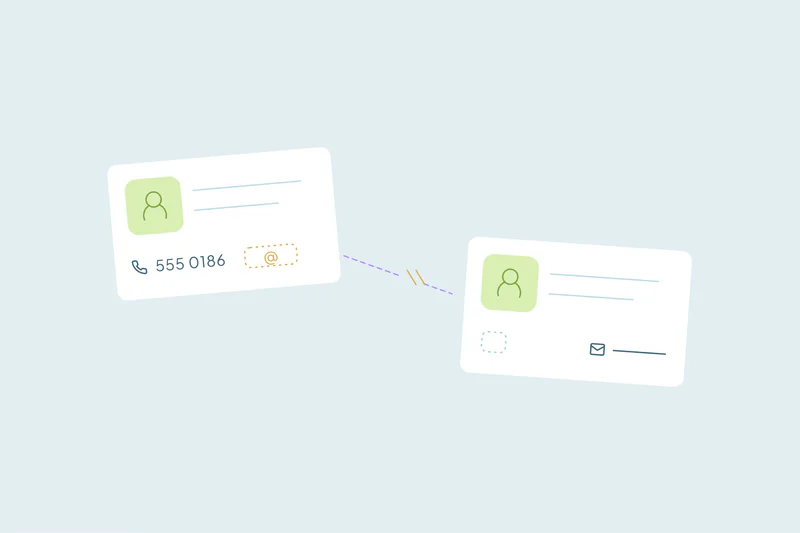
The harder ones hide. One record has a work email and the other a personal one, or one has a phone number and the other a blank.
They only look like the same person once you line up three or four fields at once. The opposite also happens: records that agree on almost everything and still aren't duplicates.
In this post, you'll see common patterns of complex matches and why overlap alone doesn't prove identity. You'll also see how to combine fields, which field can settle a close call and when a person should decide.
What makes a match complex
A simple match rests on one field that identifies each record, like email for contacts or domain for companies. A complex match rests on several fields that each prove little alone but agree together.
Name alone pairs strangers. Phone alone pairs family members and colleagues on a main line. Name, phone and company together point to one person far more often.
What counts as a duplicate is still case by case. What one team considers a duplicate, another may not. The fields you combine should follow your own definition of a duplicate.
Common patterns of complex duplicates
These patterns come up often when teams look past exact email matches.
| Pattern | What lines up | What differs |
|---|---|---|
| Different email addresses | Name and phone, sometimes company | The email address |
| One record with gaps | First and last name, sometimes phone | One record has an email, the other is blank |
| Same phone, different unit | Phone and most of the address | The apartment number, which can mean a typo or a different person |
| Country domains | The core domain, like example.us and example.fr | The country ending and sometimes the name |
| IDs written two ways | Company name and most of a tax ID | One ID ends in a check digit, the other doesn't |
| Duplicate deals | The first words of the deal title, plus email and phone | The end of the title, like the channel the lead came from |
Each one needs a different combination. Our guide on which fields to match on covers the usual pairs for each object. Our post on records with no email covers the blank-field case.
When overlap isn't identity
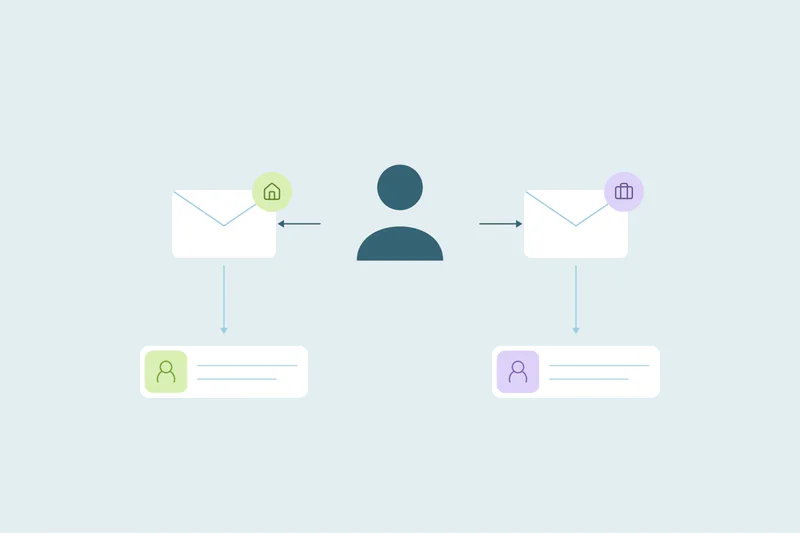
The same logic that finds complex duplicates can also pair records that aren't duplicates. When email, address and phone all agree, a merge looks safe. Sometimes the shared data belongs to a household or to one owner with several businesses.
Almost every overlapping field in that case pointed to "same." Only the legal name, the ID number and the person behind each record differed. That's the pattern to watch for: when the shared fields describe a place or an owner, they don't prove the records describe one customer.
Our post on complex deduplication at scale covers why confidence matters more than volume in projects like this.
How to combine fields for complex matches
Start from where your records overlap
Open a few sets you know are duplicates and note which fields agree. That tells you which fields to combine. Fields that agree on your known duplicates and differ on your known non-duplicates are the ones worth matching on.
Give each field its own strictness
Not every field in a combination needs the same comparison. Phone can ignore formatting, name can allow typos and an ID field can stay exact. A loose comparison is safer when a strict field in the same combination confirms it.
Add a field that tells records apart
Some fields work as a deciding field. A tax ID, a customer number or a first name set to exact can separate records that share everything else. When one of those fields differs, the records usually aren't duplicates.
Run several combinations side by side
One combination rarely catches every pattern. A common approach is to start with a strict combination of three or four fields for the duplicates you'd merge without looking. Then loosen one field at a time and check those results more carefully.
Decide the close calls by hand
Complex matches carry more doubt than exact ones, so the review step matters more. A few habits keep it fast.
- Review looser combinations before any automatic merge. Only automate a combination once its results stop surprising you.
- Reject a set when you're certain it isn't a duplicate. It then stays out of later searches, so nobody decides it twice.
- Change the search when a false pattern repeats. If households keep matching, add a person-level field like first name instead of rejecting each set.
- Ask the person who knows the record. An account owner can tell you in a minute whether two companies are one customer.
Keep a list of decided patterns, like "same address, different legal ID stays separate." It saves the next reviewer from reopening the same question.
How Dedupely helps you find complex duplicates
In Dedupely, you combine fields in a duplicate search, choose how strictly each one is matched and hold several combinations in one search. You can show extra fields next to each set for context without changing the match. Uncertain sets can go to review, and sets you're certain about can be rejected so they don't come back.
More fields, more care
Complex duplicates only appear when you combine fields, and the right combination depends on how your data overlaps. Strict combinations can be trusted, while looser ones need a person to look.
The same overlap can mislead in the other direction. A shared address or phone may describe a household or one owner's businesses. Keep a deciding field in the search and review the close calls yourself.
Frequently asked questions
How do you find duplicates that don't share an email?
Combine fields that agree across the records, like name, phone and company. Let phone ignore formatting and name allow small typos, and keep at least one field strict. Send the results to review first, since combinations without email carry more doubt than exact email matches.
Can two records with the same email, phone and address be different people?
Yes. Family members often share a phone, email and home address, and one owner can run several companies from the same office. Look for a field that belongs to one person or entity, like first name or a legal ID, before you merge.
How many fields should match to find complex duplicates?
Often three or four. Two fields can pair strangers, while three or four that agree point to one record much more often. Start strict, check the results, then loosen one field at a time and review what the looser search adds.
Should complex duplicate matches be merged automatically?
Only after a person has checked enough results to trust the combination. Many teams automate a strict combination and keep looser ones in review. Sets involving households, shared offices or related companies are usually safer reviewed by hand, one at a time.
What field can tell two similar companies apart?
A tax or registration ID, a customer number or a legal entity name usually works. Matched exactly, it separates two companies that share an owner, an address or a phone. When that field differs, treat the records as separate unless someone who knows them says otherwise.



 Or sign up with Google