 Dedupely Intelligence




TL;DR
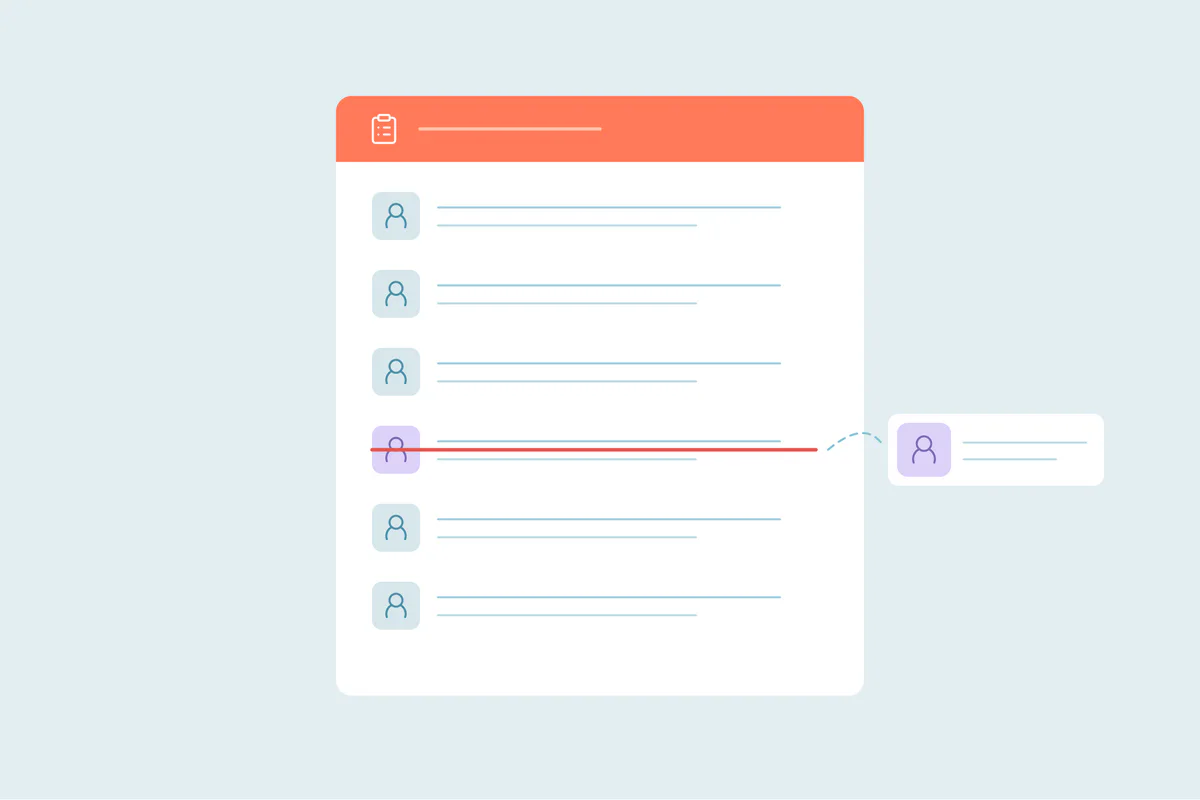
- HubSpot removes the secondary contact from every static list when contacts merge.
- The merged contact keeps the primary record's static lists.
- Active lists recalculate, because the merged contact's properties change.
- Suppression and event lists built by hand are the ones to check.
- In Dedupely, Merge Rules choose the primary record, which decides the static lists the contact keeps.
Lists and segments drive most of what HubSpot does with a contact: who gets an email, who's excluded, who's invited. When two contacts merge, their memberships aren't added together. Here's what happens, and which lists to check.
Static and active lists behave differently
| List type | After a merge |
|---|---|
| Static lists (segments) the primary contact is in | The merged contact stays in them |
| Static lists only the secondary contact was in | The contact is removed from them |
| Active lists | Membership recalculates from the merged contact's properties |
HubSpot's help says the secondary record is removed from all static segments, and that active segment memberships may change because the merge changes data.
Why it matters
- Suppression lists: if only the secondary record was on a static "Do not email" list, the merged contact isn't on it any more.
- Event and webinar lists: a registrant's static list membership disappears if their record was the secondary.
- Campaign counts: list sizes drop after a cleanup, which is expected but can look like a loss.
- Active lists: a contact can join or leave active lists as merged values change, which can enroll them in workflows tied to those lists.
How to protect your lists
- Rebuild important static lists as active lists where you can, using properties that survive a merge.
- Export key static lists (suppression, exclusions, event registrants) before a large cleanup.
- After the merge, compare the exported lists with the new ones and re-add missing contacts.
- Choose the primary record with list membership in mind, for example the record on your suppression lists.
How Dedupely helps keep the right lists
Dedupely merges HubSpot contacts through HubSpot's own merge, so HubSpot's list rules apply. Merge Rules decide which record is the primary, and a Custom rule can prefer the record with a property you rely on, like a customer status. Merge History keeps every original record's values and record IDs, so you can find the merged-away records when you rebuild a static list. Undo can't bring list memberships back, so export the lists that matter before a large merge.
Static lists follow the primary
When HubSpot contacts merge, the merged contact keeps the primary record's static lists and loses the secondary's, while active lists recalculate. Export the lists that protect people, like suppression lists, before a cleanup, and keep exclusions in properties where you can.
Frequently asked questions
What happens to HubSpot list memberships when contacts merge?
The secondary contact is removed from its static lists, and active lists recalculate from the merged contact's properties.
Does the merged contact keep the primary record's lists?
Yes, for static lists the primary contact was already in.
Can a merge remove someone from a suppression list?
Yes, if only the secondary record was on that static list. Re-add them after the merge.
Do active lists change after a merge?
They can, because the merged contact's properties change.
Does undoing a merge restore list memberships?
No. Export important lists before a large merge.



 Or sign up with Google
