 Dedupely Intelligence




TL;DR
- Pipedrive starts with the person's name, then checks email, phone or organization.
- Organizations are matched on their address.
- Deals are never merged on import, so every deal row is new.
- Write names the way Pipedrive has them and remove deals that already exist.
- Dedupely finds nicknames and name variants in the list before you import.
Pipedrive's import looks at people, organizations and deals differently, so a spreadsheet needs a different fix for each. Write people's names the way Pipedrive already has them, give organizations a consistent address, and take out deal rows for deals that already exist. Pipedrive merges duplicate people and organizations on its own once those columns line up, and deals need your check. Dedupely can find the name variants in your list, like nicknames, before Pipedrive sees them.
Here's how Pipedrive treats each one, and what to clean in the file for each.
People: the name comes first
Pipedrive treats an imported person as a duplicate when the name matches, and then at least one of these also matches:
- the organization,
- the phone number,
- the email.
It checks against people already in Pipedrive and against other rows in the same file. When it finds a match, it adds the new information to the existing person.
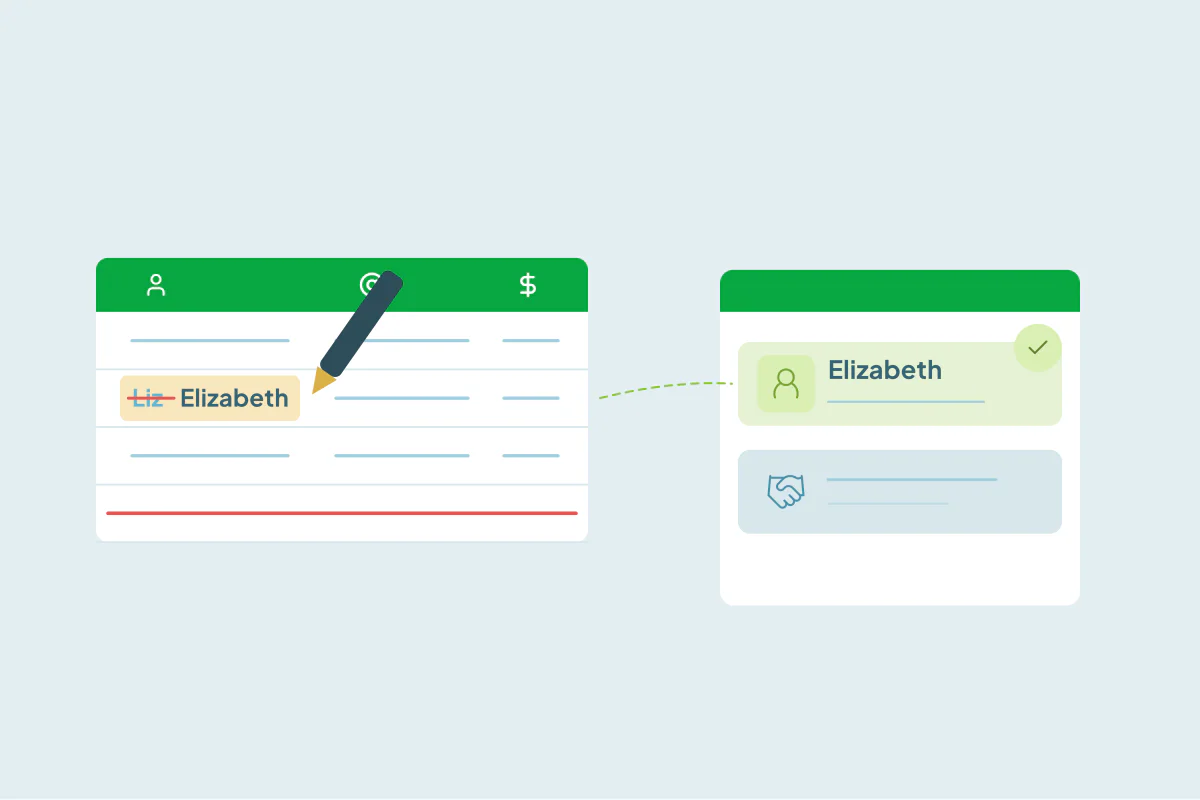
So the name has to match before anything else counts. "Jon Snow" in Pipedrive and "Jonathan Snow" in the file, with the same email, come in as two people.
What to clean:
- Nicknames and full names: use the version Pipedrive already has.
- Middle names and initials: remove them, or match Pipedrive.
- Name order and capitals: first name and last name in the right columns, written normally.
Organizations: the address is the match
Pipedrive matches organizations on their address. Two organizations can share a name if they have different addresses, like branches of the same company.
- Same company, same office: write the address the same way every time, including the street format and postal code.
- No address in the file: there's nothing to match on, so check those organizations against Pipedrive by name before you import.
- Branches: keep different addresses if you track each office as its own organization.
Deals: every row is new
Pipedrive doesn't look for existing deals when you import, so every deal row creates a deal. Before you import:
- Export your open and recent deals from Pipedrive.
- Compare them with the file on deal title and organization.
- Remove the rows for deals that already exist, and update those deals by hand.
Merging on or off
Merging duplicates is the default when you import. You can turn it off to create every row as a new record, but Pipedrive's own guidance warns that this clutters the database. Leave it on, and fix the names and addresses in the file so the merges are right.
How Dedupely finds name variants before a Pipedrive import
In Dedupely, you can upload the list together with an export of your Pipedrive people and organizations into the same spreadsheet, and match the rows across both files. The "Match nicknames" setting on first-name fields pairs names like Elizabeth and Liz, so you see which rows Pipedrive would create as new people. Organizations can be matched on name with Similar Words, which compares the words in any order, and on website with Domain Root. Merge Rules decide which version of the name and address wins, and you export a clean CSV for the Pipedrive import. Spreadsheets you upload don't count toward the records on your plan.
Fix the names, addresses and deals
Pipedrive's import does most of the merging if the file speaks its language: names written the way Pipedrive has them, organizations with a consistent address, and no deal rows for deals you already have. Clean those three things and the import adds new records only where they're new.
Frequently asked questions
How do I clean a spreadsheet before importing it into Pipedrive?
Write people's names the way Pipedrive has them, use one address format for organizations, and remove deal rows for deals that already exist.
How does Pipedrive find duplicates during an import?
People match on name plus organization, phone or email. Organizations match on address. Deals aren't checked.
Why did my Pipedrive import create a second person with the same email?
The names didn't match, for example a nickname in the file and a full name in Pipedrive, so the email was never compared.
Does Pipedrive merge duplicate deals on import?
No. Every deal row is imported, so compare the file with your existing deals first.
Should I turn off merging when I import?
Usually not. It creates every row as a new record. Fix the names and addresses in the file instead.




 Or sign up with Google
 Pipedrive Marketplace