



TL;DR
- Some fields are rewritten by an integration on a schedule, often overnight.
- Matching on them makes results unstable: duplicates appear, disappear and come back.
- Merging doesn't stick either, because the next sync can overwrite the value you chose.
- Match on stable fields like email, domain or an ID, and let the owning system decide the values it overwrites.
- In Dedupely, you can run Auto Merge after the nightly sync, inside a time window you choose.
A duplicate search looks fine on Monday. On Tuesday, half the matches are gone. On Wednesday they're back, along with some new ones. Nobody changed the search.
When results swing like that, the cause is often a field an integration rewrites on a schedule. An ERP sync, an enrichment tool or a marketing platform updates it every night, and every update changes what matches. This post covers how to spot it and what to match on instead.
Which fields get overwritten
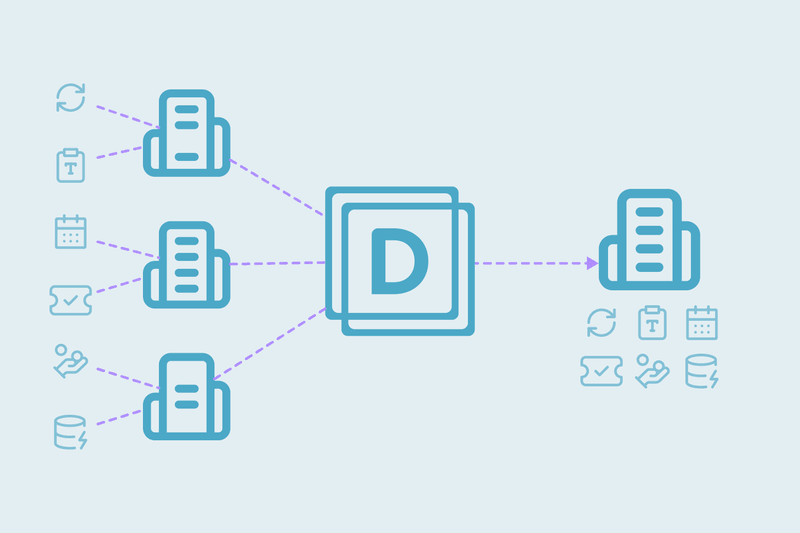
Integrations that push data into the CRM on a schedule usually own a few fields. Common ones:
| Integration | Fields it often rewrites |
|---|---|
| ERP or billing sync | Account name, billing address, customer number, payment status |
| Enrichment tool | Company name, industry, employee count, phone, job title |
| Marketing platform | Lifecycle stage, lead source, subscription status |
| Phone or SMS tool | Phone number format, contact name on new calls |
| Data warehouse sync | Any field mapped back into the CRM |
If one of those fields is in your duplicate search, your results depend on what the integration wrote last.
Signs your search depends on an unstable field
- Match counts change a lot from one day to the next, without new records.
- A duplicate you merged comes back after the next sync.
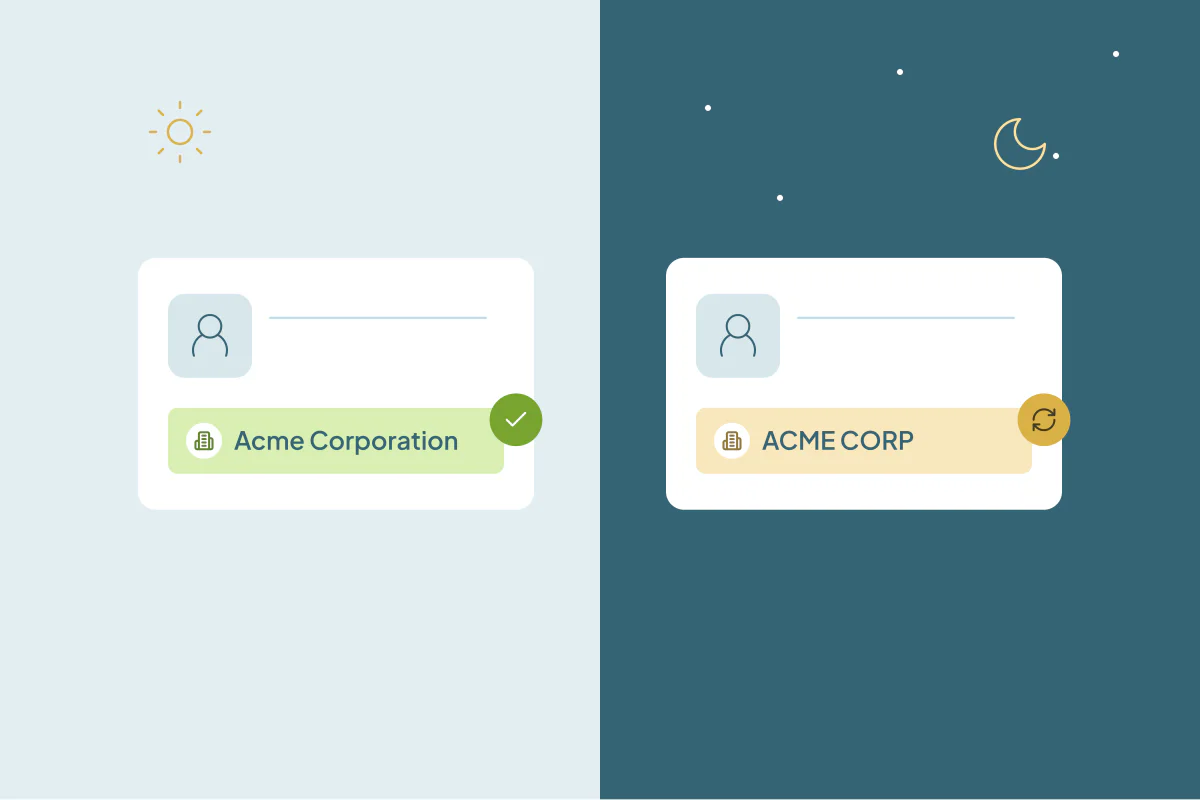
- Merged values flip back. You chose "Acme Corporation" as the company name; the next morning it says "ACME CORP" again.
- Formats change overnight. A phone number you matched as "+1 555 010 2000" becomes "5550102000".
What to match on instead
Match on fields that don't change. Email, website domain and IDs from other systems are written once and rarely rewritten. They're the most reliable fields for a duplicate search.
If you must match on an integration's field, match on its version. Don't fight the integration by cleaning a value it will overwrite tonight. Match on the value as the integration writes it, so the search sees the same thing every day.
Let the owning system decide the values it overwrites. If the ERP rewrites the billing address every night, picking a different address in a merge won't last. Let the ERP's value win, or change the value in the ERP itself.
Time your merges after the sync. Merging right after the nightly sync means you're working with the values that will stay until the next one.
When the integration is creating the duplicates
Sometimes the overwrite isn't the only problem: the integration also creates a new record whenever it can't find a match. That's a recurring duplicate problem, and How to manage recurring duplicates from CRM integrations covers how to handle it.
How Dedupely handles fields that keep changing
Dedupely refreshes from your CRM every 10 to 30 minutes, so your results reflect what the integration last wrote. You can match on any synced field, including an ID from another system, and use Merge Rules to let a specific value win, for example "Newest wins" or a Win Rule on the field your integration fills. Auto Merge can run on a schedule or between hours you choose, so it can merge after the nightly sync instead of before it.
Stable fields, stable results
If an integration rewrites a field every night, a search that depends on it will change every day, and merges on it won't stick. Match on fields that don't change, let the owning system decide the values it overwrites, and merge after the sync runs.
Frequently asked questions
Why do my duplicate matches change every day?
Often because the search uses a field an integration rewrites on a schedule. Each sync changes the values, so different records match.
Why did a merged value change back?
An integration probably overwrote it on its next sync. Let that system's value win, or change the value in the system that owns it.
Which fields are safest to match on?
Fields that are written once and rarely change: email, website domain and IDs from other systems.
Should I stop the integration before deduplicating?
Not usually. Match on stable fields and merge after the sync. Pausing an integration can affect other teams' workflows.
When should I run merges if I have a nightly sync?
After it finishes, so the values you merge with stay until the next sync.


 Or sign up with Google