Dedupely Intelligence




TL;DR
- Tools that price by records count the records in the objects you sync, not your whole CRM.
- Count per object (contacts, companies, deals, leads) and per connected CRM, then add them up.
- Leave out objects you don't need to dedupe, and check whether spreadsheets count.
- Add room for growth: new leads, imports and integrations add records every month.
- In Dedupely, you choose which objects to sync, spreadsheets don't count and the trial shows your record count.
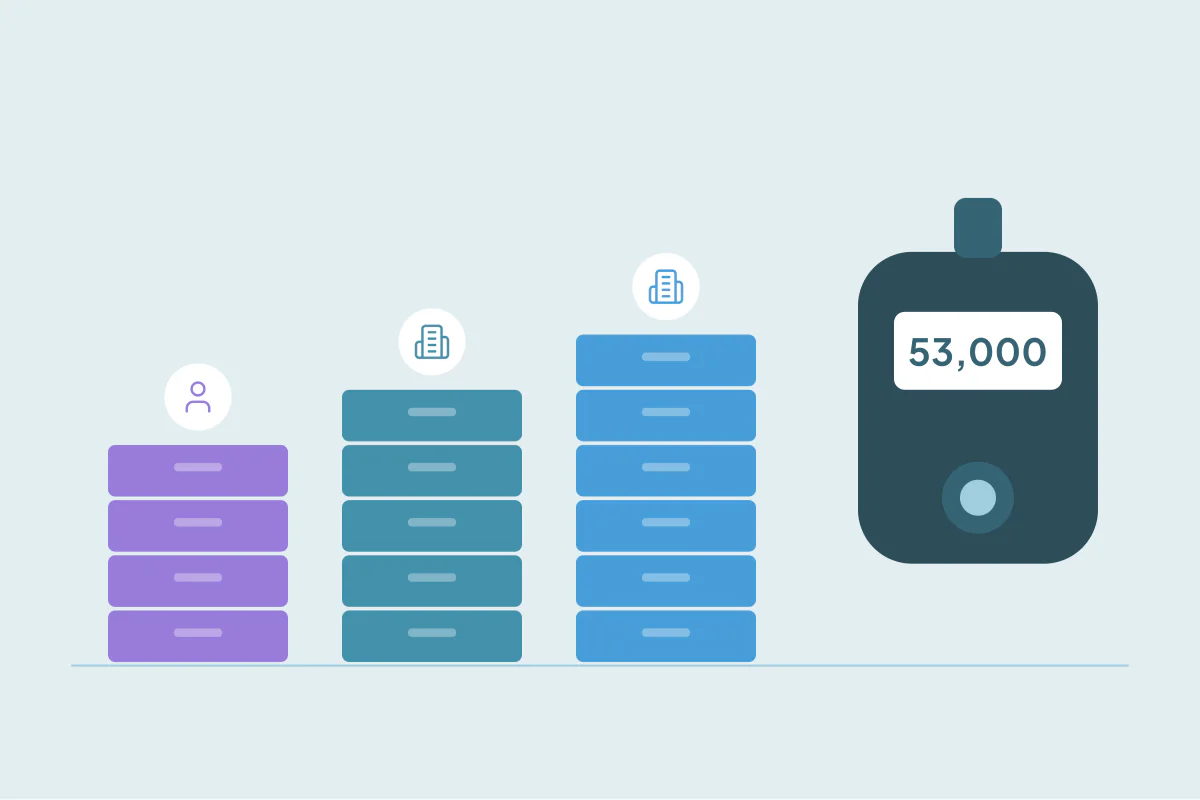
Many deduplication tools price by the number of records they work with. Before you pick a plan, you need that number, and it's rarely the one people guess. "We have about 20,000 contacts" often turns into 60,000 records once companies, deals and a second CRM are counted.
This post covers how to estimate the count before you buy, so the plan fits from the start and you don't have to change it a month later.
What usually counts
Record-based tools typically count:
- The objects you choose to sync, like contacts, companies, deals or leads.
- Every record in those objects, including duplicates and old records.
- Records across every CRM you connect, added together.
What often doesn't count, depending on the tool: objects you leave out, and spreadsheets you upload separately. Check the tool's pricing page for both.
Count per object and per CRM
Pull the total from each object you plan to dedupe. Most CRMs show it at the top of the list view or in a report.
| CRM | Object | Records | Dedupe it? |
|---|---|---|---|
| CRM 1 | Contacts | 15,000 | Yes |
| CRM 1 | Companies | 18,000 | Yes |
| CRM 1 | Deals | 9,000 | Not yet |
| CRM 2 | Accounts | 20,000 | Yes |
| Total to sync | 53,000 |
Only the objects you mark "yes" go into the total. Deals can be added later if they become a problem.
Decide which objects you need
You don't have to sync everything. Ask:
- Where do the duplicates hurt? Companies for account-based sales, contacts for marketing, deals for pipeline reports.
- Which objects will you merge in the next three months? Start with those.
- Do you need a second CRM connected now, or only after a migration?
Leave room for growth
Your record count goes up every month: new leads, form fills, imports and integrations. A cleanup also brings it down, since merged duplicates disappear. Estimate both:
- Growth: how many records each object gained in the last three months.
- Cleanup: the duplicates you expect to merge. How to find out how many duplicates your CRM has covers how to estimate it.
How Dedupely counts records
Dedupely prices plans by the total number of records you choose to sync. You can turn objects on or off, and the records from every active object across all connected CRMs are added together. Spreadsheets don't count toward the record limit, and spreadsheet uploads are unlimited on every plan and the trial. During the free trial, you can see your synced record count, so you know the number before you choose a plan. Dedupely never upgrades a subscription or charges a card automatically.
Count before you choose
The number that matters is the records in the objects you'll dedupe, across every CRM you'll connect. Count per object, leave out what you don't need yet, add room for growth and subtract the duplicates you'll merge.
Frequently asked questions
How many records will my CRM sync to a deduplication tool?
The records in the objects you choose to sync, across every connected CRM. Count each object separately and add them up.
Do duplicates count toward a record limit?
Usually, yes. Every record in a synced object counts, including duplicates, until they're merged.
Do spreadsheets count toward the limit?
It depends on the tool. In Dedupely, they don't.
Do I need to sync every object?
No. Start with the objects where duplicates cause the most trouble, and add others later.
Can I see my record count before choosing a plan?
In Dedupely, yes: the free trial shows your synced record count.




 Or sign up with Google