 Dedupely Intelligence




TL;DR
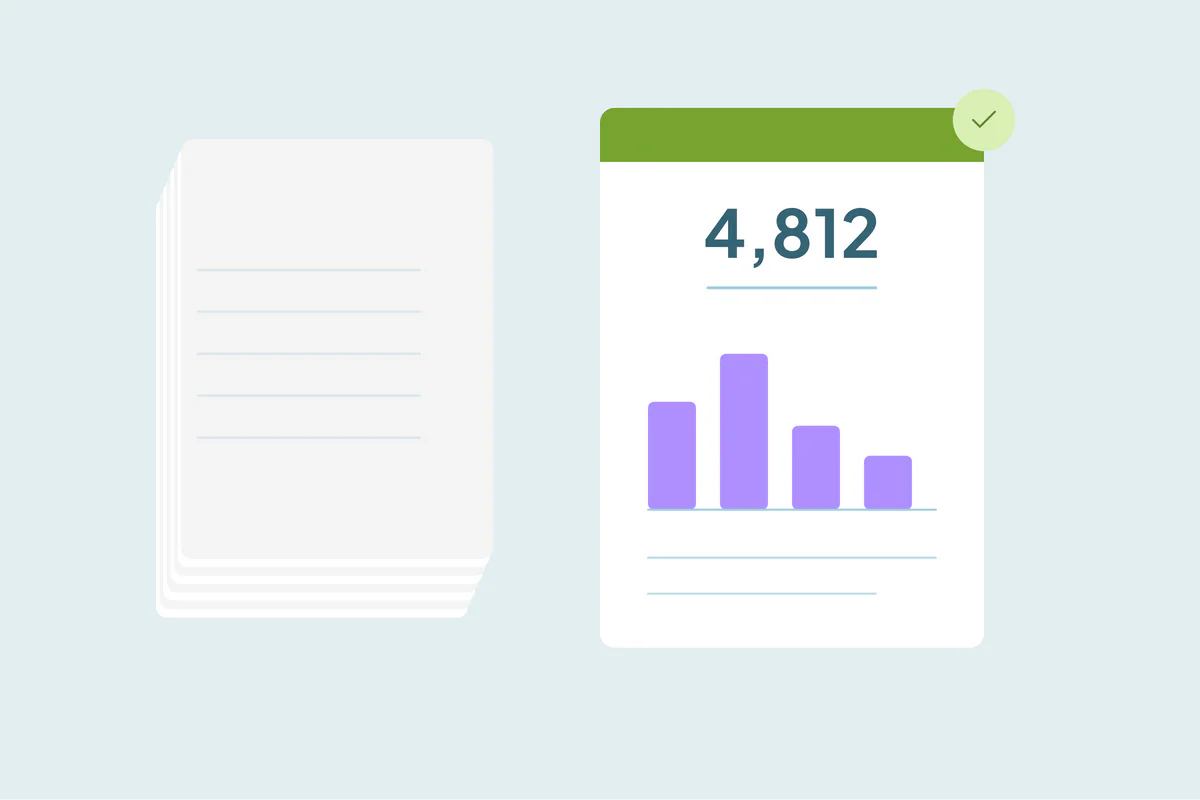
- A cleanup report should fit on one page, because the people who sign off won't read more.
- Lead with before-and-after numbers per object.
- Add where duplicates came from and what you decided with the client.
- End with what will create new duplicates and what to do about it.
- Dedupely's Merge History export and Duplicate Report email give you the numbers.
At the end of a cleanup, the client's admin wants detail, and their manager wants to know if it worked. A one-page report serves the manager, and links to the detail for the admin. Here's what to put on it.
The structure
| Section | Length | What it answers |
|---|---|---|
| Summary | 2 sentences | What was done and what changed |
| Numbers | A small table | How many duplicates, before and after |
| Sources | 3 bullets | Where duplicates came from |
| Decisions | 3 bullets | What the client decided, and why |
| Next steps | 3 bullets | What will create new duplicates, and the fix |
| Attachments | Links | Merge log, rules, detailed counts |
The numbers table
Show each object on its own row:
| Object | Records before | Duplicate sets found | Merged | Records after |
|---|---|---|---|---|
| Contacts | 84,200 | 6,900 | 6,750 | 76,900 |
| Companies | 12,400 | 1,300 | 1,280 | 11,000 |
| Deals | 3,100 | 140 | 120 | 2,980 |
Keep the numbers you can defend: sets found, sets merged, sets rejected as not duplicates, records removed. Avoid estimates the client can't check.
Sources and decisions
Sources tell the client what to fix. For example: "Most duplicate contacts came from the webinar form, which creates a new contact for each registration."
Decisions record the client's choices. For example: "Contacts with the same name at the same company, but different emails, were reviewed by the sales ops lead. 140 were merged, 30 were kept apart."
Next steps
End with what keeps the CRM clean:
- The sources to fix, in order of impact.
- Who runs deduplication from now on, and how often.
- When to check again, with a date.
How Dedupely helps with cleanup reports
In Dedupely, each Duplicate Search shows how many matches and records it found, which gives you the before numbers. Merge History shows the total number of merges and can be filtered by date and exported as a CSV with the original values, for the merge log you attach. The Duplicate Report email shows each connected CRM's duplicate counts, weekly or monthly, so you can follow the numbers after the project too.
One page, then the detail
A cleanup report that fits on one page gets read: a summary, a numbers table, sources, decisions and next steps, with the merge log and rules attached. Use the same format at every check-in, and the client sees the CRM stay clean.
Frequently asked questions
What should a CRM cleanup report for a client include?
A short summary, before-and-after numbers per object, sources of duplicates, the client's decisions and next steps.
How long should the report be?
One page, with the detail in attachments.
Which numbers should I show?
Records before and after, duplicate sets found, merged and rejected, per object.
Should the report include the merge log?
Attach it, rather than putting it in the report.
How do I show progress after the project?
Repeat the same report at each check-in, with the same numbers.



 Or sign up with Google
 Salesforce AppExchange