 Dedupely Intelligence




TL;DR
- Manufacturers' CRMs mix direct customers, distributors, reps and plant contacts.
- ERP syncs, trade shows and dealer networks create duplicate accounts.
- The same company often appears as headquarters, plants and ship-to locations.
- Decide what one account means before merging, and keep ERP IDs safe.
- Dedupely matches companies by domain root and name, and can keep records with different ERP IDs apart.
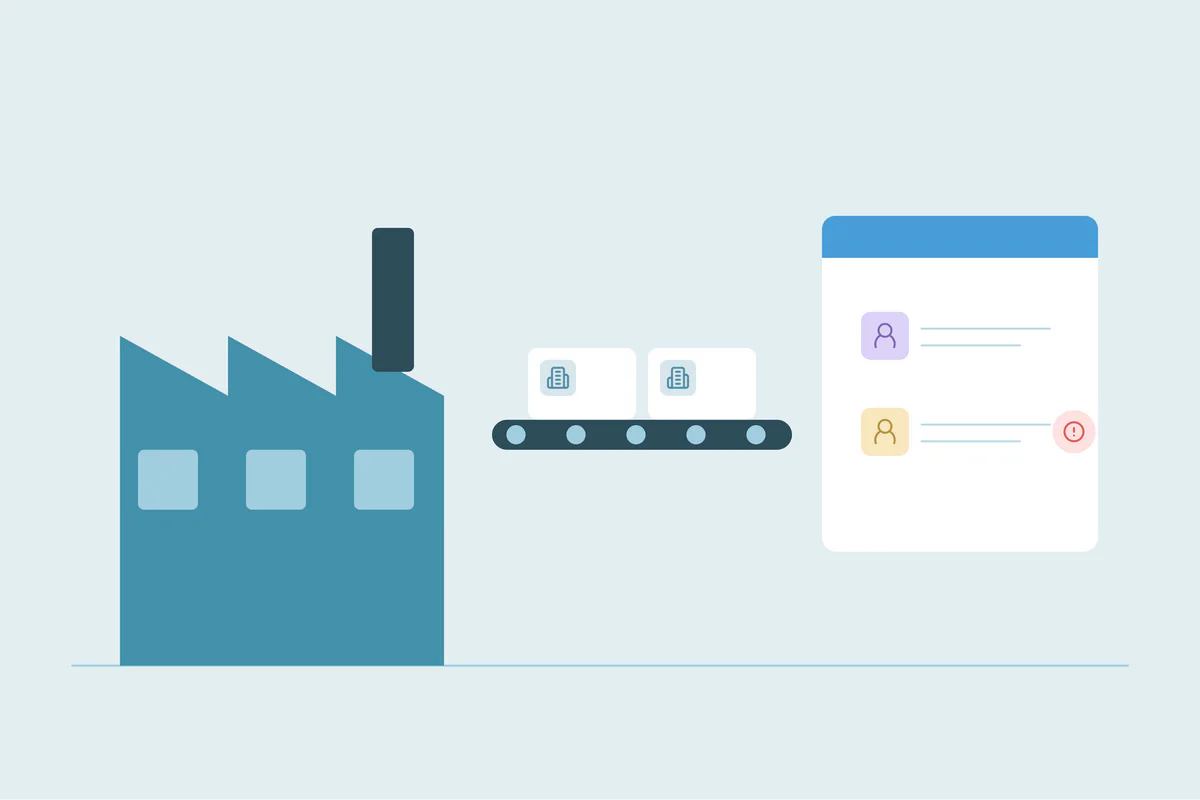
A manufacturer's CRM rarely holds a simple list of customers. It holds parent companies and their plants, distributors that buy for resale, dealers, independent reps, engineers who specify the product and purchasing contacts who buy it. Add an ERP that creates accounts from orders, and duplicates are almost certain.
Where manufacturers' duplicates come from
| Source | What happens |
|---|---|
| ERP sync | Each sold-to or ship-to address becomes a new account |
| Trade shows | Badge scans create contacts already in the CRM |
| Distributors and dealers | The same end customer is registered by several partners |
| Independent reps | Reps add accounts in their own way |
| Acquisitions | Two customer databases come together |
| Plants and divisions | One customer appears under several names and addresses |
Decide what one account means
Before merging, agree on what an account is:
- One account per legal entity, with plants as child accounts or addresses.
- One account per buying location, if each plant buys separately.
- One account per customer number in the ERP, if finance needs that.
The wrong merge combines plants that buy separately, or keeps the same plant as three accounts. The right answer depends on how you sell and invoice.
Protect the IDs other systems use
Manufacturers often sync the CRM with an ERP, a quoting tool or a dealer portal. Those systems usually rely on an ID, like a customer number. Before merging:
- List the fields other systems use to find records.
- Decide which ID survives when two accounts merge.
- Tell the ERP owner about the merge, so orders don't fail.
- Test on a few accounts with ERP history.
Then keep it clean
- Fix the ERP sync so it updates existing accounts instead of creating new ones.
- Check trade show lists before importing.
- Give partners a way to check whether a customer exists before registering it.
How Dedupely helps manufacturers
In Dedupely, Domain Root matches company websites on the core domain, ignoring www and country variants, so a manufacturer's .com and .de sites pair up. Similar Words matches company names in any order, and ignored terms leave out words like Inc., GmbH or Manufacturing. Filters can keep a search to one region, type of account or record owner. A filter set to "is unique across match" on the ERP ID shows matches where the IDs differ, which are usually different customers, and a Custom Primary Record rule can keep the record that has the ID. In Dedupely Intelligence, Protected fields stop records with different IDs from matching. Merge History records every merge with the original values.
One customer, one clear structure
Manufacturers' duplicates come from ERP syncs, trade shows, partners and acquisitions, and many customers have several real locations. Decide what an account means, protect the IDs other systems rely on, merge the real duplicates and fix the sources that keep adding them.
Frequently asked questions
How do manufacturers deduplicate their CRM?
They decide what one account means, match on domain and name plus location, protect ERP IDs and merge in batches.
Should plants be merged into one account?
Not if they buy separately. Many teams keep one parent account with a child account per plant.
Why does our ERP sync create duplicate accounts?
It often creates an account for each sold-to or ship-to address instead of updating an existing one.
How do I protect ERP customer numbers in a merge?
Decide which ID survives, protect that field and test on a few accounts first.
What about end customers registered by several distributors?
Match them on domain and name, and agree with partners on who owns the account.



 Or sign up with Google

 HubSpot Marketplace