 Dedupely Intelligence




TL;DR
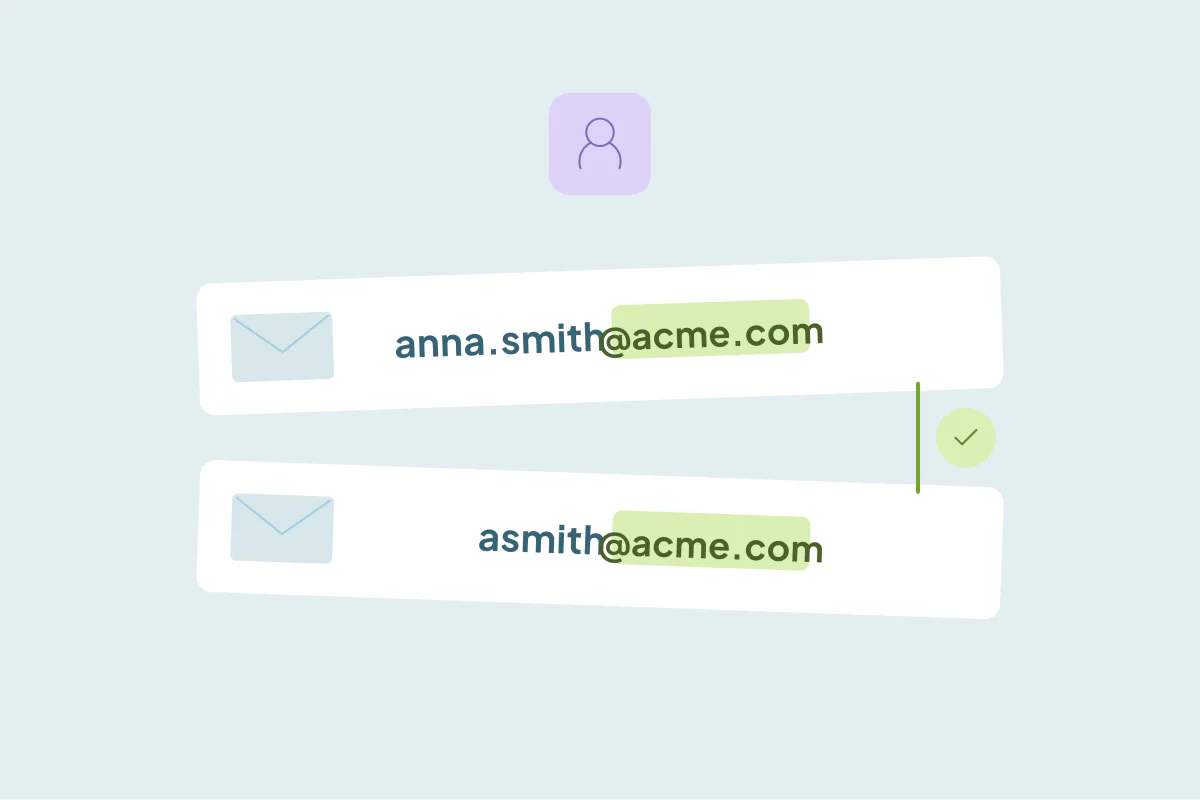
- Some companies change their email format, like anna.smith@ to asmith@, after a merger or a new email system.
- Every contact at that company can then arrive as a new record with a new email.
- An email match misses these pairs, because the part before the @ changed.
- Match on name plus the email's domain instead, and keep the new address as the main email.
- In Dedupely, Domain Root matches the domain of an email, so name plus email domain finds these pairs.
A customer moves to a new email system, and its addresses change from first.last@company.com to flast@company.com. The domain is the same; every address is different. Over the next few months, as these people fill in forms, reply to sequences and join calls, the CRM creates a new contact for each of them.
Now every contact at that customer exists twice. This post covers how to find these pairs and what to keep.
Why an email match misses them
An email match compares the whole address. "anna.smith@acme.com" and "asmith@acme.com" are different strings, so they don't match. The same goes for:
| Old format | New format |
|---|---|
| anna.smith@acme.com | asmith@acme.com |
| anna.smith@acme.com | anna@acme.com |
| asmith@acme.com | anna.smith@acme.com |
| anna.smith@acme.co.uk | anna.smith@acme.com |
The last one is a domain change, not a format change. It needs a different approach: matching on the root of the domain.
Match on name plus the email domain
The person's name and the company's domain didn't change. Together, they're a strong match:
- First and last name, with tolerance for nicknames if your tool supports it.
- The domain of the email, not the whole address.
- Optionally, the company the contact is linked to.
Review a sample before merging. Two people with the same name can work at the same company, especially at large customers.
What to keep when you merge
| Field | Keep |
|---|---|
| Main email | The new address, since the old one may stop working |
| Old email | In a secondary email field, if your CRM has one |
| Activities and history | Both, on the merged record |
| Owner and lifecycle stage | From the record your team has worked on |
If the old addresses still work for now, they may stop later. Keeping the new one as the main email avoids a wave of bounces.
When it's not a duplicate
The same name at the same domain usually means the same person, but not always:
- Common names at large companies can be two people.
- Shared inboxes like info@ aren't a person.
- Family businesses may have several people with the same last name.
Check the job title and phone before merging those.
How Dedupely helps
In Dedupely, the Domain Root match option compares the core domain of an email or URL, ignoring www and country variants, so you can pair contacts on first name, last name and email domain even when the part before the @ changed. The "Match nicknames" setting on first-name fields pairs names like Robert and Bob. Dedupely Intelligence also compares email with a second email field automatically. Merge Rules decide which email stays the main one, and Custom Merge lets you pick it by hand for a single set.
Same person, same domain, new address
When a customer changes its email format, match contacts on name plus the email's domain instead of the full address. Review a sample for common names, keep the new address as the main email and the old one as a secondary.
Frequently asked questions
How do I find duplicates when a company changes its email format?
Match on first name, last name and the domain of the email, then review a sample before merging.
Why doesn't an email match find these duplicates?
It compares the whole address, and the part before the @ changed, so the two emails don't match.
Which email should the merged contact keep?
The new address as the main email, and the old one in a secondary email field.
What if the company also changed its country domain?
Match on the root of the domain, so .co.uk and .com versions of the same domain pair up.
Can two people at one company have the same name?
Yes, at larger companies. Check job title and phone before merging those sets.



 Or sign up with Google

 Pipedrive user