 Dedupely Intelligence





TL;DR
- Companies named gmail.com, yahoo.com or outlook.com come from contacts with personal emails.
- They link unrelated people into one fake company.
- Merging them makes it worse: you get one giant fake company.
- Unlink the contacts, remove these companies and stop new ones being created.
- Dedupely filters find companies with a personal domain, and Safety Settings keep huge sets out of bulk merges.
Open your company list, sort by number of contacts, and there it is: a company called "gmail.com" with 1,400 contacts. Maybe there's also "yahoo.com", "hotmail.com" and a dozen "gmail.com" companies with a few contacts each. None of them are companies. They're what happens when a CRM tries to group people by their email domain and the domain is a personal one.
Where they come from
| Source | How it happens |
|---|---|
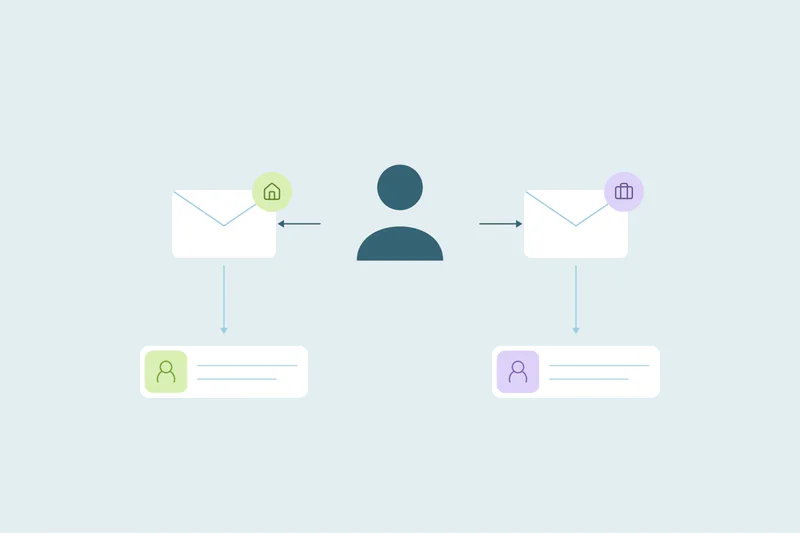
| Automatic company creation | The CRM creates a company from each new email domain, including personal ones |
| Imports | A "Company domain" column is filled from the email address |
| Enrichment and integrations | A tool sets the company domain from the email |
| Forms | A "Company website" field is filled with the email domain |
In HubSpot, for example, automatic company association matches a contact's email domain with a company's domain. For personal domains like gmail.com, HubSpot's help says it tries the contact's website instead, and you can add up to 1,000 domains to an exclusion list. Imports and integrations can still create these companies, though.
Why they're a problem
- Unrelated people are grouped together. 1,400 strangers share one "company".
- Account reports are wrong: company counts, revenue per account and engagement per account.
- Account-based campaigns target nonsense, like "the gmail.com buying committee".
- They show up as duplicates of each other, and someone may try to merge them.
Don't merge them
Several "gmail.com" companies look like duplicates: same name, same domain. Merging them creates one company with every personal-email contact attached, which is worse than before. They're not duplicates of each other; they're not companies.
How to clean them up
- Find companies whose domain is a personal one: gmail.com, yahoo.com, outlook.com, hotmail.com, icloud.com and the regional ones your contacts use.
- Check what's attached: contacts, deals and activities.
- Re-link contacts to their real company where you can tell it from other fields, like job title, a work phone or a second email.
- Remove the fake companies once nothing important is attached.
- Stop new ones: add personal domains to your CRM's exclusion list, fix import templates and check integrations that set the company domain.
How Dedupely helps with personal-domain companies
In Dedupely, you can filter a company search on the domain field with "is equal to" and up to 25 terms per filter, so you see every company whose domain is gmail.com, yahoo.com or another personal domain. Safety Settings keep very large sets out of bulk selection and Auto Merge: a set with more records than the limit you set, 20 by default, goes to the Excluded tab instead of being merged.
They're not companies
A company named after a personal email domain groups strangers together. Don't merge these records into each other. Find them, re-link the contacts you can, remove the fake companies and block personal domains in the tools that create them.
Frequently asked questions
Why do I have companies called gmail.com in my CRM?
Automatic company creation, imports or integrations used the contact's email domain as the company domain.
Should I merge all the gmail.com companies?
No. Merging them creates one fake company with every personal-email contact. Remove them instead.
How do I stop new gmail.com companies?
Add personal domains to your CRM's exclusion list, fix import templates and check integrations that set company domains.
What happens to contacts linked to these companies?
Re-link them to their real company where you can, or leave them without a company.
Can a duplicate search pair people just because both use gmail.com?
It can, if it matches on email domain alone. Match on the full email, or add a second field like name.




 Or sign up with Google

 HubSpot Marketplace