Dedupely Intelligence




TL;DR
- In Close, every contact belongs to a lead, which is the company.
- Two duplicate contacts under different leads usually mean the leads are duplicates too.
- Merge the leads first: their contacts end up under one lead.
- Then merge the duplicate contacts inside that lead.
- Dedupely merges Close leads and contacts, and stops a contact merge across two leads before anything changes.
You find the same person twice in Close: Anna Kowalski under "Brightline" and Anna Kowalski under "Brightline Analytics". You try to merge the two contacts, and it doesn't work. The reason is how Close is built, and the fix is to merge in a different order.
Leads come first in Close
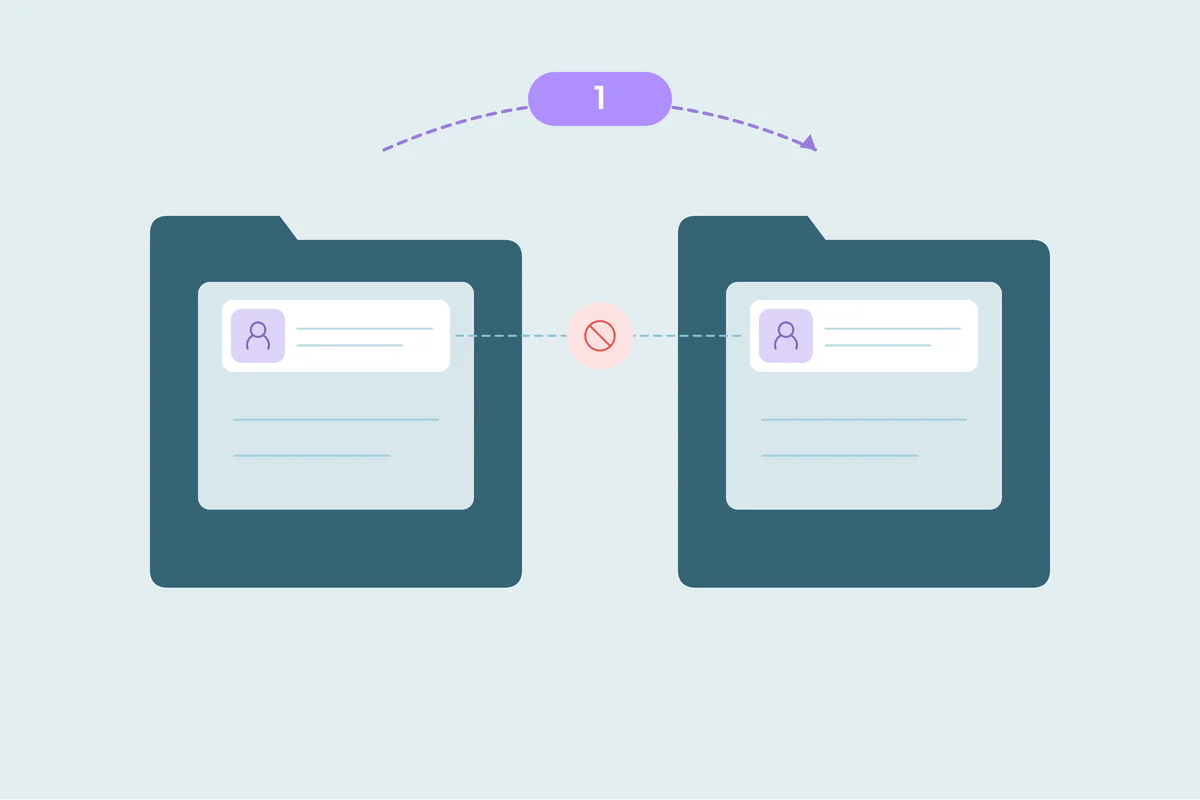
Close organizes records around leads. A lead is a company or an account, and contacts sit inside it. Every contact belongs to exactly one lead, and its activities and opportunities are tied to that lead.
| Record | What it is in Close | What it holds |
|---|---|---|
| Lead | The company or account | Contacts, opportunities, activities, addresses |
| Contact | A person at that company | Emails, phones, title |
| Opportunity | A deal | Value, status, confidence |
So a contact isn't free to move between companies the way it can in some other CRMs. Merging two contacts from two different leads would mean deciding which company the person and their history belong to, and that's a lead decision, not a contact decision.
Two leads usually means duplicate companies
When the same person appears under two leads, it's rarely a contact problem. More often, the company itself exists twice:
- An import created a new lead for every row, with slightly different company names.
- A form or integration created a new lead instead of finding the existing one.
- Two reps each added the company by hand.
Merge in the right order
- Find duplicate leads by company name and website domain.
- Merge the leads. The surviving lead takes the other lead's contacts and history.
- Find duplicate contacts inside the merged lead, usually by email or name.
- Merge those contacts. Now they're under the same lead, so the merge is possible.
If the two leads really are different companies, for example a parent and a subsidiary, don't merge them. Decide which company the person works for, keep that contact and remove or update the other.
How Dedupely merges Close leads and contacts
In Dedupely, you can run a Duplicate Search on Close leads, matching on company name and website with Domain Root, which compares the core domain and ignores www and country variants. Leads are merged with Close's own lead merge, and the surviving lead keeps the other lead's history and contacts. Close doesn't offer a contact merge, so Dedupely merges contacts itself: it moves the field values onto the contact you keep, moves its opportunities, notes, calls and emails across and removes the duplicate. Contacts under different leads can't be merged, and Dedupely stops that merge before anything changes, so you merge the leads first. Merge History records every merge with the original values.
Merge the company, then the person
In Close, a contact belongs to its lead, so duplicate contacts across two leads point to duplicate leads. Merge the leads first, then merge the contacts that end up side by side. If the leads are different companies, decide which one the person belongs to instead of merging.
Frequently asked questions
Why can't I merge two Close contacts that belong to different leads?
Every contact belongs to one lead. Merging contacts across leads would move a person and their history between companies, so merge the leads first.
What happens to contacts when I merge two Close leads?
The surviving lead keeps the other lead's contacts and history, so the duplicate contacts end up under one lead.
What if the two leads are different companies?
Don't merge them. Decide which company the person belongs to and update or remove the other contact.
Do tasks and meetings move when Close contacts are merged?
Not all of them. Close doesn't allow a task's or meeting's contact to be changed, so those stay behind.
How do I find duplicate leads in Close?
Match leads on company name and website domain, and review sets where the names differ before merging.




 Or sign up with Google