Dedupely Intelligence




TL;DR
- Automations that "create" instead of "find or create" make a new record every time they run.
- Retries, double triggers and two tools doing the same job make them run twice.
- The tell: identical records created seconds or minutes apart.
- Fix the automation first, then merge what it already created.
- Dedupely can merge these duplicates on a schedule while you fix the source.
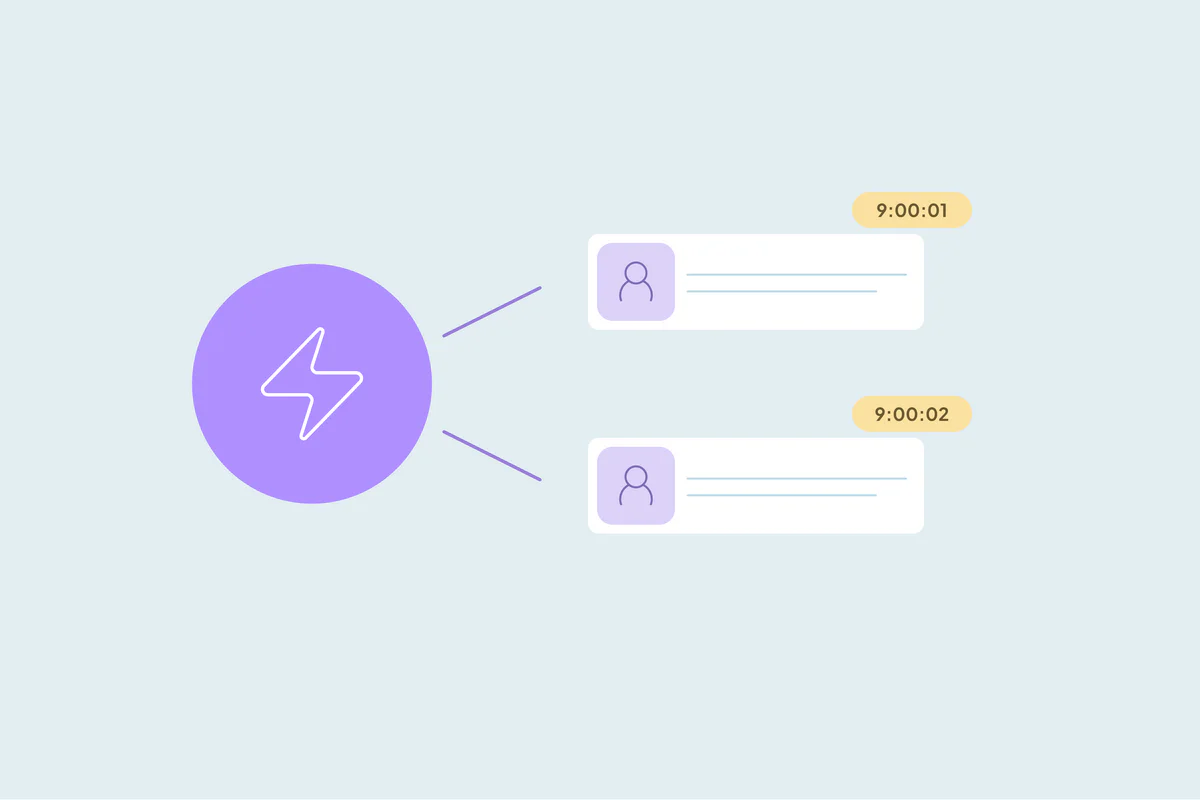
Two contacts with the same name, the same email and the same source, created 4 seconds apart. Nobody typed them twice. An automation ran twice, or two automations did the same job, and each one created a record.
Why automations create duplicates
| Cause | What happens |
|---|---|
| A "create record" step instead of "find or create" | Every run makes a new record, even for existing people |
| The trigger fires twice | A form submits twice, a sending app retries, a status changes back and forth |
| A failed run is retried | The first attempt partly succeeded, the retry creates it again |
| Two tools do the same job | A native integration and a Zap both send new leads to the CRM |
| Parallel runs | Two runs start before either one finds the record the other is creating |
The last one is the hardest to see: even a "find or create" step can create two records if two runs happen at almost the same moment.
How to spot automation duplicates
- Created seconds or minutes apart, with the same values.
- The same source or "created by" value, often an integration user.
- A pattern by time of day, matching a scheduled sync.
- Batches: dozens of pairs on the same day, after a change to an automation.
Fix the source
- Find which automations create records in the CRM, and list them in one place.
- Switch "create" steps to "find or create" or "update if exists", matched on email or an ID.
- Remove overlap where two tools do the same job.
- Check retry settings and add a short delay where triggers can fire twice.
- Store an external ID from the source system, so a second run updates instead of creating.
Then clean up
Automation duplicates are usually exact: same email, same name, same values. That makes them good candidates for automatic merging, once you've tested the search on a sample.
How Dedupely helps with automation duplicates
In Dedupely, a Duplicate Search matching on email, or on an ID from the source system, finds the pairs an automation created. Auto Match notifies you when new matches reach a number you set, which shows when an automation starts creating duplicates again. Auto Merge can merge new duplicates on a schedule you choose, while you fix the source, and Merge History records every merge with the original values.
Fix the automation, merge the rest
Automations create duplicates when they create instead of finding, run twice or overlap with another tool. Look for identical records created close together, fix the step that creates them, and merge what's already there.
Frequently asked questions
Why does my automation create duplicate records?
Usually because it creates a record instead of finding an existing one, or because it runs twice.
How can I tell a duplicate came from an automation?
The records are nearly identical and created seconds or minutes apart, often by an integration user.
Does "find or create" stop all duplicates?
Most, but two runs at the same moment can still each create a record.
Should I merge automation duplicates automatically?
Often, yes: they tend to be exact matches. Test the search on a sample first.
How do I stop two tools from creating the same record?
Choose one tool to create records and set the other to update only.




 Or sign up with Google