 Dedupely Intelligence





TL;DR
- When a second brand joins an existing CRM, its customers often overlap with the first brand's.
- If each brand imports and creates its own records, those shared customers end up saved twice.
- One record per person, with fields showing their brands, usually works better than one record per brand.
- Consent, owners and lifecycle stages often differ by brand, so they need their own fields.
- Dedupely can merge the overlap when the second brand's data arrives, and keep brand values from both records.
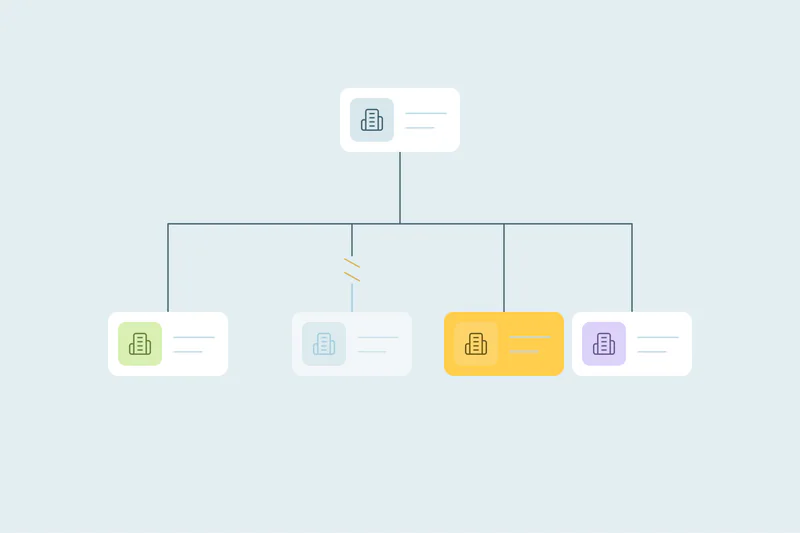
A company launches a second product line, buys a smaller business or adds a sister brand. The second brand moves into the same CRM, and its customer list is imported. Some of those customers already exist under the first brand.
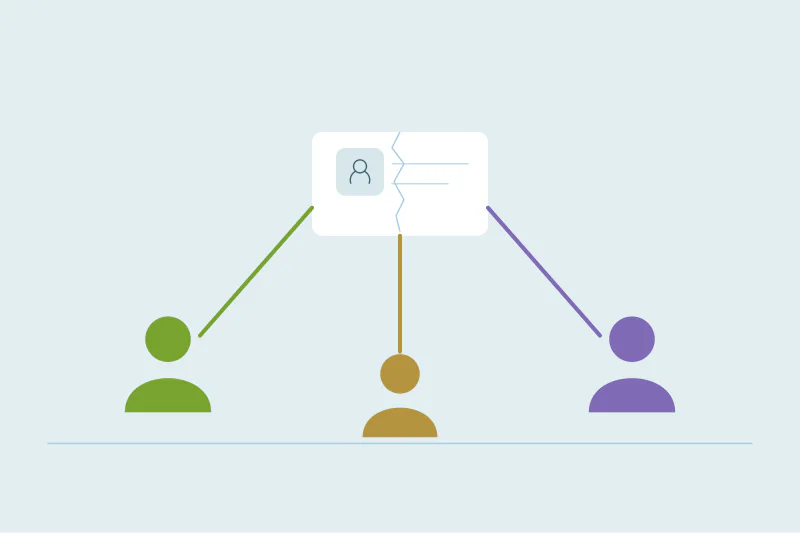
If nobody plans for the overlap, the CRM ends up with the same person twice: once for each brand. This post covers how to bring a second brand in without doubling your contacts.
Decide the model first
| Model | How it works | Watch out for |
|---|---|---|
| One record per person, brand fields | Each person exists once, with fields for each brand they belong to | Consent and owners must be kept per brand |
| One record per person per brand | Separate records, kept on purpose | Every report, campaign and sync has to understand it; reps see two records |
| Separate CRMs | Each brand has its own CRM | Shared customers are invisible across brands |
Most teams are best served by one record per person, with brand-specific fields. It keeps reporting simple and stops two teams from emailing the same person without knowing.
Fields to add before the import
- Brand: which brands the person or company belongs to. A field that holds more than one value works best.
- Consent per brand: if marketing consent is given per brand, keep a separate consent field for each.
- Owner per brand, if each brand has its own sales team.
- Lifecycle stage per brand, if someone can be a customer of one and a prospect of the other.
Set these up before importing, so the second brand's data has somewhere to go.
Import with matching, not as new records
When the second brand's list comes in:
- Match it against existing contacts on email, so shared customers update the existing record instead of creating a new one.
- Add the second brand to the brand field on those records, instead of overwriting the first.
- Fill the second brand's consent and owner fields, leaving the first brand's alone.
- Run a duplicate search after the import, to catch people who came in with a different email.
Don't let consent merge away
The biggest risk in a multi-brand merge is consent. If one brand's opt-out overwrites the other's opt-in, or the other way round, you either lose a customer's permission or email someone who said no. Keep consent per brand in separate fields, and make sure merges keep each one.
How Dedupely helps
In Dedupely, you can match the second brand's contacts against existing ones on email, name, phone or any synced field, and filter a search to one brand using a brand field. When records merge, multi-value fields in your CRM can use Append to keep every unique value, so both brands stay in the brand field. Merge Rules decide which value wins in each other field, so each brand's consent and owner fields can be kept, and blank values never win. If the second brand's list is still a spreadsheet, you can dedupe it in Dedupely before importing.
One person, two brands
A second brand doesn't need a second record for every shared customer. Decide on one record per person with brand fields, add consent and owner fields per brand, import with matching and merge the overlap that slips through.
Frequently asked questions
How do I add a second brand to my CRM without creating duplicates?
Add brand-specific fields first, then import the second brand's list matched on email so shared customers update existing records.
Should each brand have its own record for the same person?
Usually not. One record per person with brand fields keeps reporting simple and avoids two teams contacting the same person blindly.
How do I keep consent separate for each brand?
Use a consent field per brand, and make sure merges keep each one.
What about people who came in with a different email?
Run a duplicate search on name plus company or phone after the import, and merge them.
Can a person be a customer of one brand and a prospect of the other?
Yes. Keep a lifecycle stage per brand if that matters to your teams.



 Or sign up with Google
 HubSpot Marketplace