



TL;DR
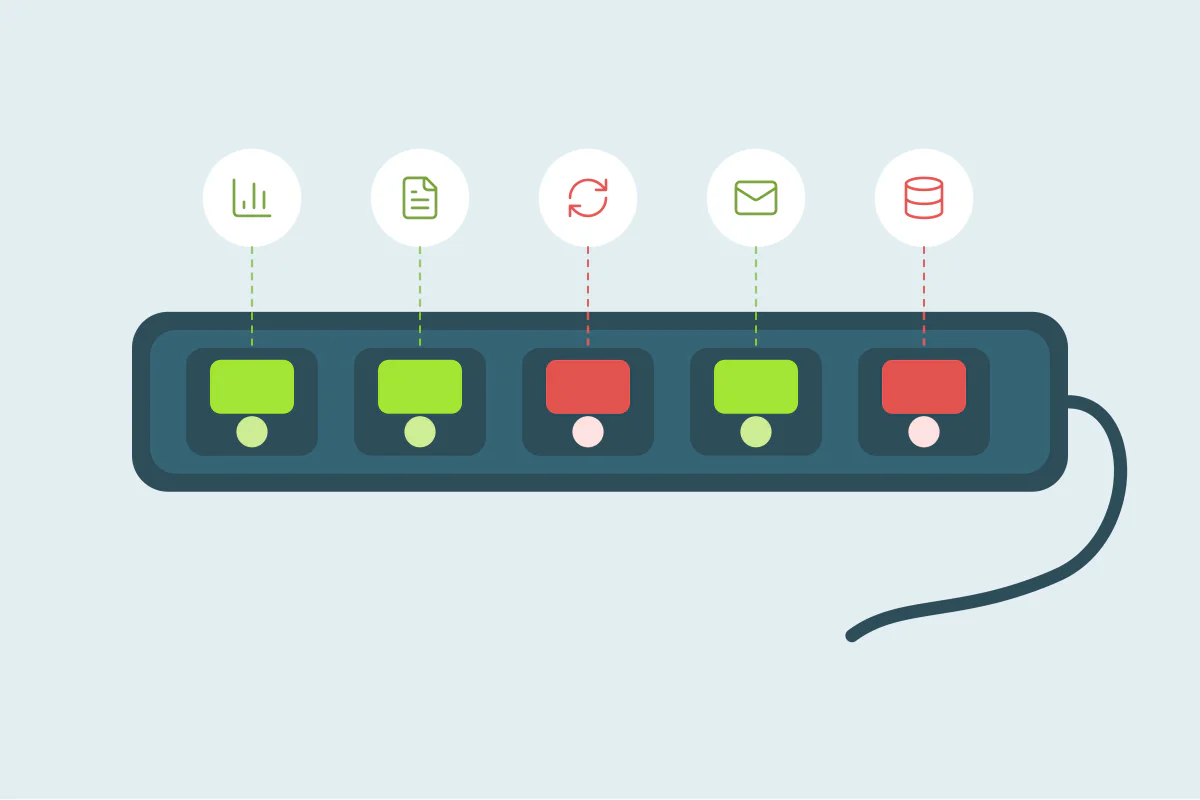
- Most integrations don't need to stop for a big merge, but a few can undo it or break because of it.
- The risky ones sync records both ways, create records from outside data or store CRM record IDs.
- Read-only tools, like most reporting connections, can keep running.
- When in doubt, run the merge in a quiet window and check the risky integrations right after.
- In Dedupely, syncing never changes the CRM, and Auto Merge can run between hours you choose.
Before a large cleanup, someone usually asks: "Should we turn off the integrations first?" It's a good question. A merge changes records that other tools may be reading, writing or pointing to.
The answer isn't "turn everything off". That stops the business for a day and causes its own problems. It's "know which integrations can react badly, and handle those". This post covers how to tell them apart.
Three kinds of integrations
| Kind | Example | Risk during a merge |
|---|---|---|
| Read-only | Reporting connections, dashboards | Low: they read what's there next time they run |
| One-way into the CRM | Forms, chat, call apps, product sign-ups | Medium: they can create a new duplicate while you merge |
| Two-way sync | Marketing tools, another CRM, support desks, billing | Higher: they can recreate merged records or overwrite values you chose |
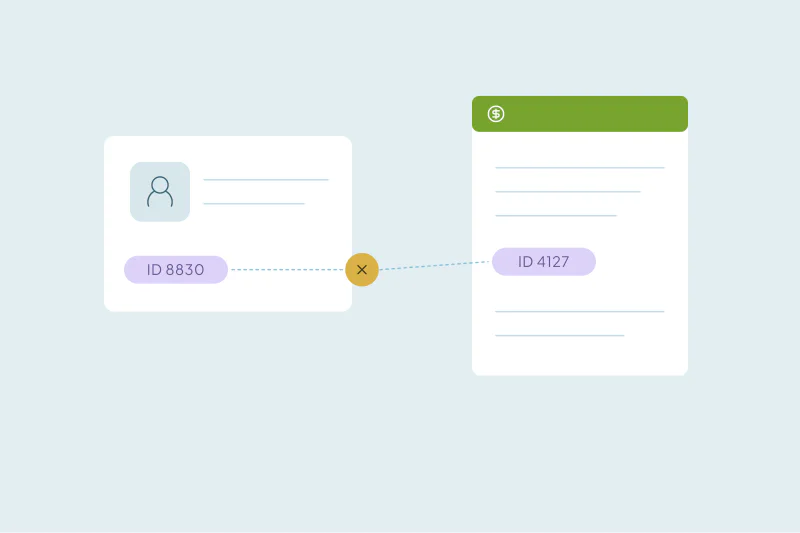
A fourth question applies to all three: does the tool store CRM record IDs? If it does, a merge that changes or removes an ID can leave the tool pointing at a record that no longer exists.
Integrations worth pausing or watching
Two-way syncs. If a marketing tool or second CRM still has both records, it may push the merged-away one back. Check how the sync handles merges and deletions before you start.
Tools that store record IDs. Billing, ERP and support tools often keep the CRM ID of a customer. After a merge, some CRMs keep the surviving record's ID and others create a new one. Find out which, and plan how the other tool will be updated.
Bulk imports and list uploads. Don't run a big import in the middle of a merge. It can create new duplicates of records you just merged.
Integrations you can leave running
- Reporting and dashboards that only read data.
- Forms and chat that add the occasional new record. They're a reason to run a duplicate search again afterwards, not to stop.
- Email and calendar logging, which adds activities to records. Activities move with the merge.
A simple plan
- List your integrations and mark each one: read-only, one-way in or two-way.
- Ask the owner of each two-way tool how it handles a merge in the CRM.
- Pause bulk imports for the merge window.
- Merge in a quiet window, like an evening or weekend.
- Check after: look at a few merged records in each risky tool the next day, and run your duplicate search again.
How Dedupely helps around a merge
Connecting and syncing a CRM in Dedupely never changes it; only merges do. So you can find and review duplicates while every integration keeps running, and decide later when to merge. Auto Merge can run on a schedule you choose, including between chosen hours, so merges happen when other tools are quiet. Merge History's CSV export keeps the original values and record IDs of every merged record, which helps teams update tools that store CRM IDs.
Pause what can react, keep the rest
You rarely need to turn off every integration for a big merge. Pause bulk imports, check two-way syncs and tools that store record IDs, merge in a quiet window, and check the risky tools afterwards.
Frequently asked questions
Should I turn off integrations before merging duplicates?
Not all of them. Pause bulk imports, and check two-way syncs and tools that store CRM record IDs. Read-only tools can keep running.
Can an integration undo a merge?
A two-way sync can push a merged-away record back if the other tool still has it. Check how each sync handles merges first.
What about tools that store CRM record IDs?
Find out whether your CRM keeps the surviving record's ID or creates a new one, and plan how the other tool will be updated.
When is the best time to run a big merge?
In a quiet window, like an evening or weekend, after a small test batch.
What should I check after the merge?
A few merged records in each risky integration, and a new duplicate search to catch anything created during the merge.



 Or sign up with Google
 HubSpot Marketplace