



TL;DR
- A survey sent from a CRM with duplicates reaches some customers twice.
- That annoys the customers you most want to hear from, and can count one person's answer twice.
- Duplicate companies split account-level scores, so one account looks like two.
- Clean the survey audience first: contacts by email and name, companies by domain.
- Dedupely lets you focus a search on the audience you're about to survey, using filters on any synced field.
A customer survey, whether it's NPS, CSAT or a product feedback form, is only as good as the list it goes to. If that list comes from a CRM with duplicates, some customers get the survey twice, some answers count twice and some scores end up on the wrong record.
The fix is quick if you do it before you hit send. This post covers what duplicates do to survey results and what to check first.
What duplicates do to a survey
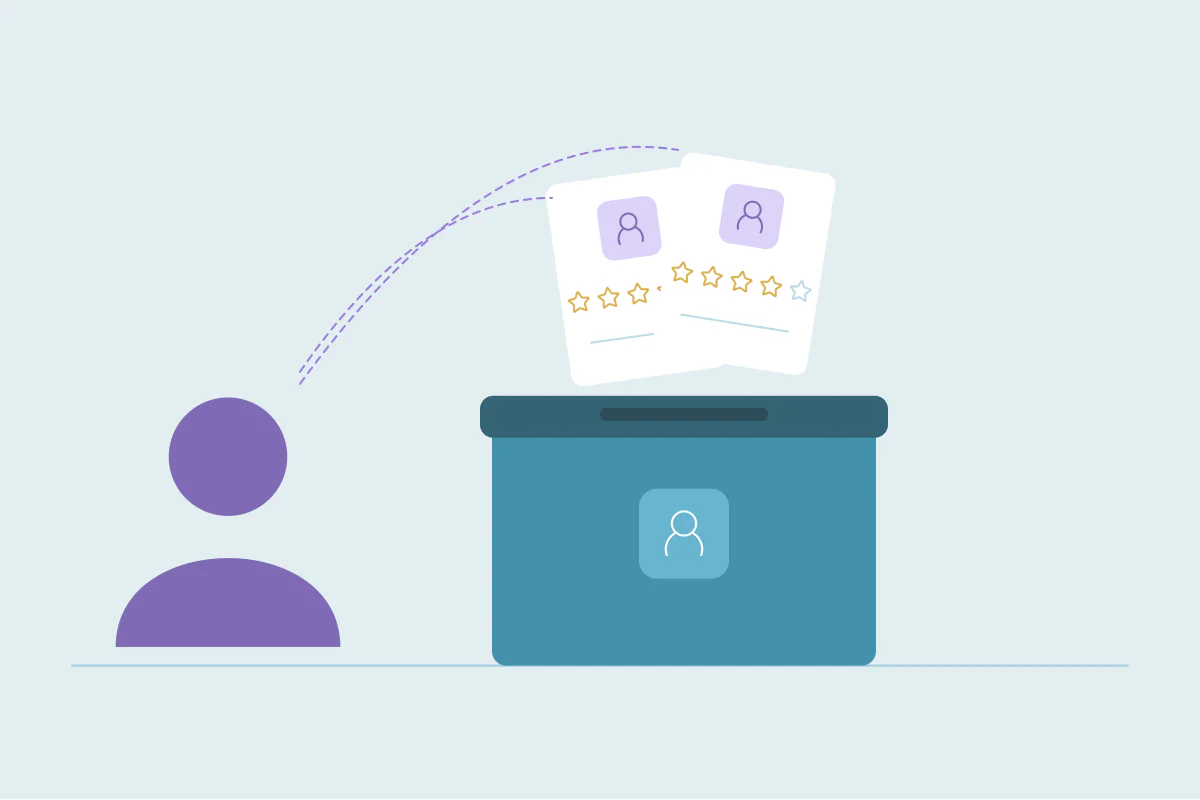
Customers get asked twice. Two records with the same email, or the same person with a work and a personal email, means two invitations. The people most likely to notice are your most engaged customers.
Answers count twice. If both invitations get answered, one person's opinion counts double. In a small B2B survey, a few double answers can move the score.
Answers land on the wrong record. The response attaches to whichever record got the invitation. If that's the duplicate nobody works, the account manager never sees the feedback.
Account scores get split. When one company exists as two records, its contacts' answers are split between them. A detractor and a promoter at the same customer look like two different accounts.
What to check before sending
| Check | How |
|---|---|
| Same email on two contact records | Exact match on email |
| Same person, two emails | Match on name plus company or phone |
| Duplicate companies in the audience | Match on website domain |
| Placeholder or shared emails | Leave out "info@", "admin@" and test addresses |
| Recent respondents | Exclude people surveyed in the last few months |
You don't need to clean the whole CRM first. Focus on the audience you're about to survey, such as active customers.
After the survey
- Tie answers to the right record. If a duplicate got the survey, move the response to the record the account team uses, or merge the two.
- Read scores per account, not only per person, once companies are clean.
- Keep the audience clean for next time, so each survey round doesn't start with the same cleanup.
How Dedupely helps before a survey
In Dedupely, filters work on any synced field, so you can build a search for just the audience you're surveying, like customers in a certain lifecycle stage or region. Match on email, name, phone or company domain, review the sets and merge them before the send. Merge Rules decide which owner and values survive, so the response lands on the record your team works.
Survey each customer once
Duplicates turn one customer into two survey invitations, two answers and a split account score. Clean the audience before you send, focus on the customers you're surveying, and tie each answer to the record your team uses.
Frequently asked questions
Do duplicate contacts affect survey results?
Yes. They can send the survey twice, count one person's answer twice and split a company's answers across records.
Should I clean the whole CRM before a survey?
No. Clean the audience you're about to survey first, like active customers, then the rest later.
How do duplicate companies affect NPS?
Answers from one customer are split across two company records, so account-level scores and follow-ups are wrong.
What if a duplicate record already got a response?
Merge the two records, or move the response to the record the account team uses, so the feedback reaches the right person.
Which fields should I match on before a survey?
Email first, then name plus company or phone for people with two emails, and website domain for companies.




 Or sign up with Google