 Dedupely Intelligence





TL;DR
- Connecting and syncing should only read your CRM, not change it.
- Matching, filters, reviews and rejected matches should stay inside the tool.
- Changes should start only when someone merges, or turns on automatic merging.
- Ask the vendor which steps write to the CRM before you connect.
- In Dedupely, connecting and syncing never merge, edit or delete anything: only merges do.
Connecting any app to a CRM makes admins nervous, and a deduplication tool more than most: its whole job is to combine and remove records. The reasonable question before you connect is what it does to your data before you ask it to merge anything.
The short answer, for a well-built tool: nothing. Here's what each step should and shouldn't do, and how to check.
What each step should do
| Step | Should it change the CRM? |
|---|---|
| Connecting the CRM | No. It grants access. |
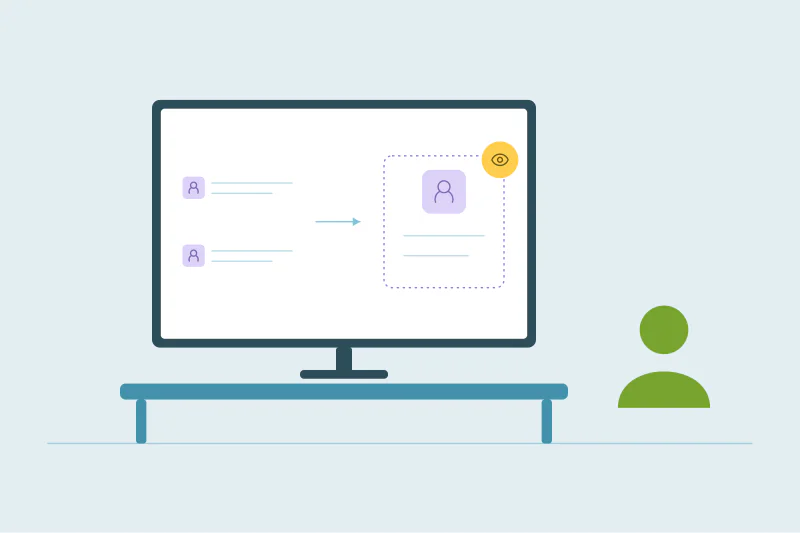
| Syncing records | No. The tool reads records to compare them. |
| Running a duplicate search | No. Matching happens in the tool. |
| Filters and match settings | No. They change what the tool shows. |
| Sending matches to review or rejecting them | No. Those are decisions stored in the tool. |
| Previewing a merge | No. |
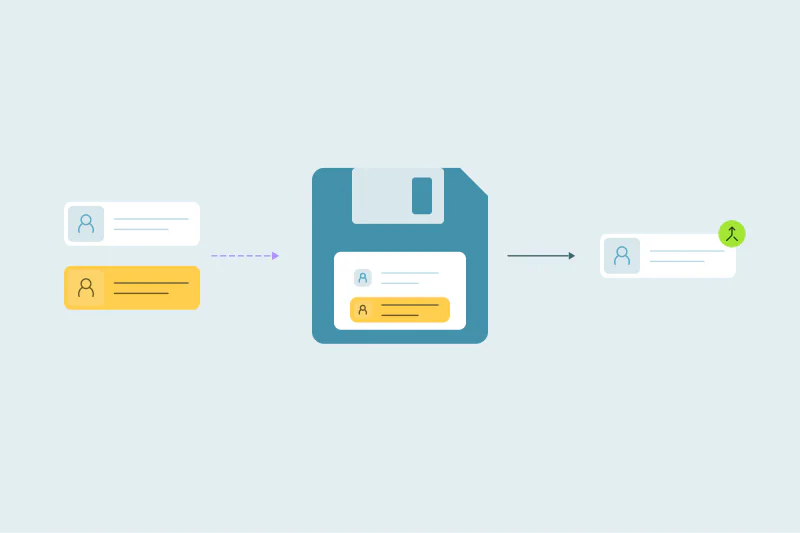
| Merging | Yes. This is where records change. |
| Automatic merging | Yes, once someone turns it on. |
If a tool writes to the CRM before a merge, for example by adding tags, fields or notes to flag duplicates, you should know before you connect it.
Why "read-only until you merge" matters
- You can measure first. Sync the whole CRM, see how many duplicates there are and decide whether to clean up at all.
- You can test settings safely. Change match settings a dozen times without anything happening to real records.
- Security reviews are shorter. Reviewers want to know exactly which actions write data.
- Nothing surprises the sales team. Records only change on the day you plan to merge.
What does change when you merge
Once you merge, the CRM's records change: one record survives, the others are removed or merged into it, and field values are combined. Depending on the CRM, the surviving record may get a new ID, and workflows can be affected. That's why the steps before the merge (preview, small batch, backup) matter.
How to check before you connect
- Ask the vendor which actions write to the CRM.
- Check the permissions the connection asks for.
- Connect a sandbox first, if your CRM has one.
- Look at a few records in the CRM after the first sync. Nothing should have changed.
What changes in your CRM with Dedupely
In Dedupely, connecting and syncing never merge, edit or delete anything in your CRM, and changes only happen when you merge. Duplicate Searches, match options and filters only change what Dedupely shows. Manual Review, rejected matches and Safety Settings are kept in Dedupely and never change CRM data. Merges change the CRM when you run them, or on the schedule you set when you turn on Auto Merge. Every merge is recorded in Merge History with the original values.
Nothing changes until you merge
A deduplication tool should read your CRM until you decide to merge. Connecting, syncing, matching, reviewing and previewing should all stay inside the tool. Ask the vendor which steps write to the CRM, check a few records after the first sync, and plan the first merge with a backup and a small batch.
Frequently asked questions
Does a deduplication tool change anything in my CRM before I merge?
It shouldn't. Connecting, syncing, matching and reviewing should only read the CRM. Ask the vendor to confirm.
Does syncing a CRM with a deduplication tool change records?
In a read-only sync, no. The tool reads records to compare them.
When do records change?
When you merge, or when automatic merging runs after someone turns it on.
How can I check that nothing changed?
Note the last modified date of a few records before connecting and check them after the first sync.
Is it safe to test match settings on real data?
Yes, if the tool only changes data on merge. Settings and searches stay inside the tool.



 Or sign up with Google
 Pipedrive Marketplace