 Dedupely Intelligence




TL;DR
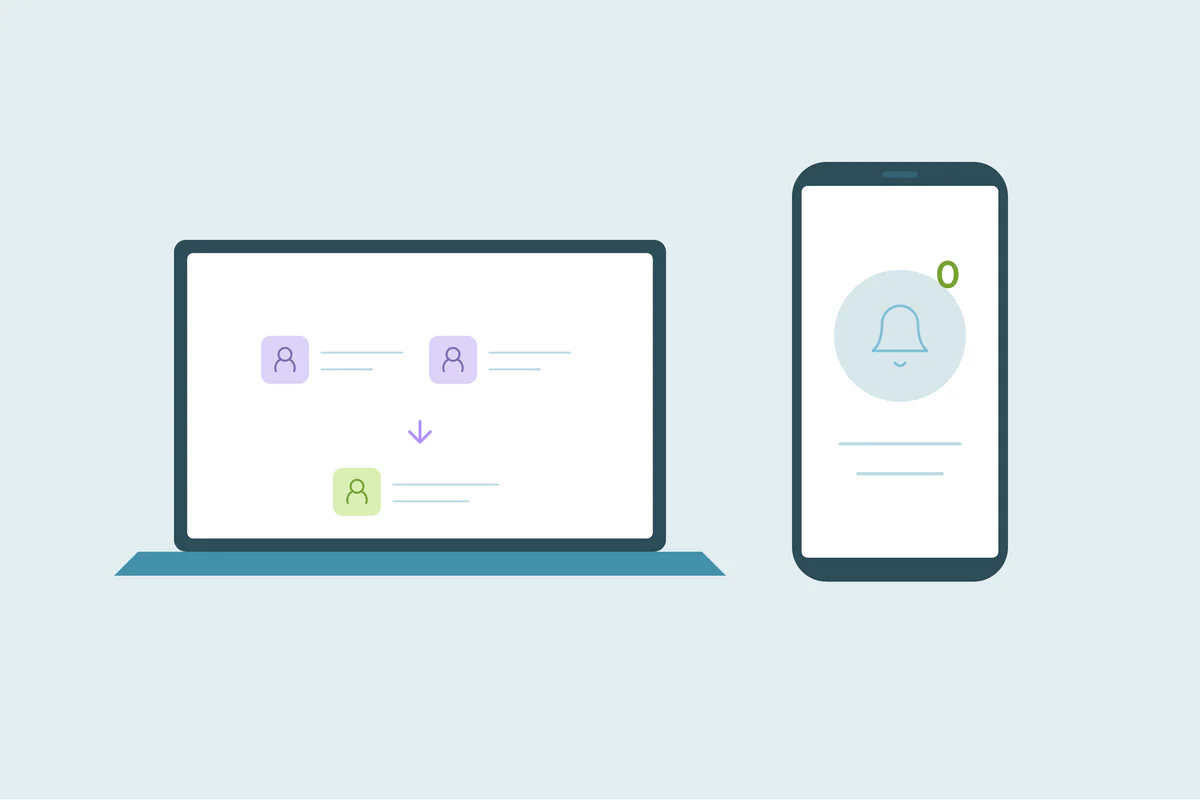
- A merge itself doesn't send anything to the contact.
- But it changes data, and automations that react to changes can send emails.
- Lifecycle changes, new list memberships and re-created records are the usual triggers.
- Check workflows before a large merge and test on a small batch.
- Merges in Dedupely don't message contacts, and connecting your CRM never changes it.
Before a big cleanup, someone usually asks: will our customers know? Will they get an email saying their records were merged? The short answer is no. The longer answer is that a merge can still cause emails, through your own automations.
The merge itself is silent
CRMs don't email the people whose records are merged. HubSpot, Salesforce, Pipedrive and others treat a merge as an internal data change. There's no "your account was merged" message.
What can reach contacts after a merge
| Change after the merge | What it can trigger |
|---|---|
| Lifecycle stage moves forward | A workflow for new customers or new opportunities |
| The contact joins an active list | Workflows enrolled from that list |
| A field gets a value it didn't have | Workflows that trigger on that field being set |
| A record is re-created, for example by an undo | "New contact" workflows and welcome emails |
| The contact leaves a suppression list | Campaigns that previously excluded them |
In HubSpot, for example, the merged record isn't automatically enrolled in workflows because of data changes from the merge, unless the workflow allows it. Other CRMs and tools behave differently, so check yours.
How to keep merges invisible to contacts
- List workflows that trigger on fields a merge can change: lifecycle stage, lead status, owner, list membership.
- Check each workflow's re-enrollment settings.
- Test on a small batch and watch outgoing emails for a day.
- Pause sensitive workflows during a large merge, if your team agrees.
- Keep suppression in properties, so exclusions follow the merge.
What Dedupely does and doesn't send
Merges in Dedupely don't send anything to your contacts. Notifications in Dedupely, like Auto Match alerts and the Duplicate Report email, go to the people in your Dedupely account. Connecting and syncing never change your CRM; only merges do. The merge preview shows the result before you merge, and Merge History records every merge with the original values. If you undo a merge, the merged-away records come back as new records, which can trigger new-record workflows in your CRM, so check those first.
Silent merge, noisy automations
Contacts aren't told when their records are merged. What can reach them is an automation reacting to the merged data. Check workflows that trigger on fields a merge changes, test on a small batch and watch outgoing emails before a large cleanup.
Frequently asked questions
Do contacts get notified when you merge them?
No. Merging is an internal change, and CRMs don't email the people involved.
Can a merge trigger an email anyway?
Yes, if a workflow reacts to a field the merge changes, like lifecycle stage or list membership.
Should I pause workflows during a large merge?
Consider pausing the sensitive ones, like onboarding or win-back emails, and test on a small batch first.
Can undoing a merge send emails?
It can, if re-created records trigger new-contact workflows. Check those before undoing merges.
Who gets Dedupely's notifications?
People in your Dedupely account, not your contacts.



 Or sign up with Google
 Pipedrive Marketplace