 Dedupely Intelligence




TL;DR
- Moving to a new email or marketing tool brings every duplicate in your list with it unless you clean it first.
- Duplicates split opt-outs, so someone who unsubscribed can start getting emails again.
- They also split engagement history and may push you into a higher contact tier in the new tool.
- Clean the source before the export, and make sure "unsubscribed" wins in every merge.
- Dedupely cleans the CRM before the switch, and can dedupe the export file without using your record limit.
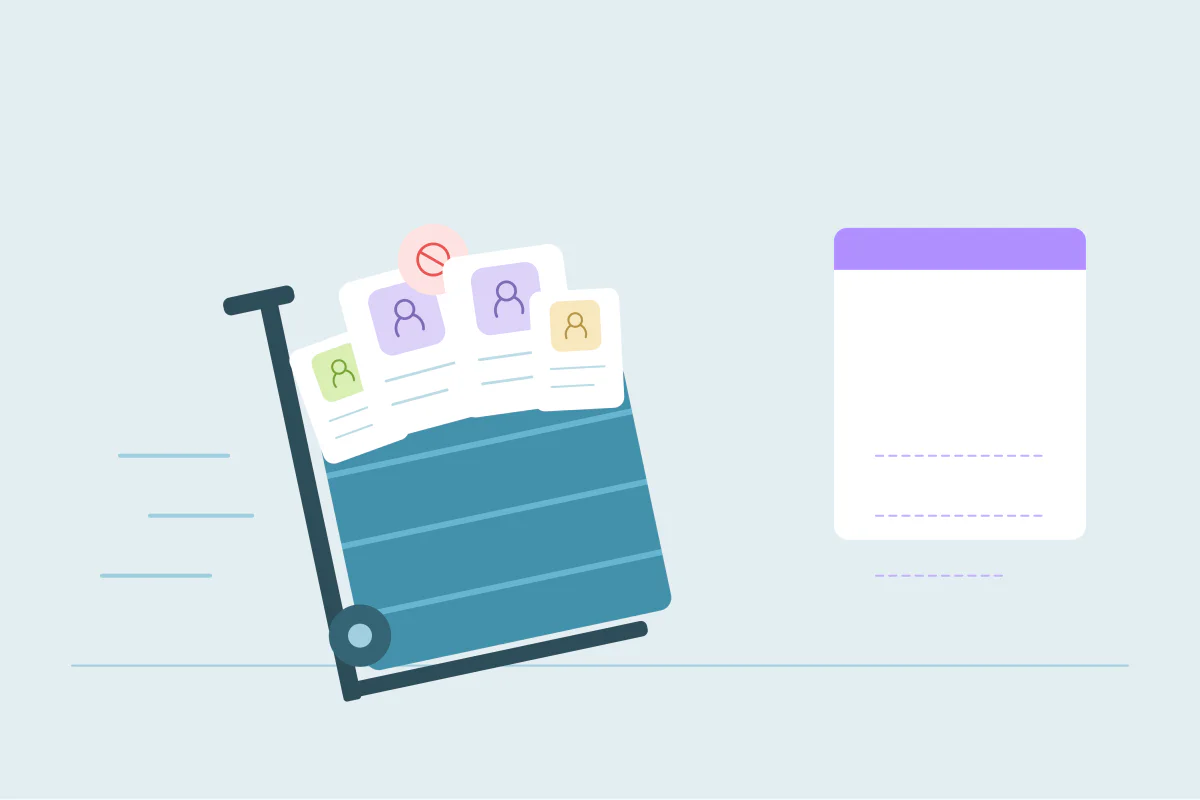
A new email or marketing platform is a fresh start in many ways: new templates, new automations, often a new sender setup. The contact list usually isn't. It's exported from the old tool or the CRM and imported as it is, duplicates included.
That's the moment to clean it. Fixing duplicates before the move takes less time than fixing them in two systems afterwards. This post covers what goes wrong when you move a list with duplicates in it and what to check before the export.
What duplicates do in a new tool
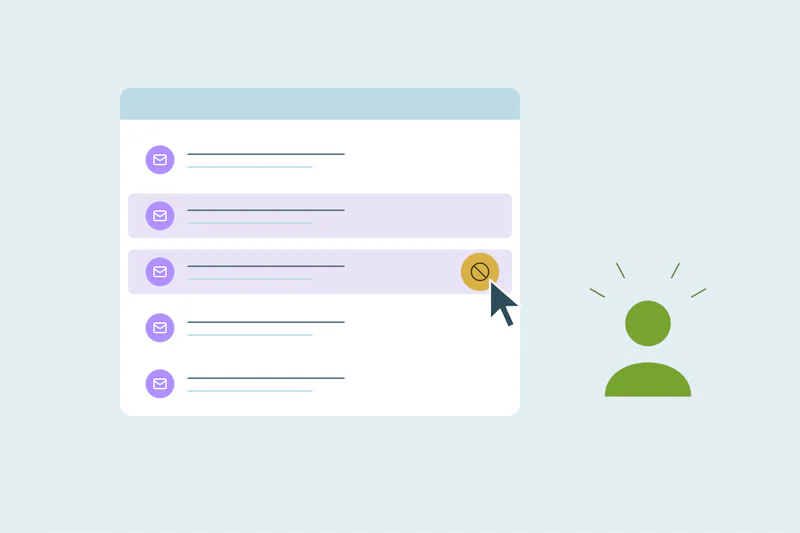
Opt-outs get split. A person unsubscribed on one record but not on the other. After the move, the second record keeps sending. That's a complaint at best and a compliance problem at worst.
Engagement history gets split. Opens, clicks and scores are spread across records, so segments like "engaged in the last 90 days" miss people.
The contact count goes up. Many marketing tools price by contacts. Duplicates can push you into a higher tier on day one.
Sender reputation takes a hit. Sending the same email twice to one person raises complaint and unsubscribe rates, right when a new sending setup is most fragile.
What to check before the export
| Check | Why |
|---|---|
| Same email on more than one record | The most common duplicate, and the one the new tool may reject or merge its own way |
| Same person, different emails | Personal and work addresses, old and new jobs |
| Unsubscribe and consent fields | Make sure the "no" survives every merge |
| Bounced and invalid emails | Leave them out instead of importing them |
| Placeholder emails | "test@", "noemail@" and similar group unrelated people together |
Clean the source, not the file
If the list comes from your CRM, clean the CRM first. Otherwise the next sync from the CRM to the new tool brings the duplicates back. Export from the old tool only after the source is clean.
When the list doesn't live in a CRM, dedupe the export file before importing it.
Make "no" win
When two records disagree on email consent, the safer value wins: unsubscribed, opted out, do not email. Set this before any bulk merge, and check a few merged records by hand.
How Dedupely helps before a switch
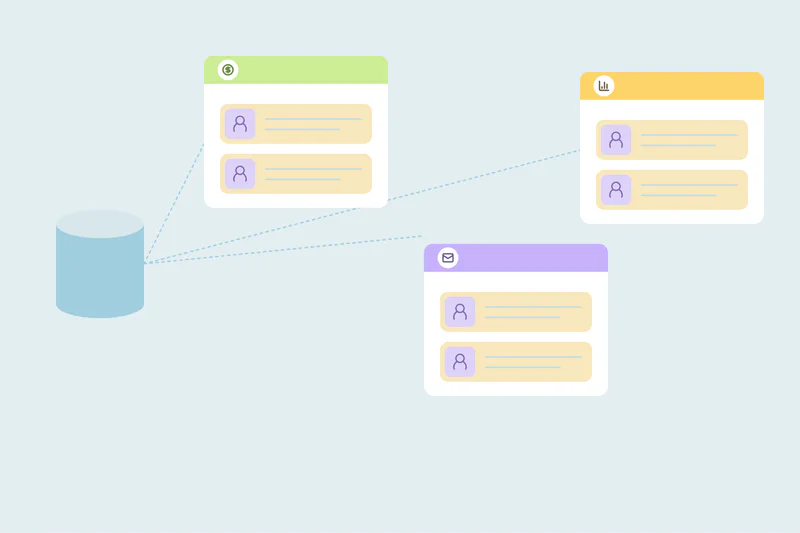
Dedupely finds duplicates in your CRM by email, name, phone or any synced field, with options like Domain Root and Similar for messy values. Merge Rules can make a value win in a specific field, so an opted-out value beats an opted-in one, and blank values never win. If the list is a spreadsheet, you can upload it to Dedupely and dedupe it directly: spreadsheets don't count toward your record limit, with files up to 100 MB, 1 million rows and 50 columns.
Move a clean list, once
A new marketing tool shouldn't inherit the old list's duplicates. Clean the source before the export, make sure opt-outs win, leave out bounced and placeholder emails, and import the list once.
Frequently asked questions
Should I deduplicate my email list before switching marketing tools?
Yes. Duplicates split opt-outs and engagement history, and can raise your contact count in the new tool.
Where should I clean the list: in the CRM or in the export file?
In the CRM, if the list comes from it. Otherwise the next sync brings the duplicates back. Dedupe the file only when there's no CRM behind it.
What happens to unsubscribes if I import duplicates?
A person who unsubscribed on one record can keep getting emails through the other. Make sure the unsubscribed value wins every merge.
Won't the new tool remove duplicates on import?
Many tools skip exact email duplicates, but not the same person with two different emails, and they may not keep the right consent value.
Should I import bounced emails?
No. Leave out bounced, invalid and placeholder emails so they don't hurt your sender reputation in the new tool.



 Or sign up with Google
 HubSpot Marketplace