 Dedupely Intelligence





TL;DR
- A rebuild means a new, empty CRM instance, with data brought back in selectively.
- It loses history, breaks integrations and often brings the duplicates back with the imports.
- Cleaning keeps history and links, and usually takes less time than teams expect.
- A rebuild makes sense mostly when the CRM's structure is broken, not just its data.
- Dedupely merges duplicates in your existing CRM, so history and associations stay.
Some CRMs get so messy that starting over sounds like the easiest fix. Thousands of duplicates, fields nobody understands, records from three old teams. Why not spin up a clean instance and bring over only what matters?
Sometimes that's right. More often, a rebuild costs more than it saves, and the duplicates come back with the data you import. This post covers what each path involves and how to decide.
What a rebuild involves
A rebuild means a new CRM instance, or a new database in the same CRM, with data brought back selectively. In practice:
- Set up everything again: fields, pipelines, users, permissions, automations.
- Reconnect every integration: forms, email, phone, billing, enrichment.
- Decide what to import: active customers, open deals, recent leads.
- Import it: usually as spreadsheets exported from the old system.
What a rebuild loses
- History. Emails, calls, notes and closed deals stay behind unless you import them, and activity history is hard to move.
- Links between records. Contacts attached to companies, deals attached to contacts, all need rebuilding.
- Record IDs. Anything outside the CRM that points to a record ID, like a billing tool or a support system, breaks.
- Reports and dashboards. Historical comparisons stop working.
And unless the imported data is deduplicated first, the duplicates come back. An export of "active customers" from a CRM full of duplicates is a spreadsheet full of duplicates.
What cleaning involves
Cleaning keeps the CRM and fixes the data in place: find duplicates, decide which values win, merge, and set up a routine so new ones don't build up again. History and links stay, because merges move activity and associations to the surviving record.
It often takes less time than teams expect, because most duplicates fall into a few patterns that can be handled in bulk. How long a CRM cleanup takes and how to plan it covers how to estimate it.
How to decide
| Situation | Better choice |
|---|---|
| Lots of duplicates, structure is fine | Clean |
| Duplicates plus a few confusing fields | Clean, then tidy fields |
| Structure is broken: wrong objects, unusable pipelines | Rebuild, after deduplicating the data you'll import |
| Moving to a different CRM anyway | Deduplicate before the migration |
| Two businesses mixed in one CRM | Often split, rather than rebuild |
The key question is whether the problem is the data or the structure. Duplicates are a data problem, and cleaning fixes them. A rebuild only fixes structure, and only if you deduplicate on the way in.
How Dedupely helps you clean instead
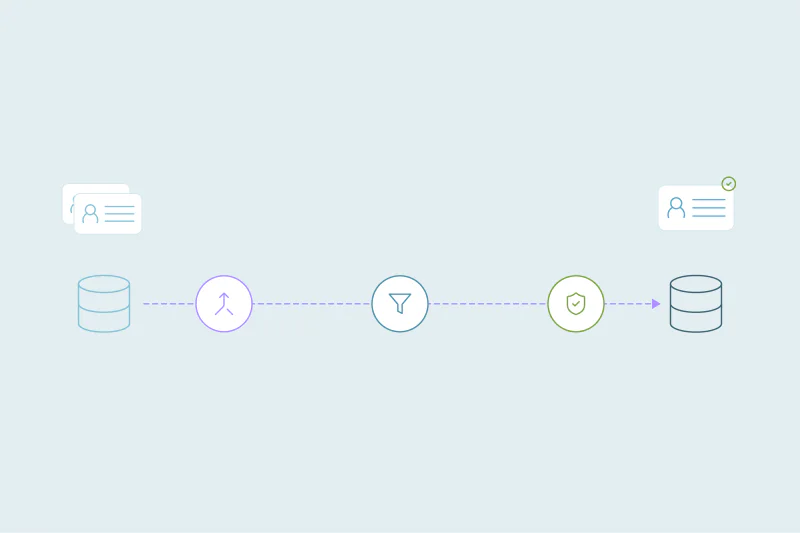
Dedupely connects to your existing CRM and merges duplicates there, so activities and associations move to the surviving record and history stays in place. Merge Rules decide which values win, and every merge is logged in Merge History. If you're rebuilding or migrating, Dedupely can also deduplicate spreadsheets before you import them.
Fix the data, keep the history
A rebuild looks like a fresh start, but it costs history, links and integrations, and it doesn't remove duplicates on its own. For most CRMs, cleaning in place is faster and keeps more.
Rebuild when the structure is broken, and deduplicate whatever you bring over.
Frequently asked questions
Is it easier to rebuild a CRM than clean it?
Usually not. A rebuild means setting everything up again, reconnecting integrations and losing history. Cleaning fixes the data and keeps the rest.
Will starting over get rid of duplicates?
Only if you deduplicate the data before importing it. An export from a messy CRM brings the duplicates with it.
What do you lose when you rebuild a CRM?
Activity history, links between records, record IDs other systems use, and historical reports, unless you migrate them carefully.
When is a rebuild the right call?
When the CRM's structure is broken, like the wrong objects or unusable pipelines, not just its data.
How do I avoid importing duplicates into a new CRM?
Deduplicate the spreadsheets before importing them, and decide which values win for each field.




 Or sign up with Google
